SPECIFICATIONS
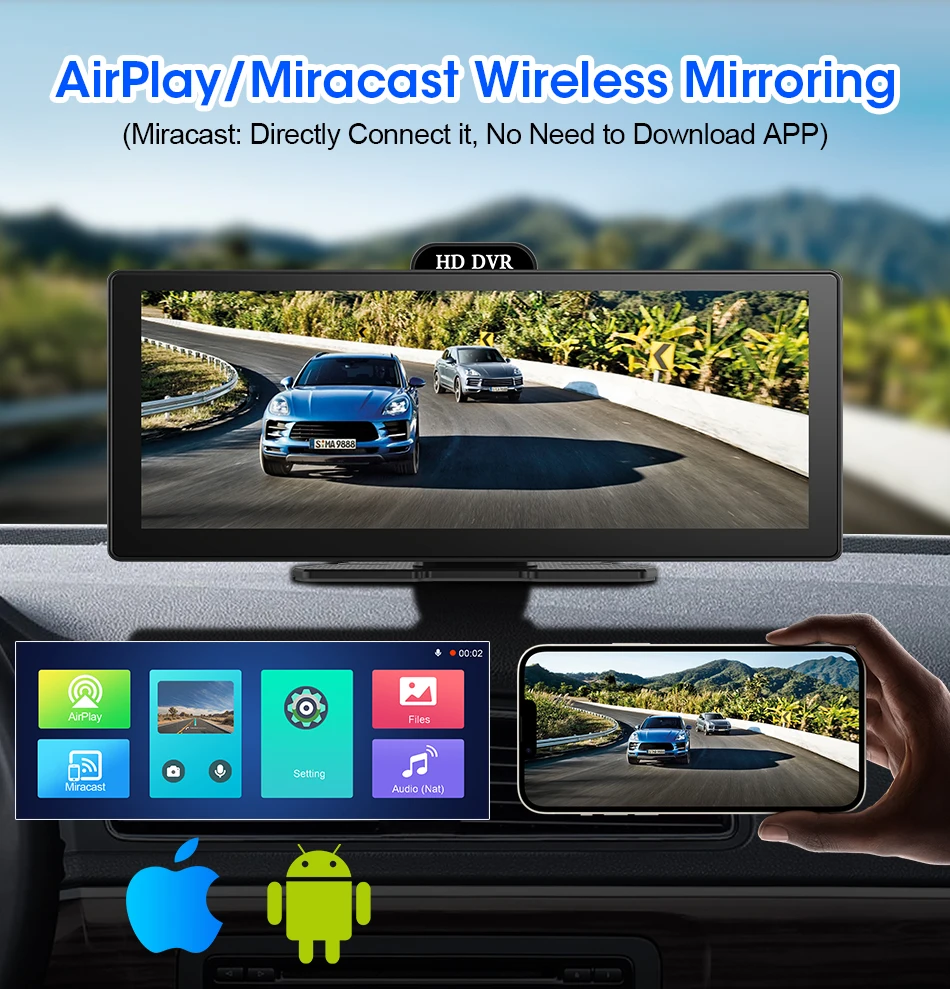
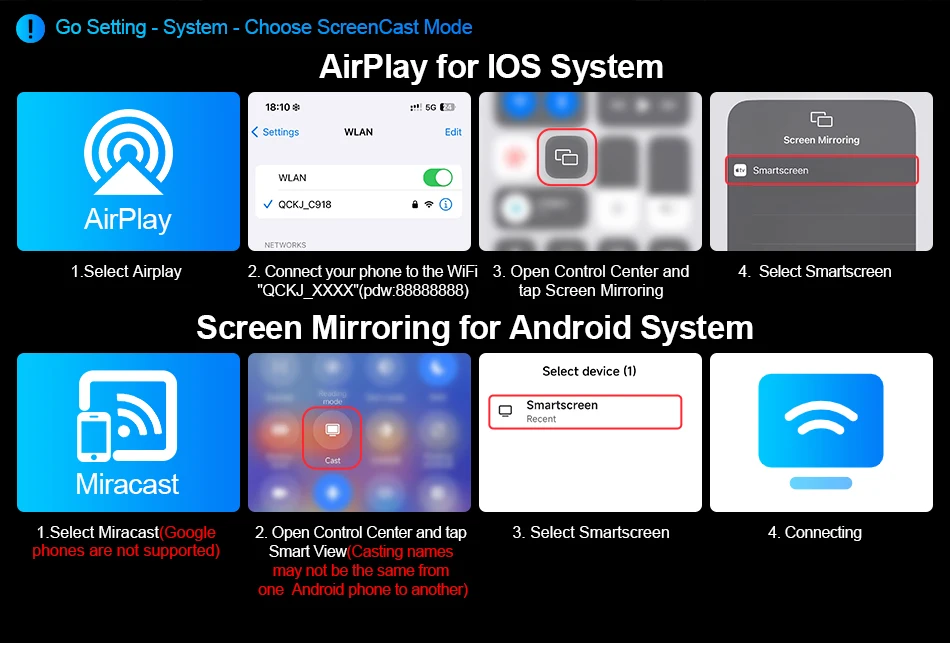
AirPlay: Support
Android Auto: Support
Brand Name: Develuck
Carplay: Support
Certification: CE
Choice: yes
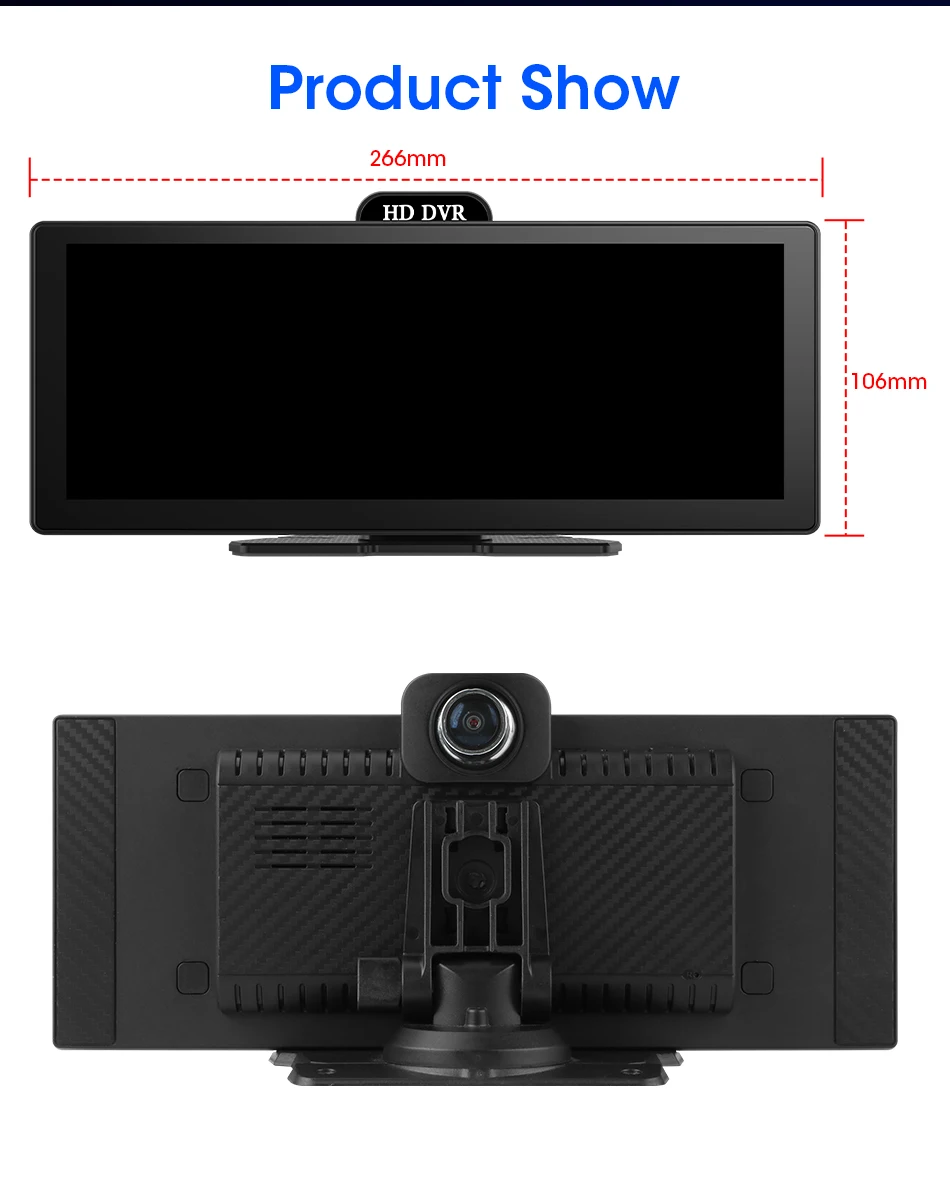
Display Size: 10.2"
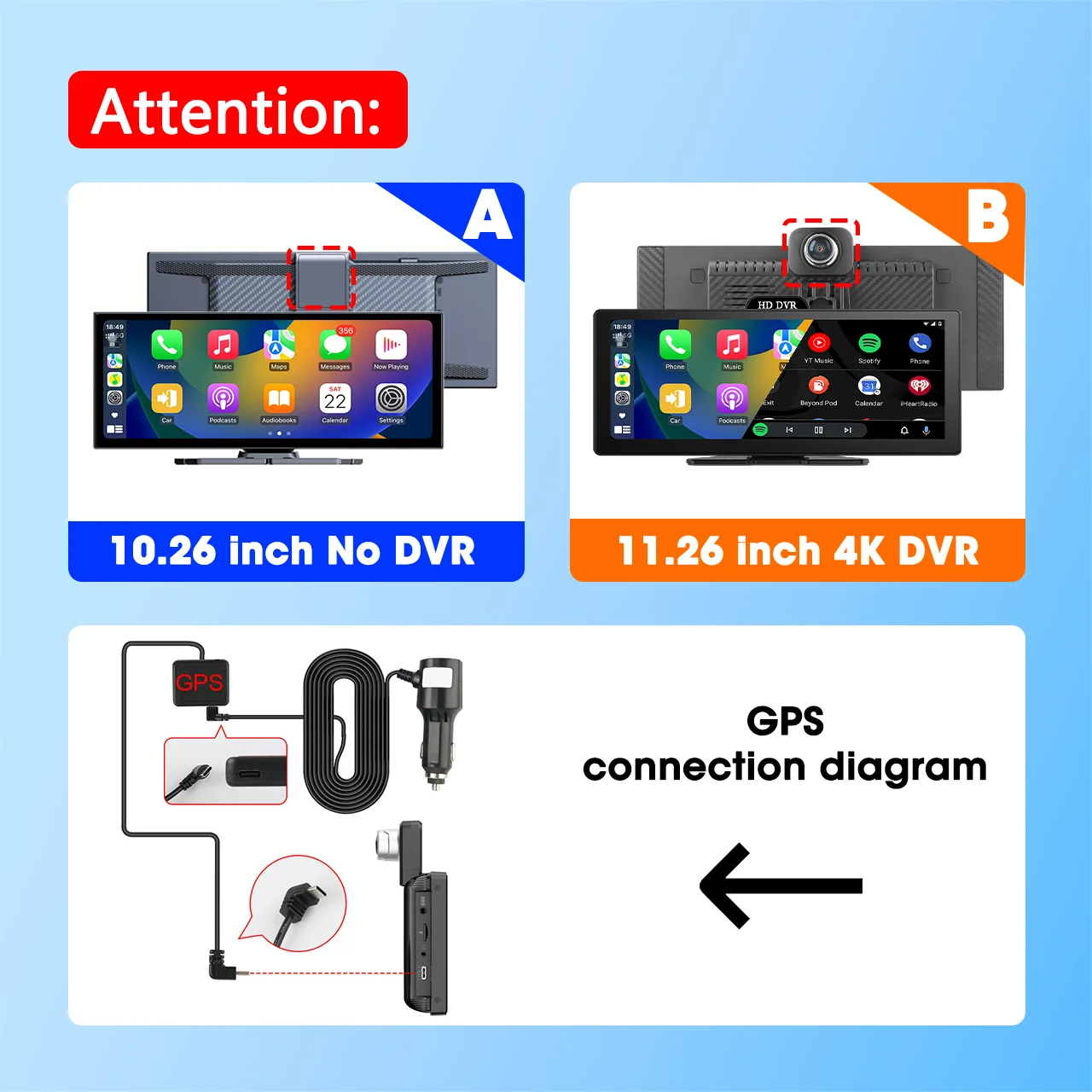
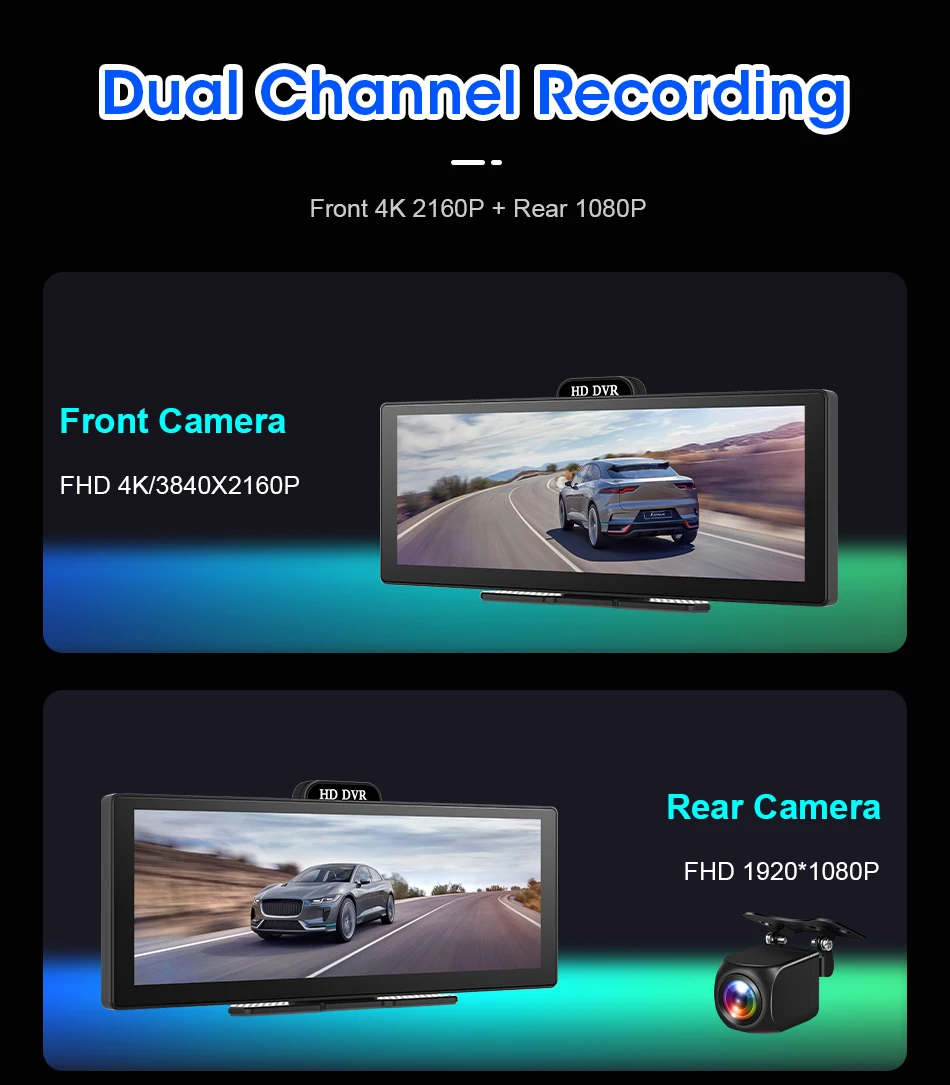
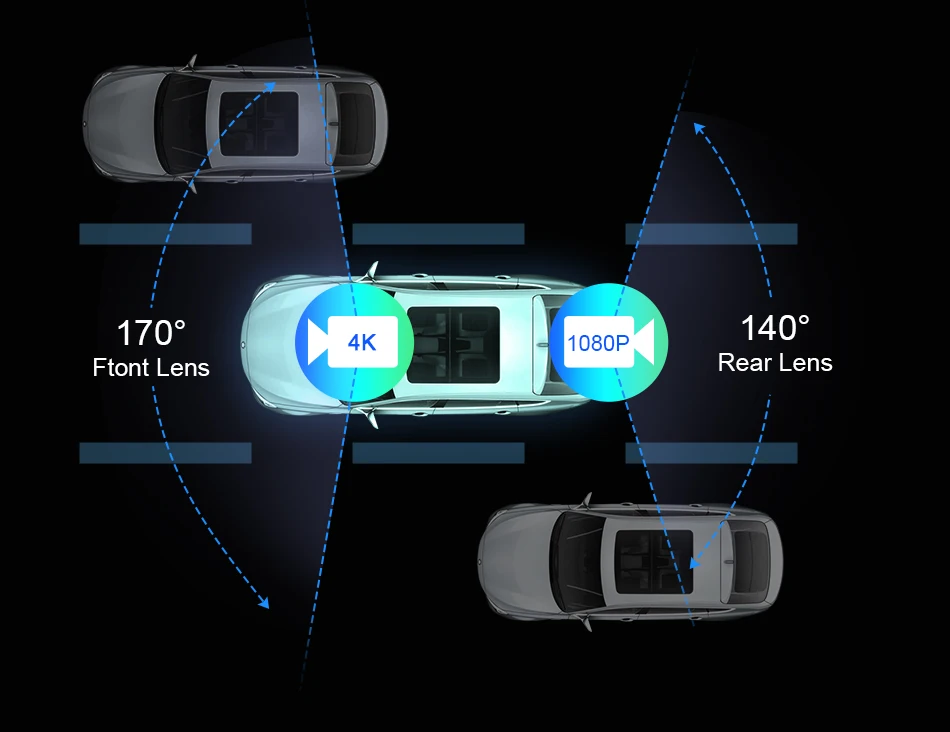
Front Lens: Optional 4K
High-concerned chemical: none
Item Size: 10.26/11.26 inch
Item Type: Car Monitors
Item Weight: 1100
Material: PE+Glass
MirroeLink: Support
Model Name: T356D/T339D
Origin: Mainland China
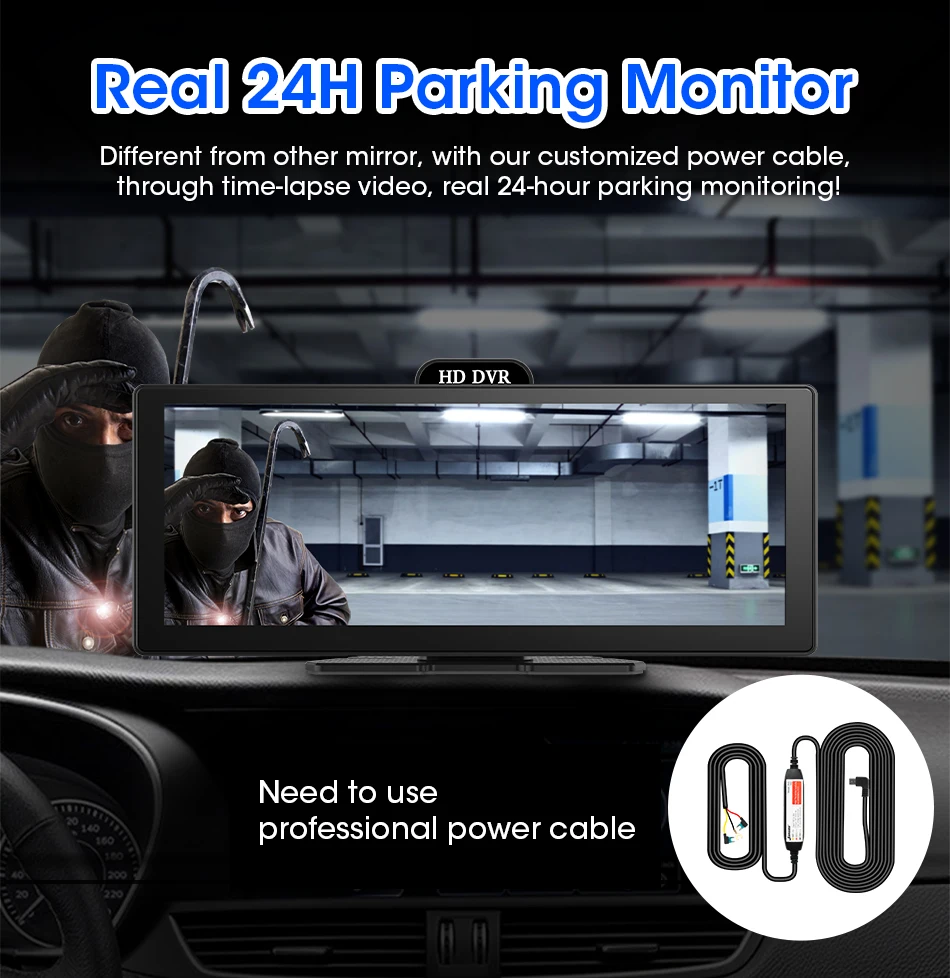
Parking Monitor: Optional
Placement: In-Dash
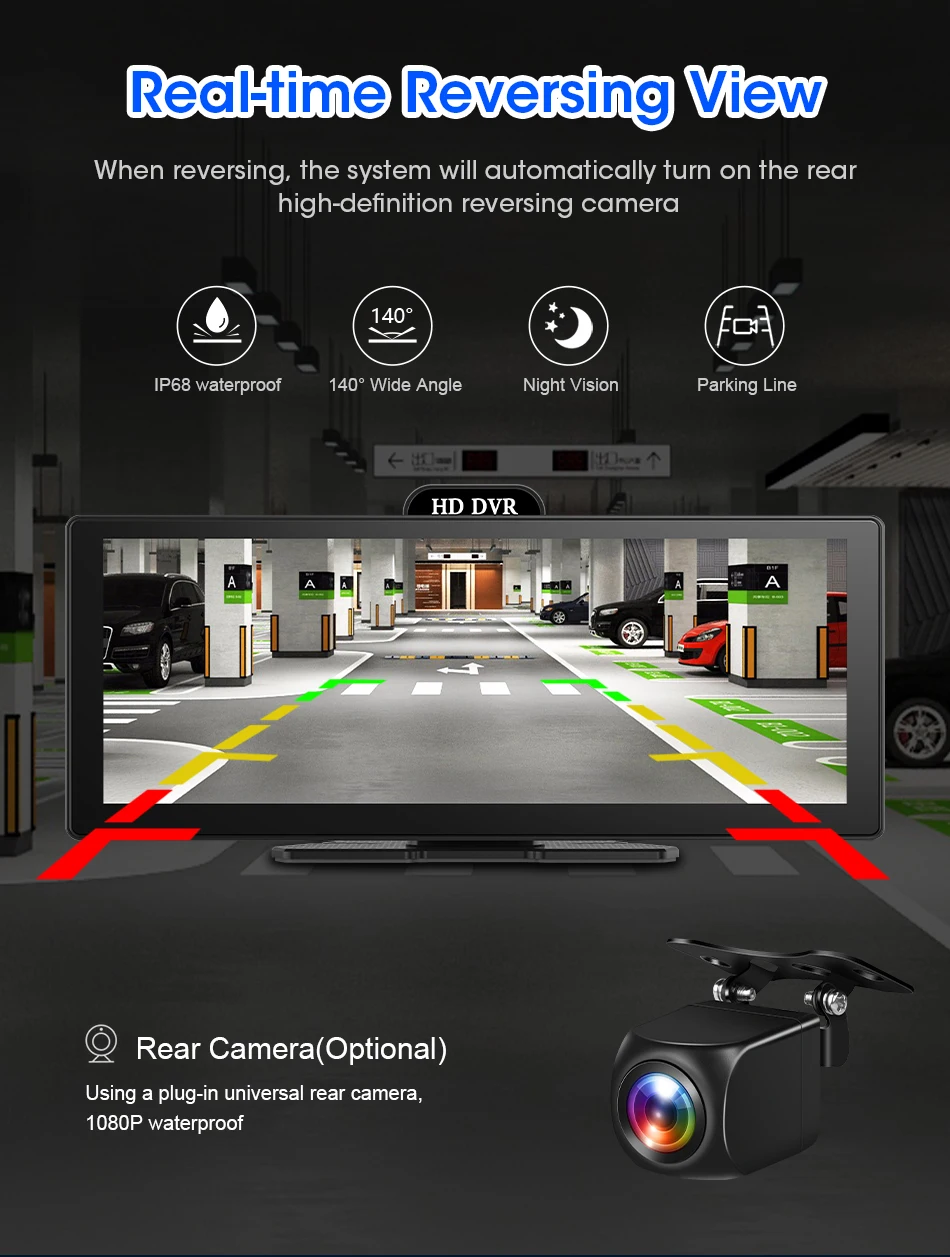
Rear Camera: Optional 1080P
Resolution: 1920x1080
System: Linux
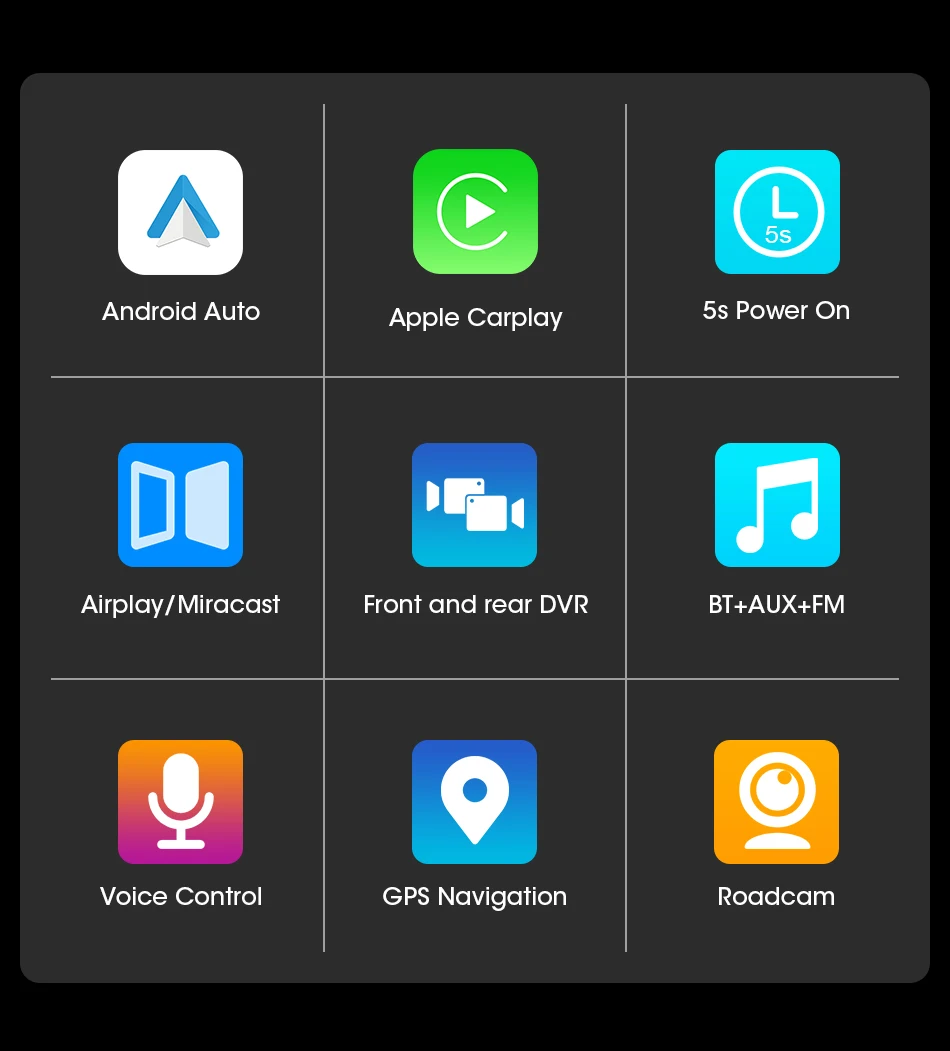
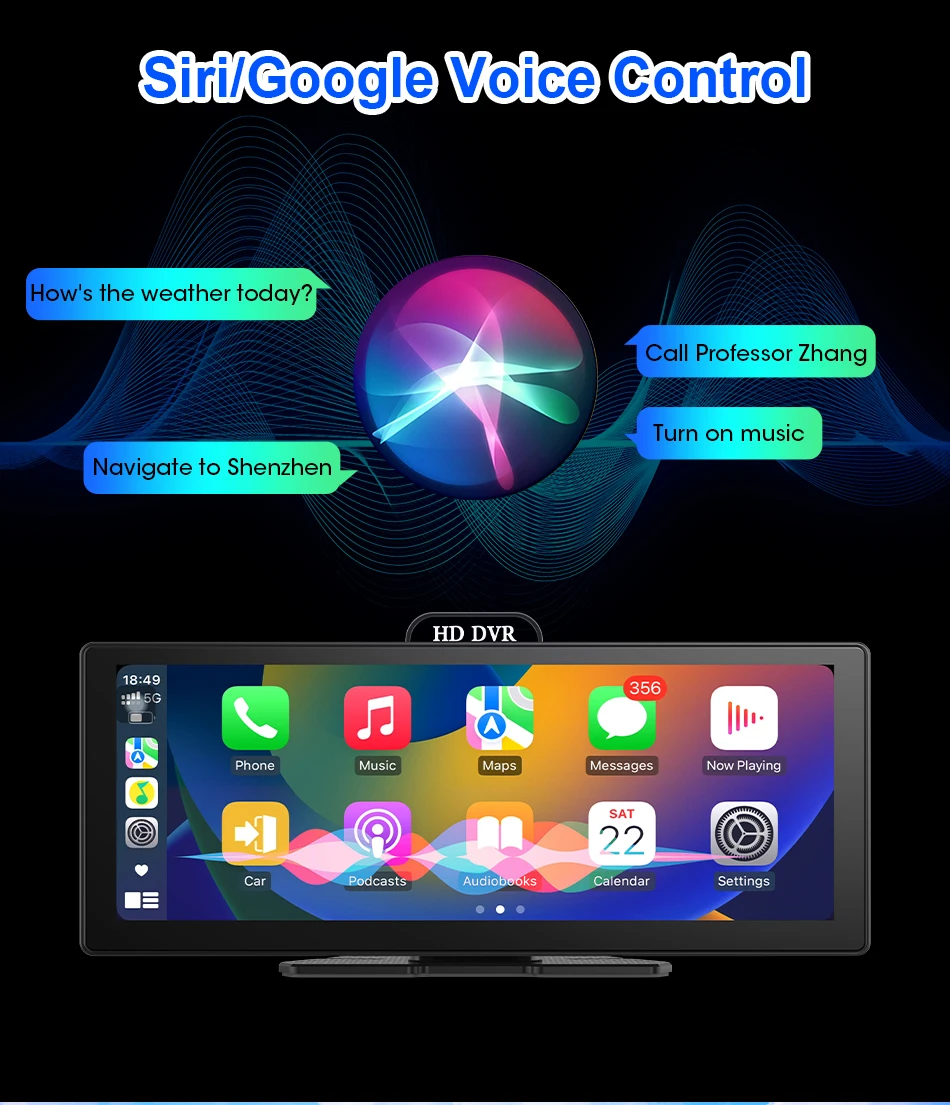
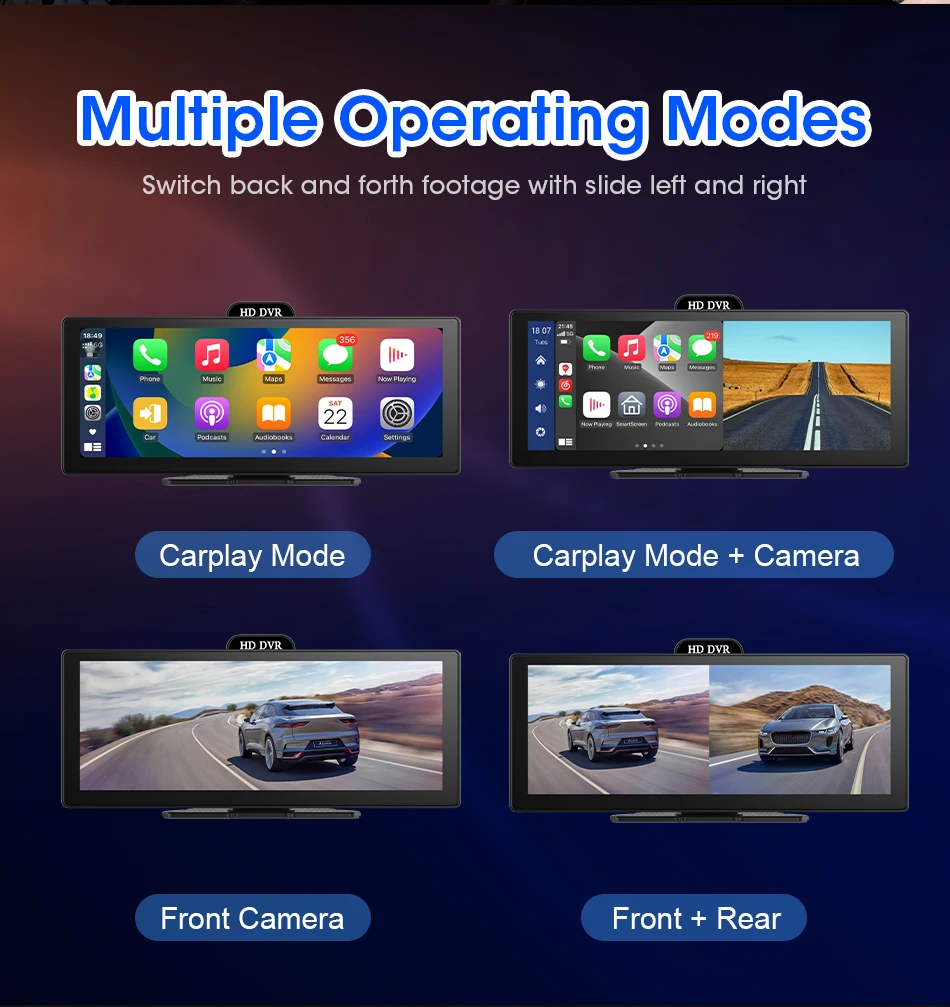
Supports Four Screen Projection Modes:
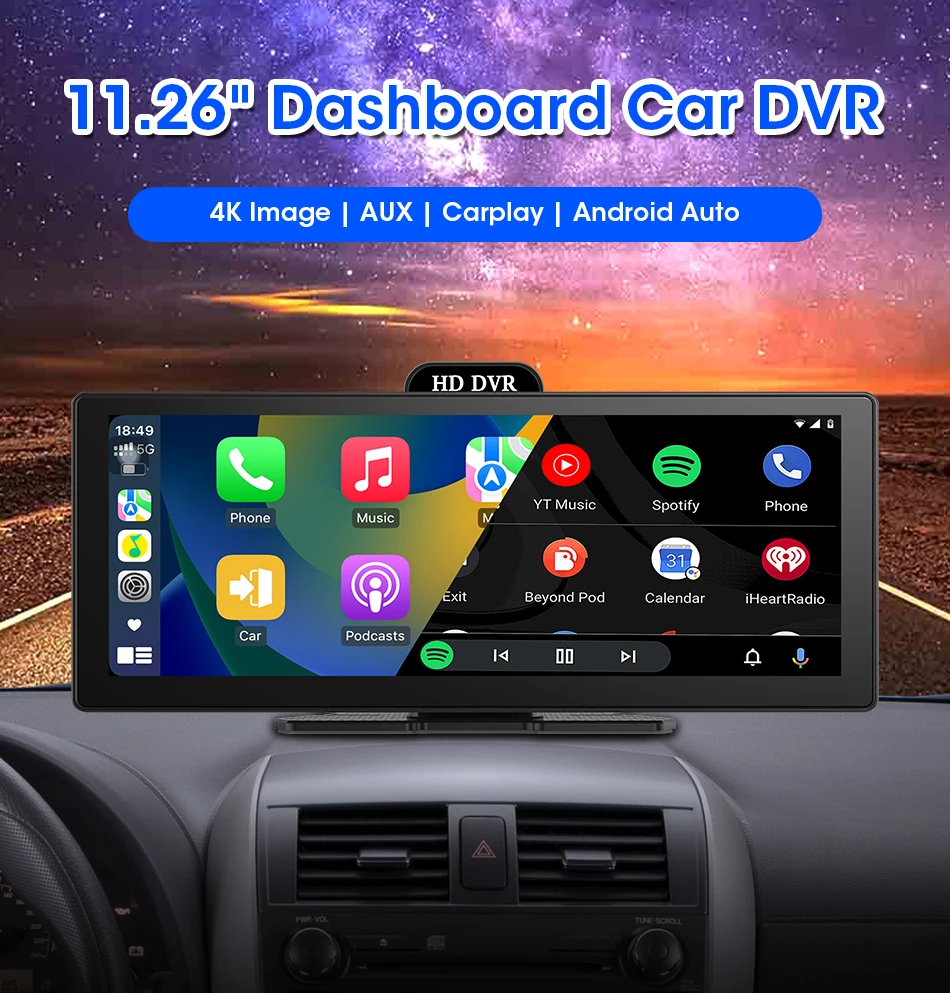
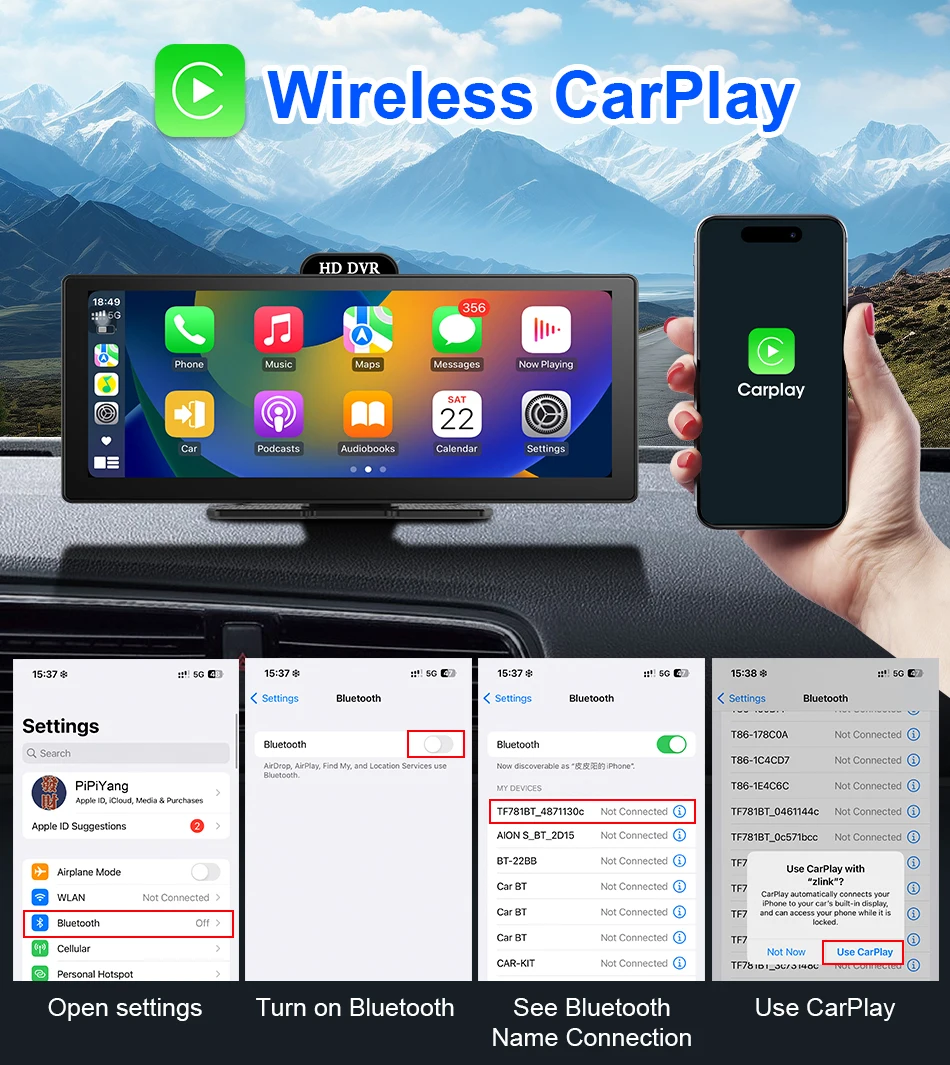
For Iphone: Carplay/AirPlay
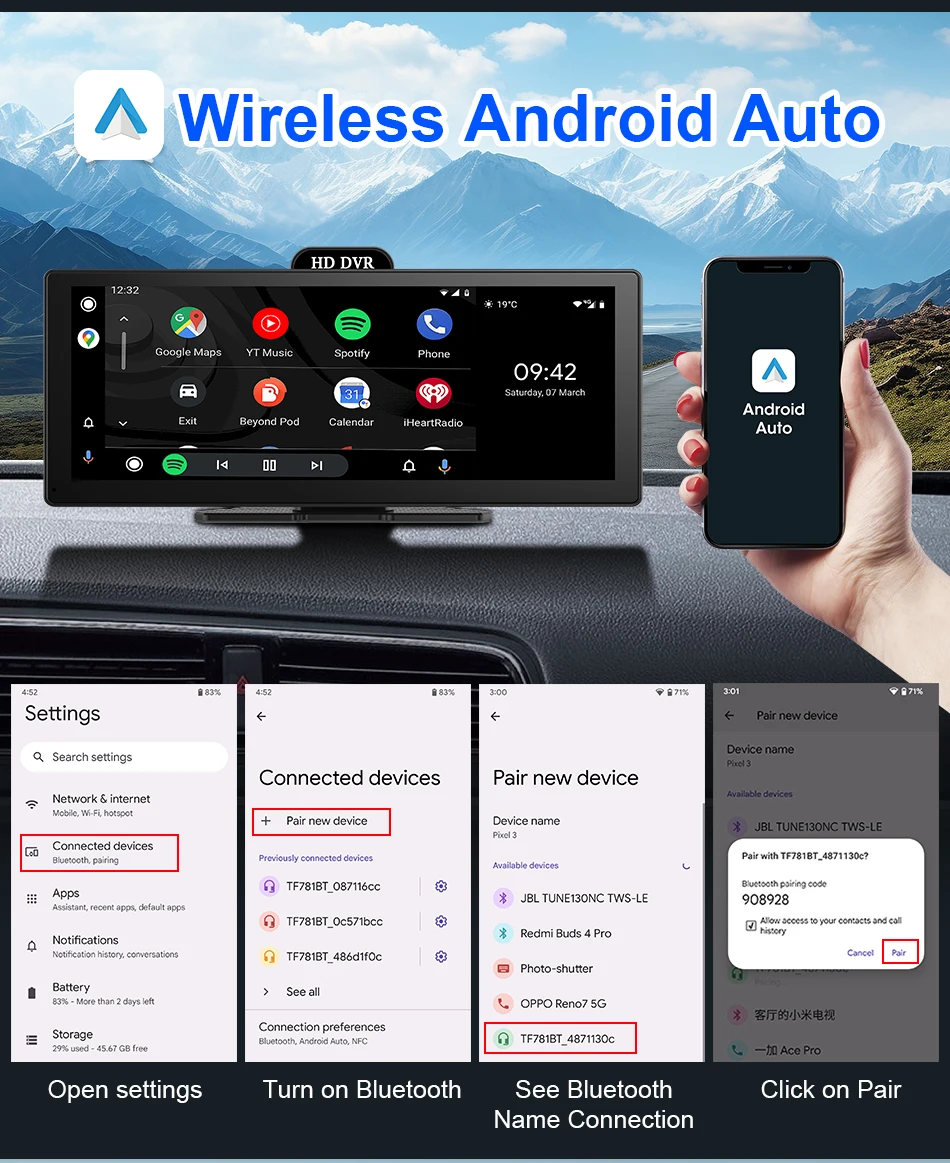
For Android Phone:Android Auto/Miracast
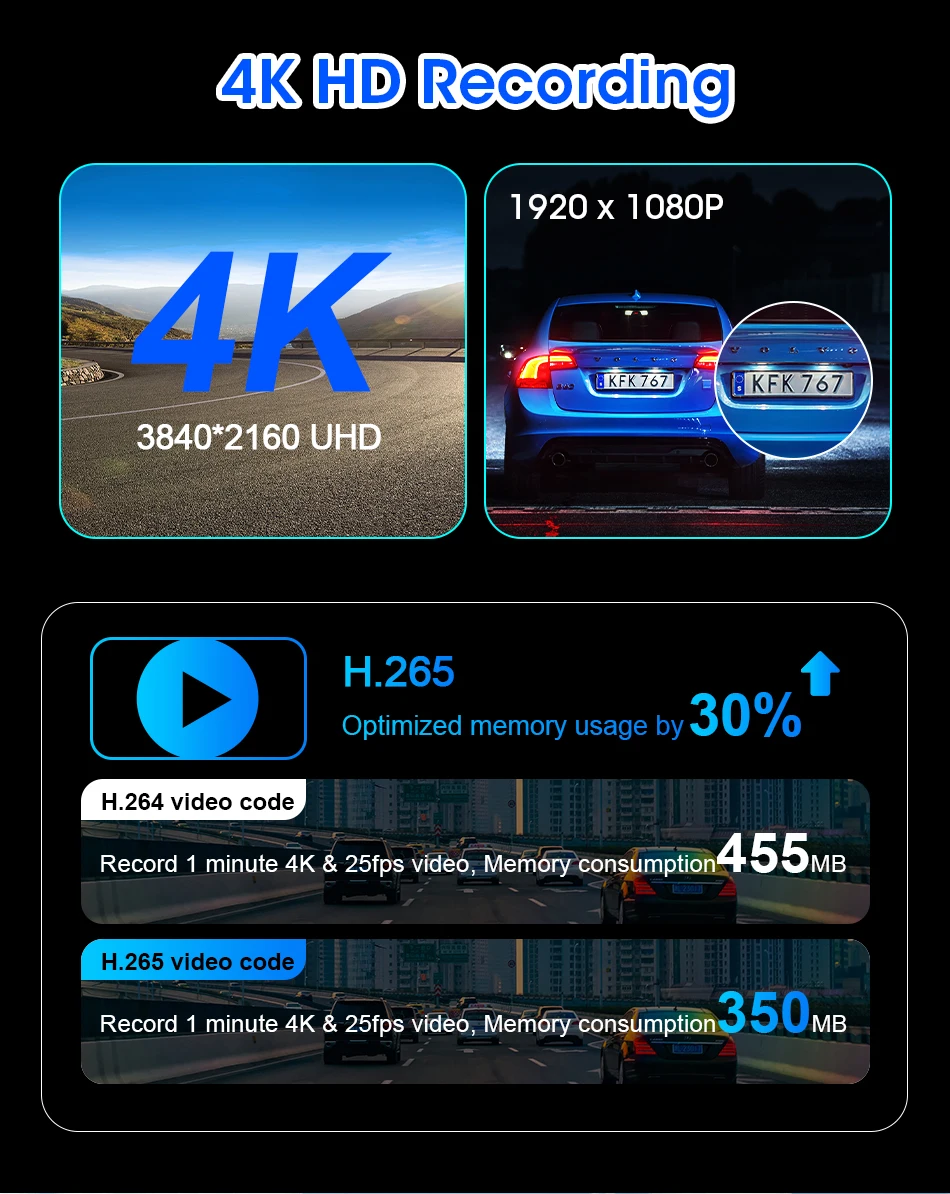
Optiona Front Lens : UHD 4K 3840*2160P; Optional Rear Camera:AHD 1080P
Language Support:
English, Chinese, Korean, Japanese, Portuguese, Polish, Spanish, Arabic, French, German, Italian, Hebrew, Russian, Turkish, Czech, Dutch,Vietnamese,Malay.
Memory Card Support: 32G/64G/128G/256G
Due to the fact that DVR is a 4K high-definition recording high-speed storage, please make sure to use high-quality U3 grade C10 high-speed brand memory cards. Some ordinary and inexpensive memory cards may not function properly.
About Formatting The Memory Card:
When installing a memory card for the first time, be sure to format the memory card on the DVR. After formatting, the DVR can correctly match the memory card.
Formatting Steps: After installing the memory card, please enter the DVR menu, find the format option, and click to format the memory card(Important: Formatting the memory card on the computer is an incorrect operation. Please be sure to format the memory card on the DVR's menu option.)
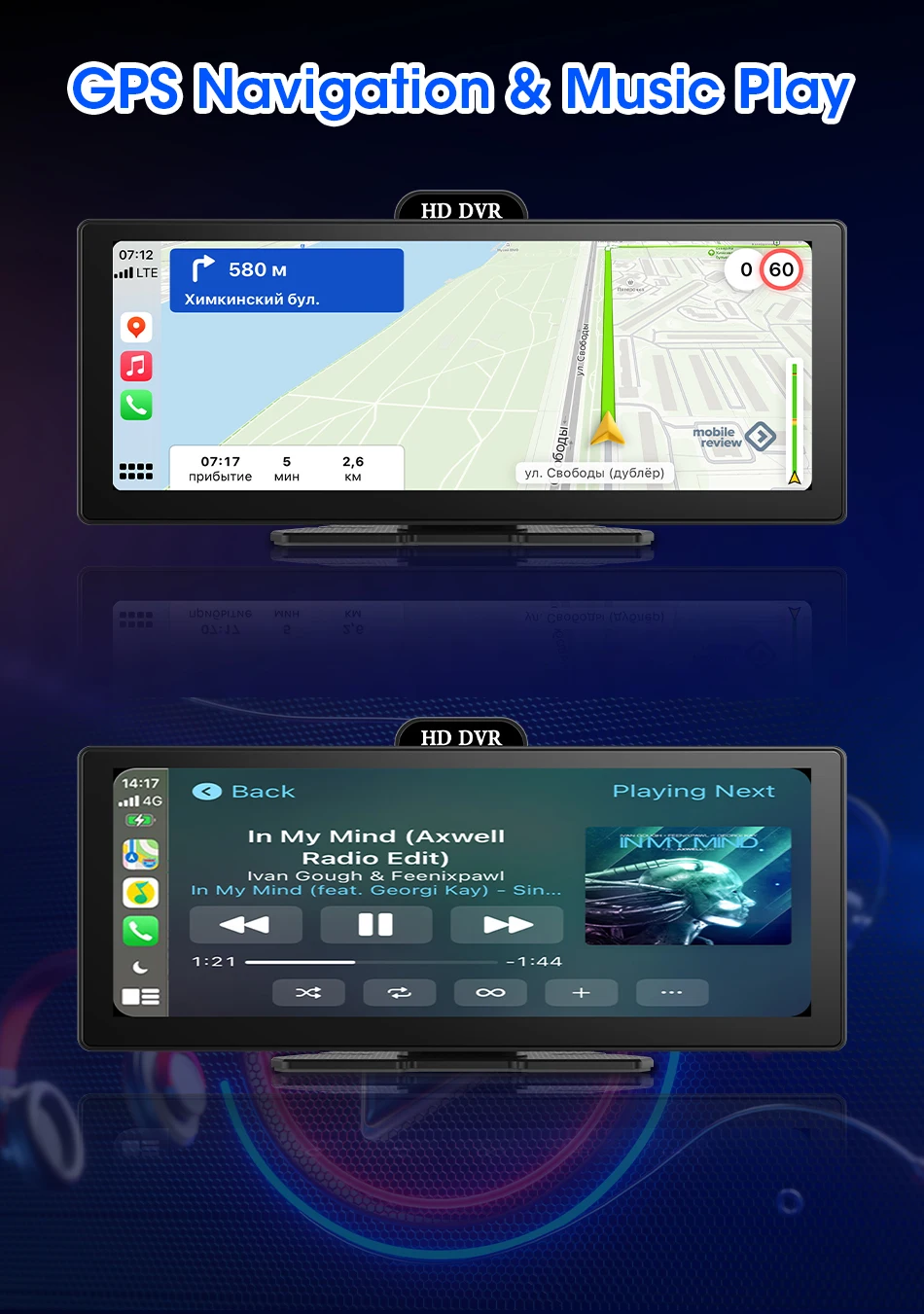
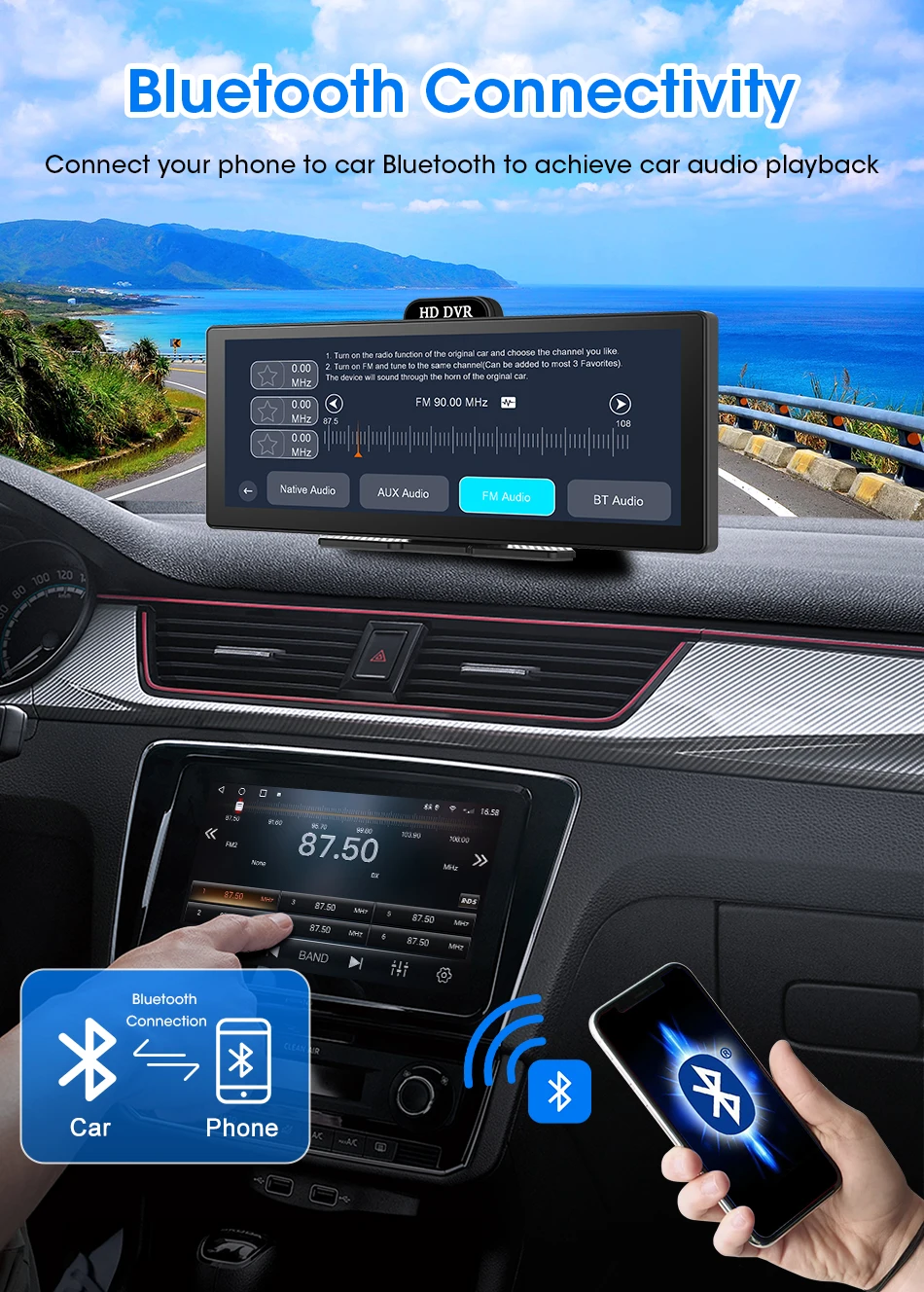
About The Connection Of Carplay And Android Auto:(1) If it is an Apple phone, the DVR needs to choose the Carplay connection method as the connection method, and the Carplay software installed on the Apple phone can directly connect to the DVR through the Carplay function;(2) If it is an Android system phone, the DVR needs to select Android Auto as the connection method, and then use the Android Auto software downloaded from the Google App Market on the phone to connect to the DVR.
About The Reversing Assist Function:
If the kit you ordered includes a rearview camera and you need to implement the reversing assist function, you need to connect the red signal wire of the rearview camera to the car's reversing light (the light will come on when reversing). If you don't need the reverse assist function, just disconnect the red signal wire and leave it unconnected