


SPECIFICATIONS
Brand Name: WhatsKey
Choice: yes
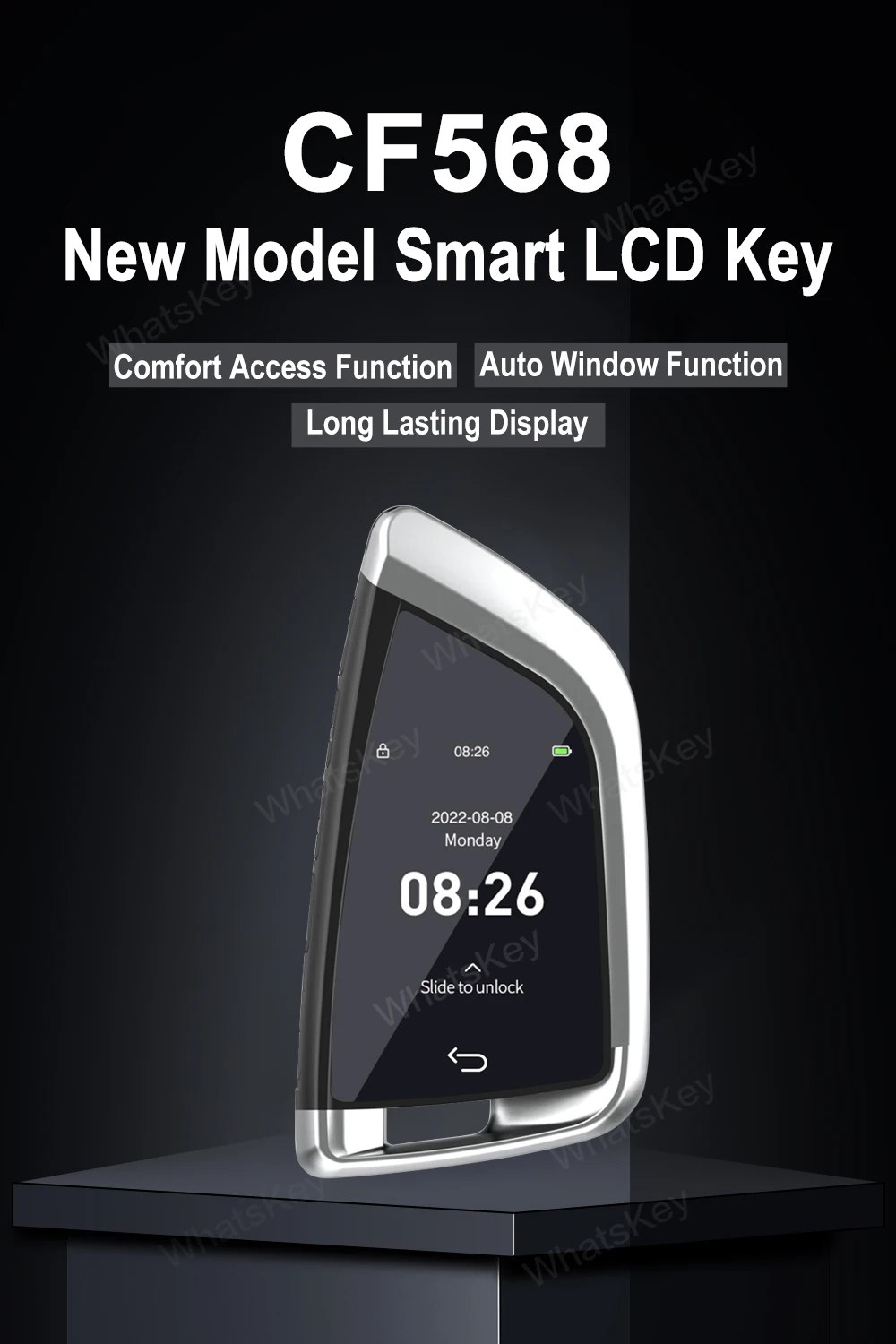
Country/Region of Car Manufacture: Modified Upgrade LCD Key for BMW/Kia/Benz/Ford/VW/Land Rover/ToyScreen
Customization: Yes
Interchange Part Number: Modified Remote key for BMW/Kia/Benz/Ford/VW/Land Rover/Toyota
Manufacturer Part Number: LCD Smart Key CF568
Material Type: Alloy Material+W/ LCD Screen OBD
OEM NO.: Universal Remote Key LCD Key Display CF568
Origin: Mainland China
Other Part Number: Universal modified lcd display for BMW/Kia/Benz/Ford/VW/Land Rover/Toy
R/C Function: WITH


Note:
-Now all LCD KEY No any car logo. please know.
Supported language:
Chinese, English, Korean, Russian, Thai, Spanish, Portuguese, Japanese, French, German, Italian, Arabic

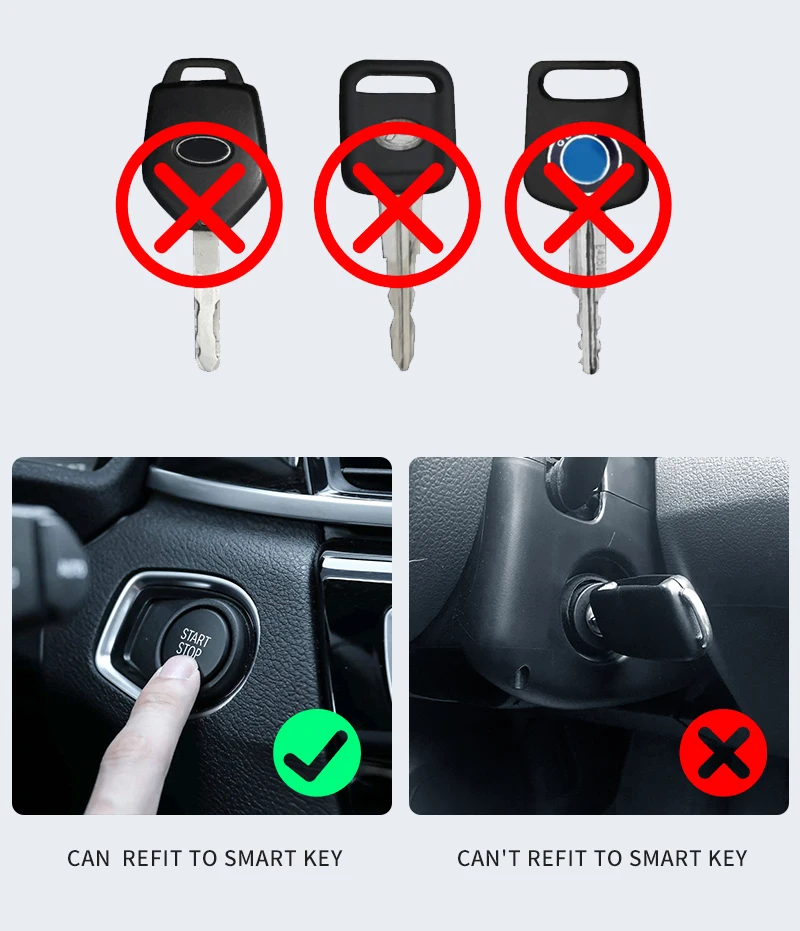
Suitable for all original cars with one-key start function, not suitable for all manual direct-plug car keys.
1.Ergonomic button New design Style
2.For BMW blade glass touch screen
3.car-grade comfort Enter
4.100 days of long standby
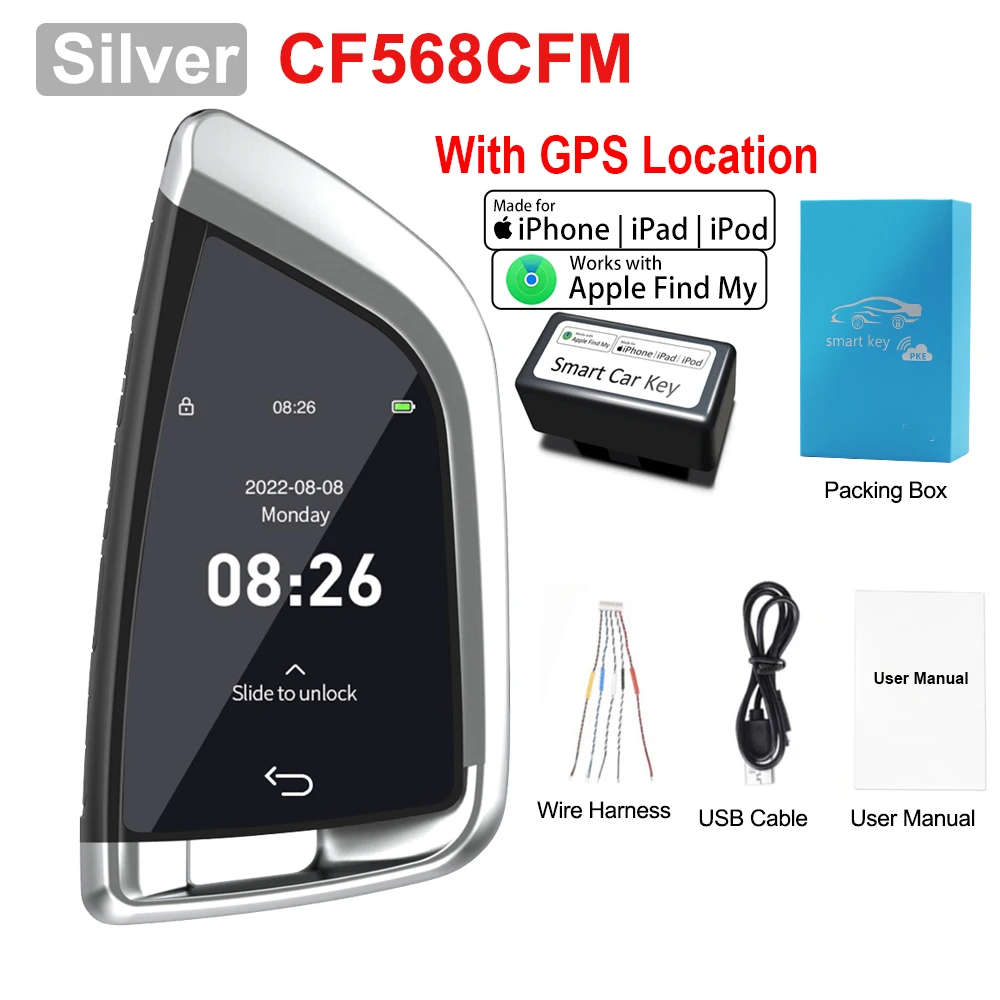
5.Selected two-tone (silver/black)
6.Hardcover Alloy material
7.Bmw blade glass touch screen
8.Comfortable entry function
9.lock car window
10.Fully Laminated Glass Touch
11.Sensorless door lock, switch tail box
12.Lifting windows from the car (some models)
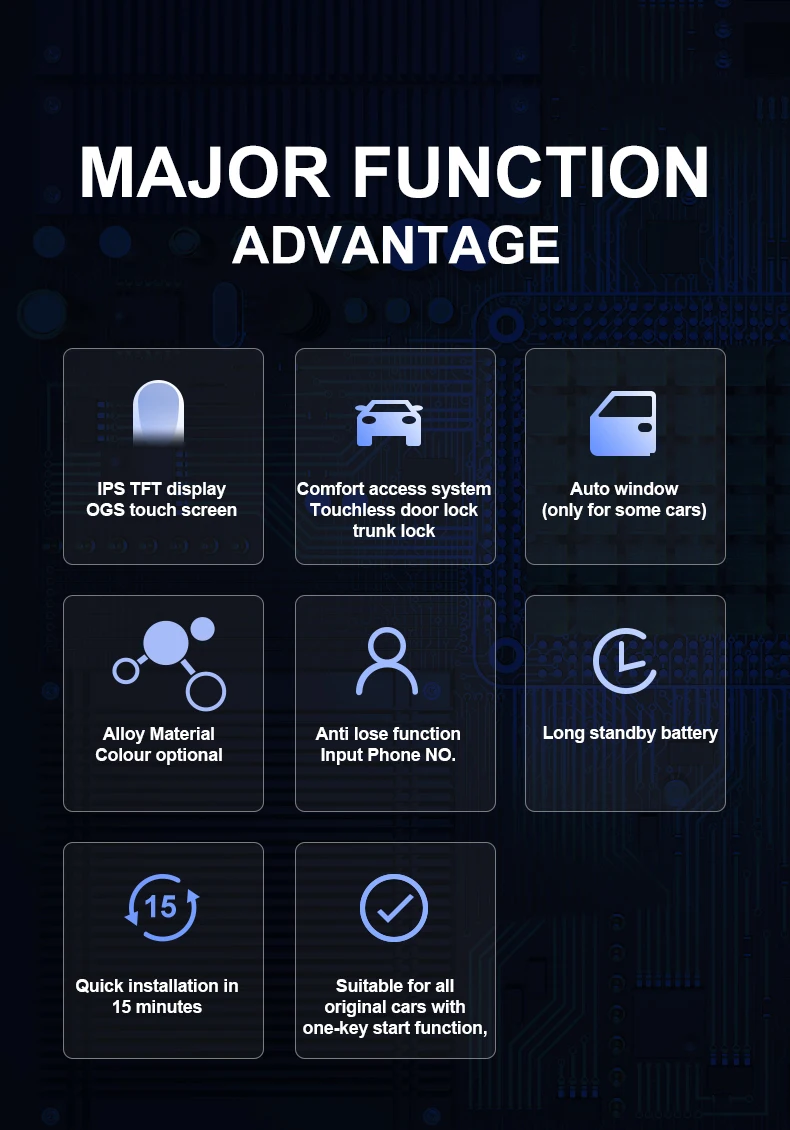
13.15 Min quick installation
14.Two installations of OBD and PKE
15.Standby 100 days, Comfortable entry 200 days
16.365 days of physical keys
18.Anti-loss function
19.Patented product
20.Fill in the owner information
21.Exclusive patent protection

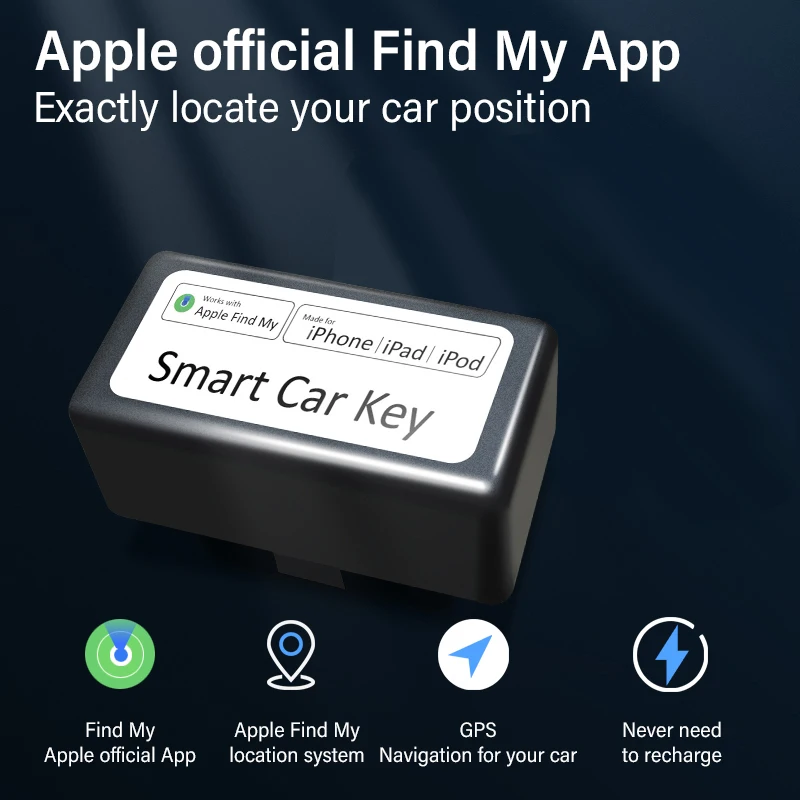
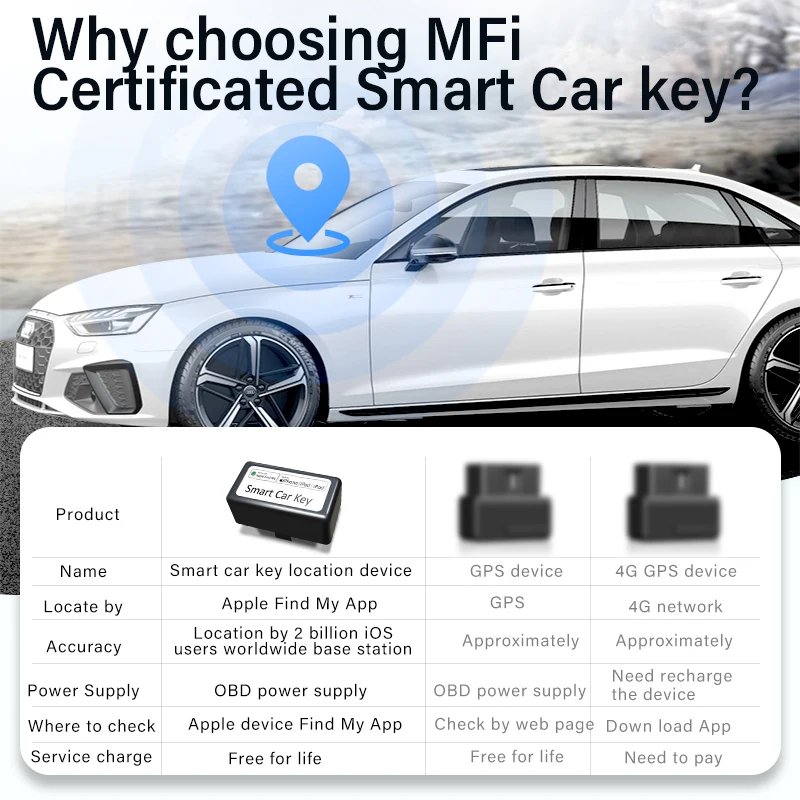
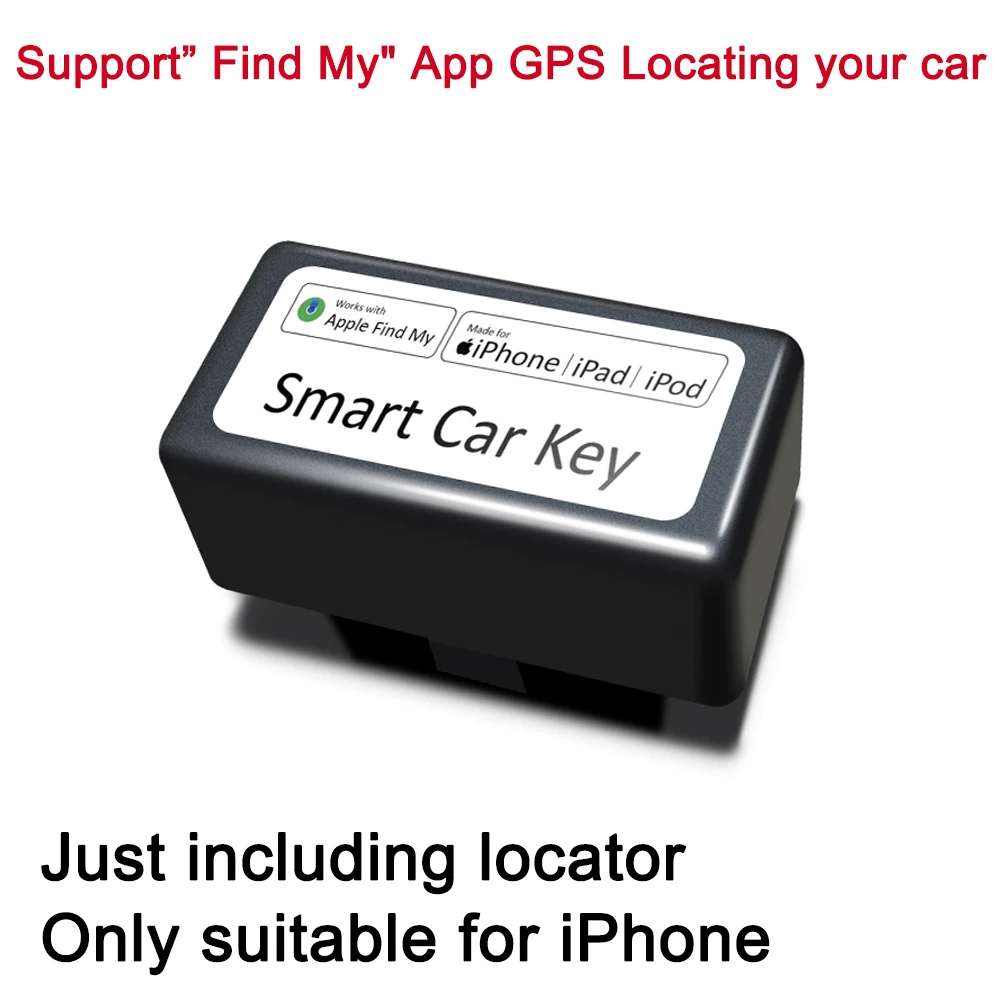
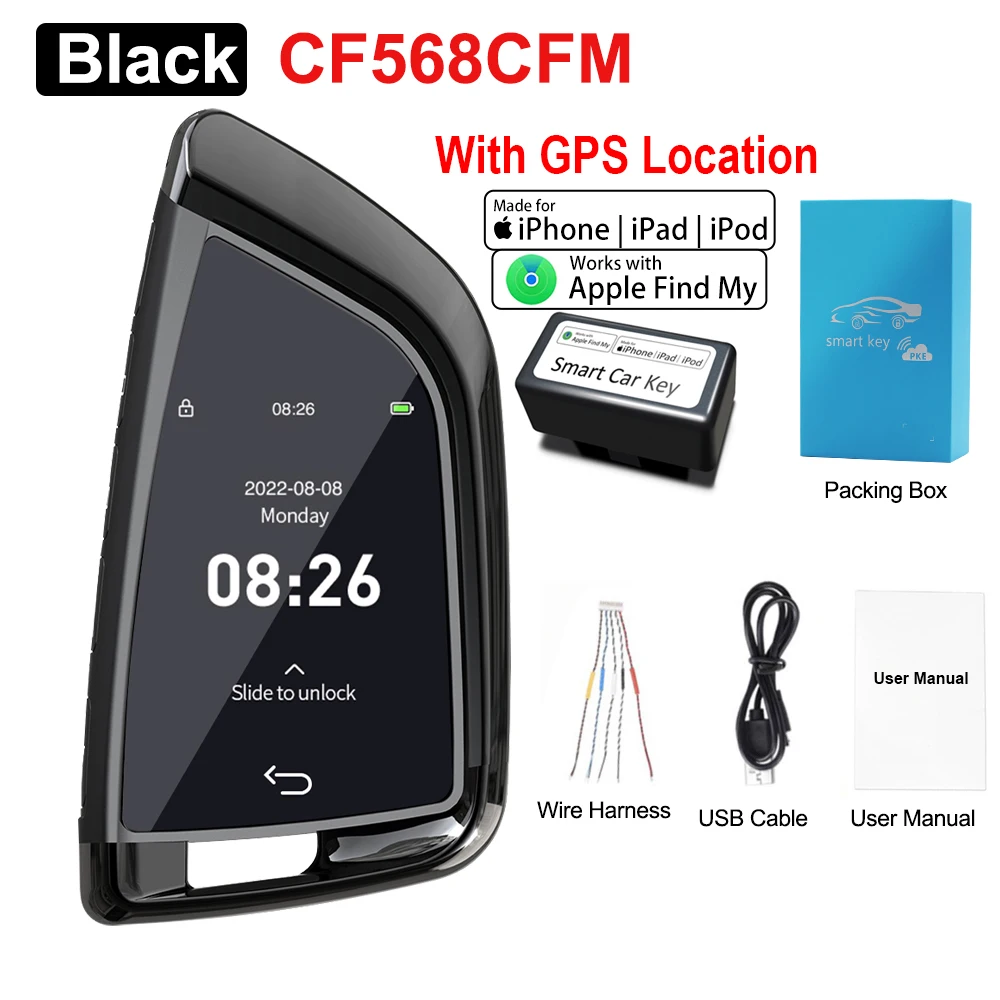
Apple official Find My AppExactly locate your car position
Find My Apple official App
Apple Find My location system
GPS Navigation for your car
Never need to recharge
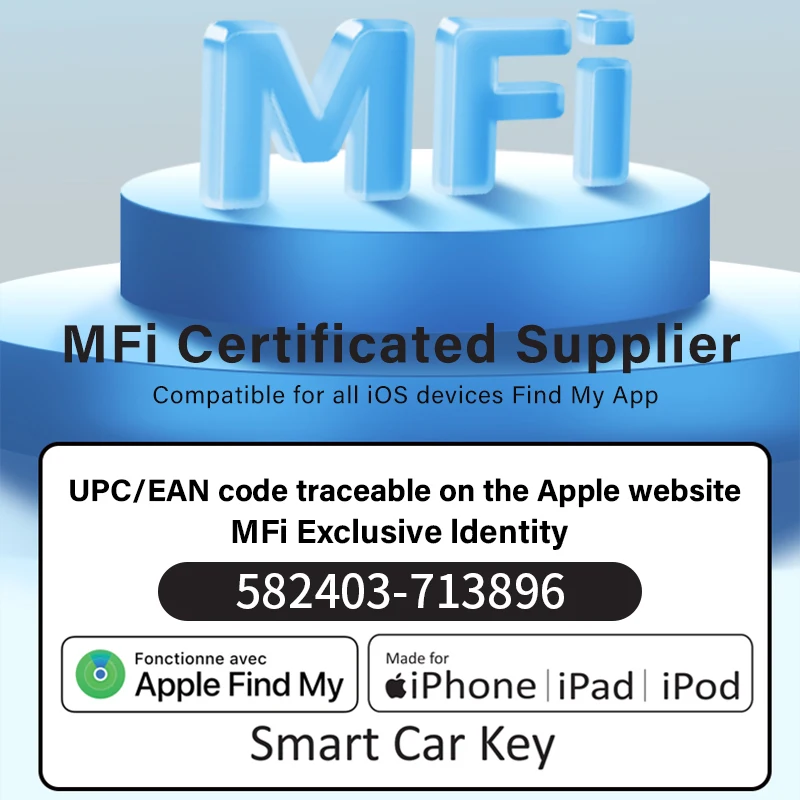
MFi Certificated Supplier
Compatible for all ios devices Find My App
UPC/EAN code traceable on the Apple website
MFi Exclusive ldentity


Lock car window
If the original car key is locked at a distance of 10 meters, the window can still be operated, and the automatic window can be locked.
Some models of the original car can only operate the window within 5 meters, and the automatic window function cannot be used.
Note that this function requires the original car to lock the car or long press to lock the car to lift the window function to be compatible

long standby
Standby for 300 days, 100days diaplay comfortable entry for 200days without opening the physical button for 365 days


Packing list
1PCS*CF568 Smart Remote Key
1PCS*Manual
1PCS*USB Cable
1PCS*Wire
1PCS*Box
1PCS*OBD





FAQ---------------------------
Smart LCD key master
(supports all one click Start models)--------------------------------------------------------------
① The original car key is changed into: touch screen + physical key LCD key, compatible with all functions of the original car key
(the original car key function will not be changed)
--------------------------------------------------------------
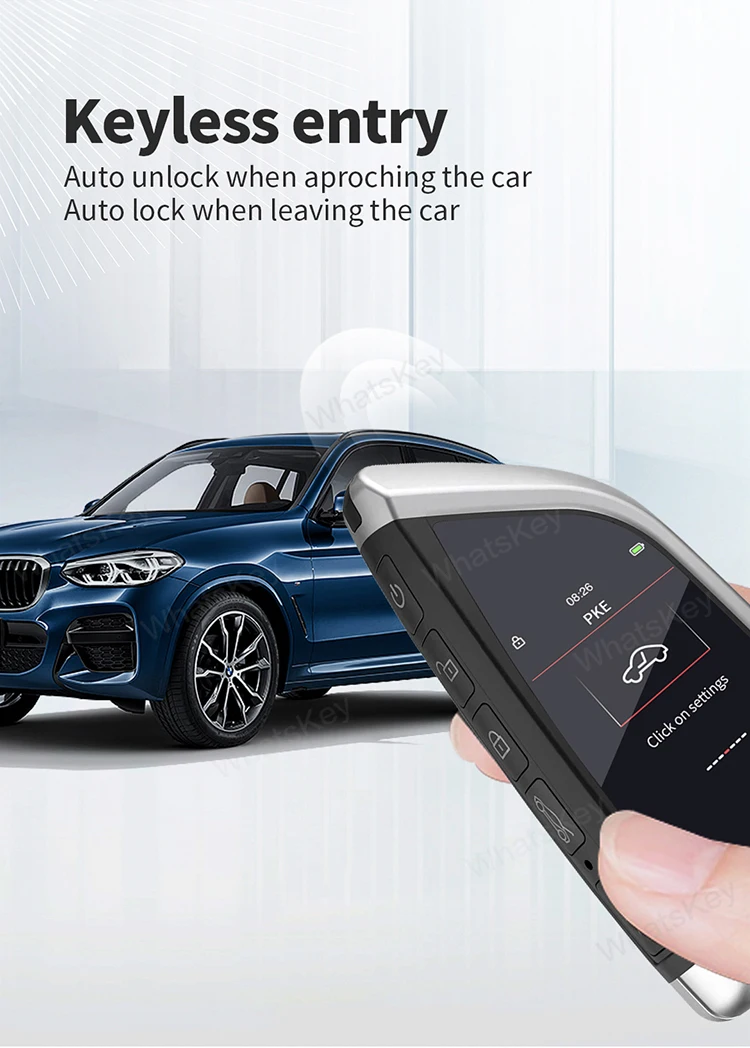
② Add comfortable entry function
Plug in the OBD plug for comfortable entry,
Automatic unlocking when approaching 1-1.5m and automatic locking when leaving 3-5M
--------------------------------------------------------------
Lock the car and lift the window automatically
--------------------------------------------------------------
Customer concerns:
1. How long does the LCD key stand by?
Standby: 8-10days at normal temperature, 5-7 days in winter
The LCD screen has no power, the physical button supports for 6 months, and it can unlock and lock.
--------------------------------------------------------------------
2. What is the difference between keyless entry and comfortable entry?
[keyless entry]: the original car has a keyless entry function, and you need to press the handle button to unlock the lock.
[comfortable entry function]: no touch, automatic unlocking 1.5 meters near the vehicle, automatic locking more than 5 meters away!
--------------------------------------------------------------
3. How to change the LCD key?
Take out the chip of the original car key, solder the special key harness, insert the LCD key, and you can use it.
(provide installation tutorial, spot welding master can see it)
--------------------------------------------------------------------
5. How to charge?
With Android charging cable, you can plug it in.
--------------------------------------------------------------------