


SPECIFICATIONS
Brand Name: LEEDOAR
Compatible Brand/Model: PC,Desktop,Laptop
Cooling Fin: no
High-concerned chemical: none
Interface Type: USB 2.0
Origin: Mainland China
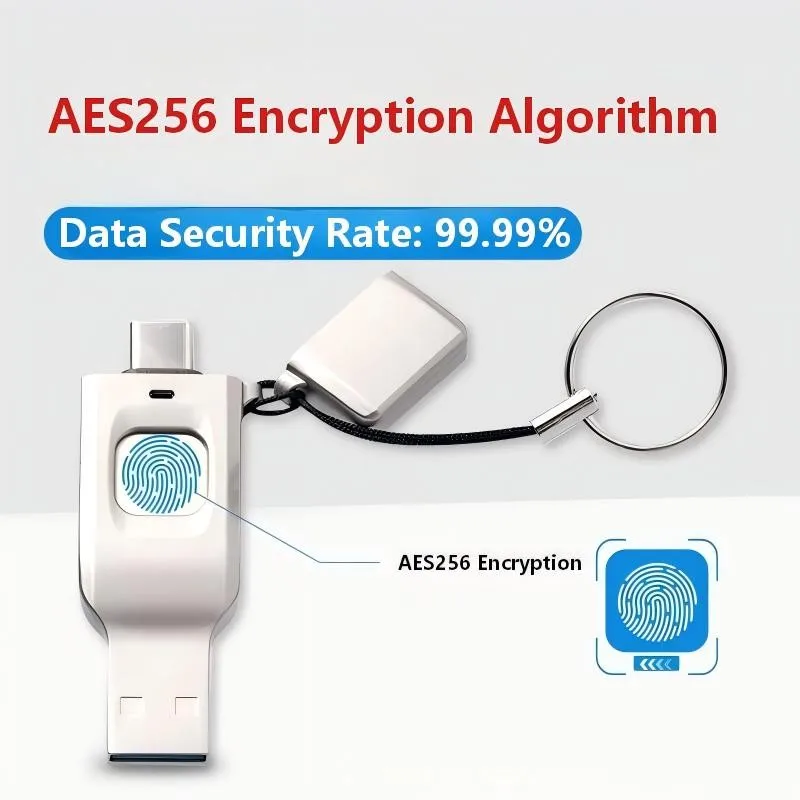
In the digital age, are you still worried about the security of your USB drive? Afraid of data leaks if you lose your important private data?
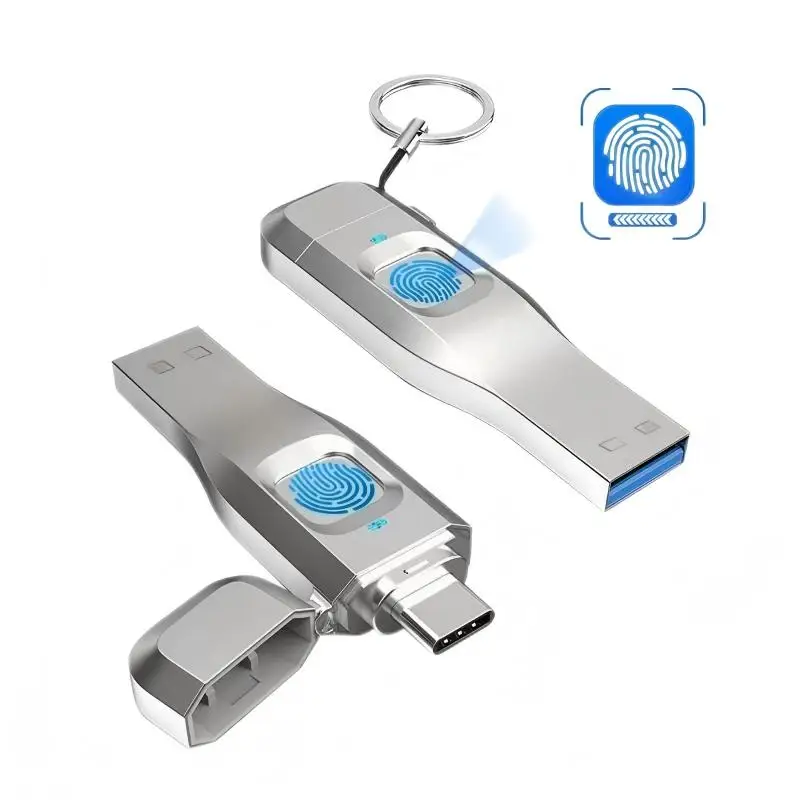
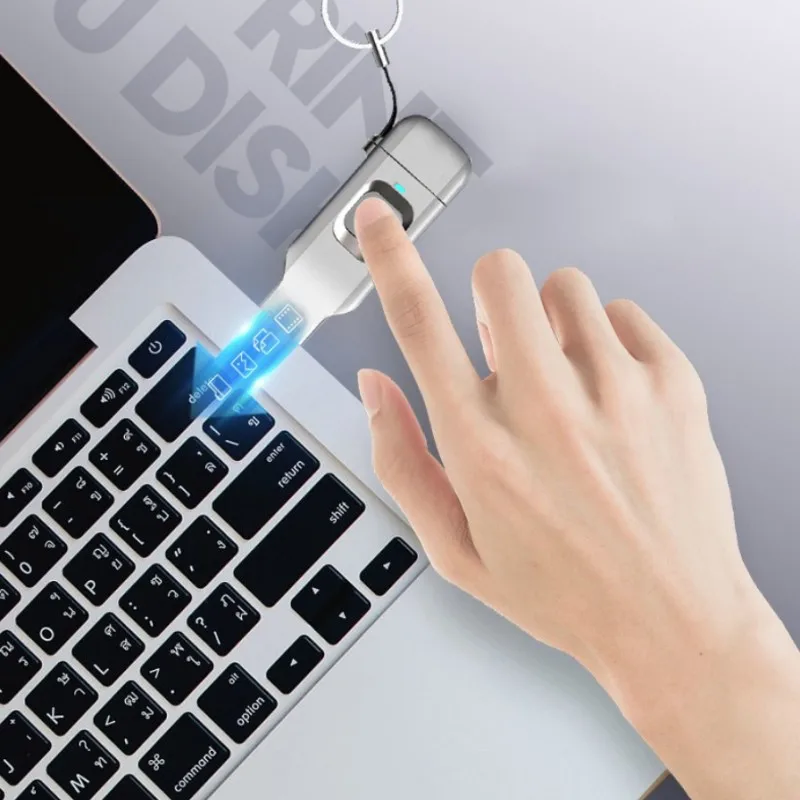
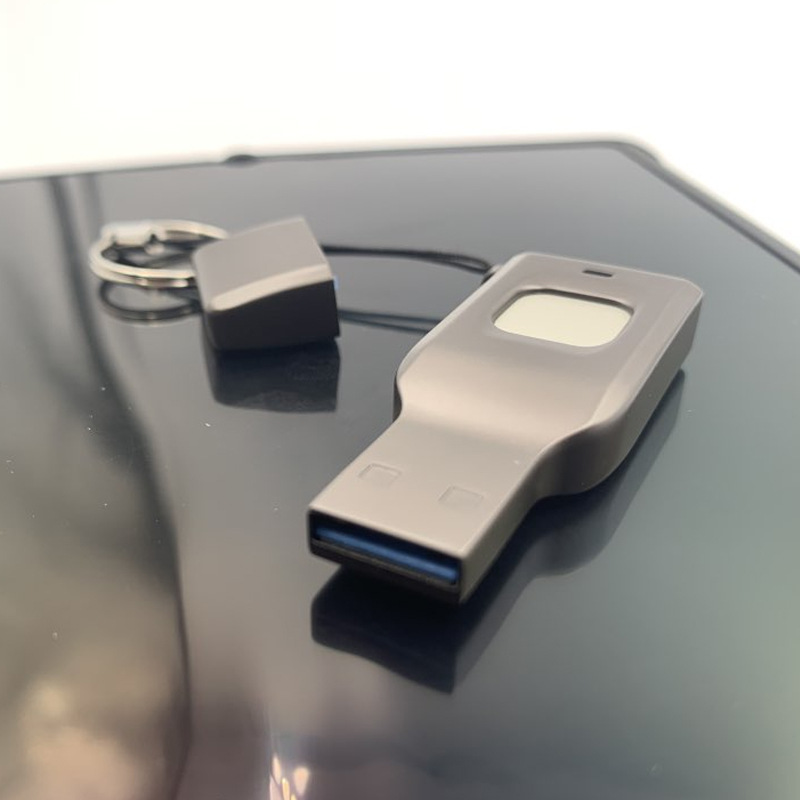
A fingerprint USB drive solves the problem! Fingerprint recognition ensures only you can unlock it.
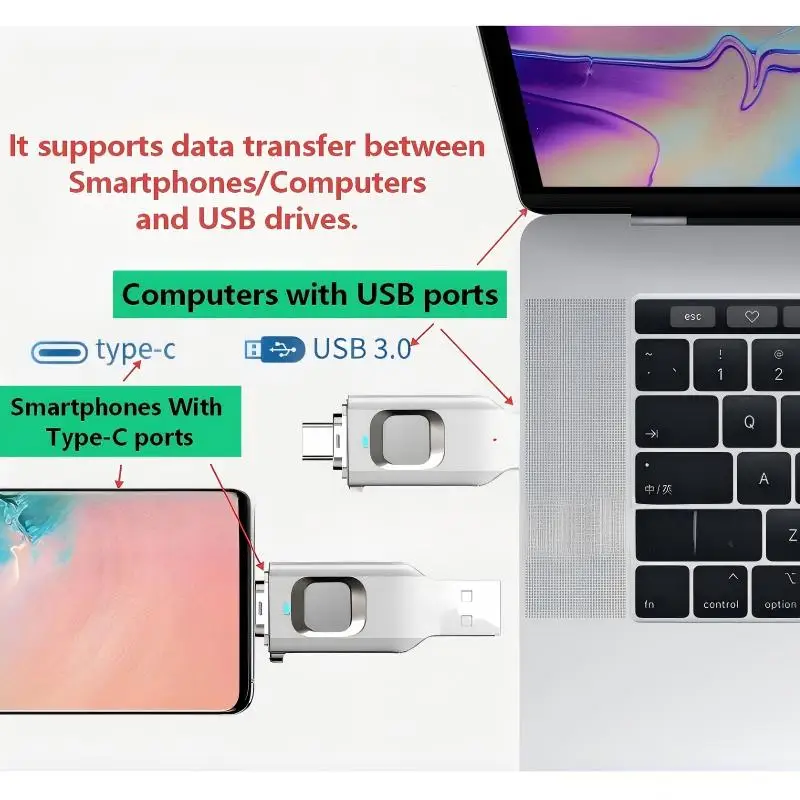
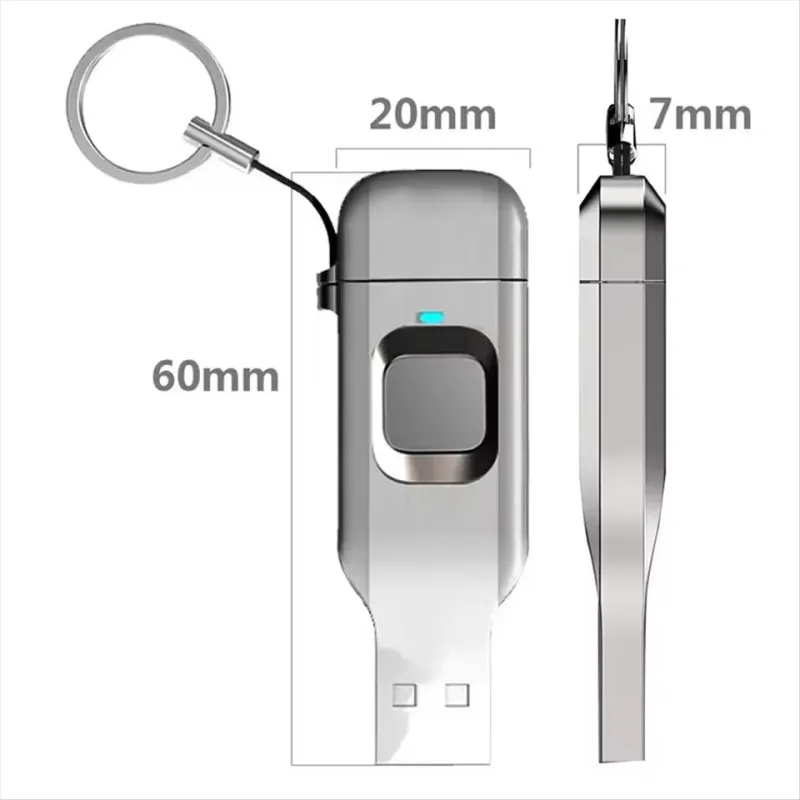
The fingerprint USB drive has two types of interfaces:
1. A Type-C port for smartphones with this interface.
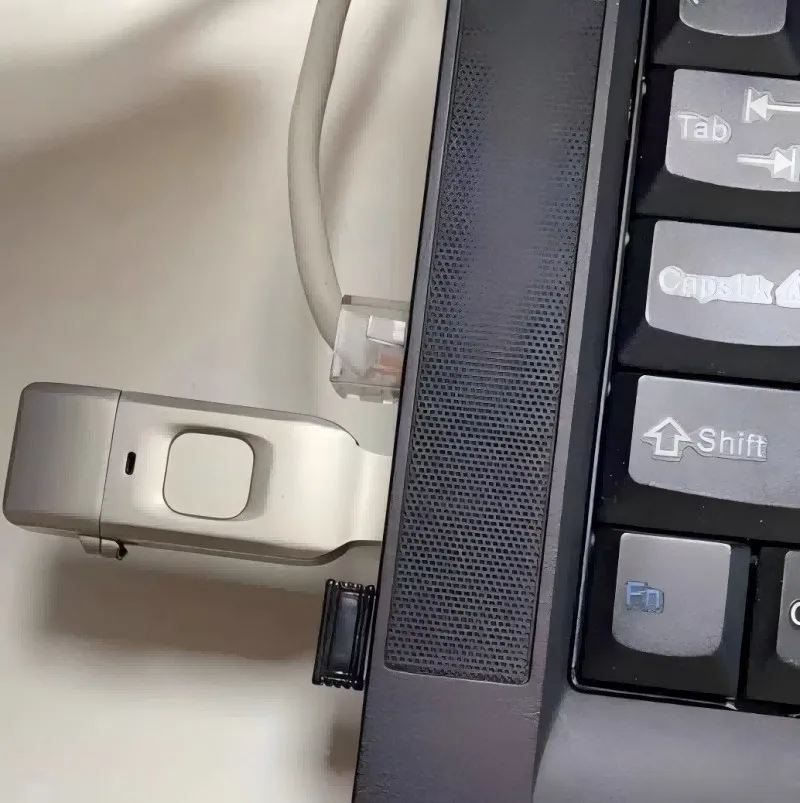
2. A USB port for computers or laptops.
It supports data transfer between smartphones/computers and USB drives.
No application is required on the computer, and no app is needed on the mobile phone. The operation is simple and convenient. Here are the steps:
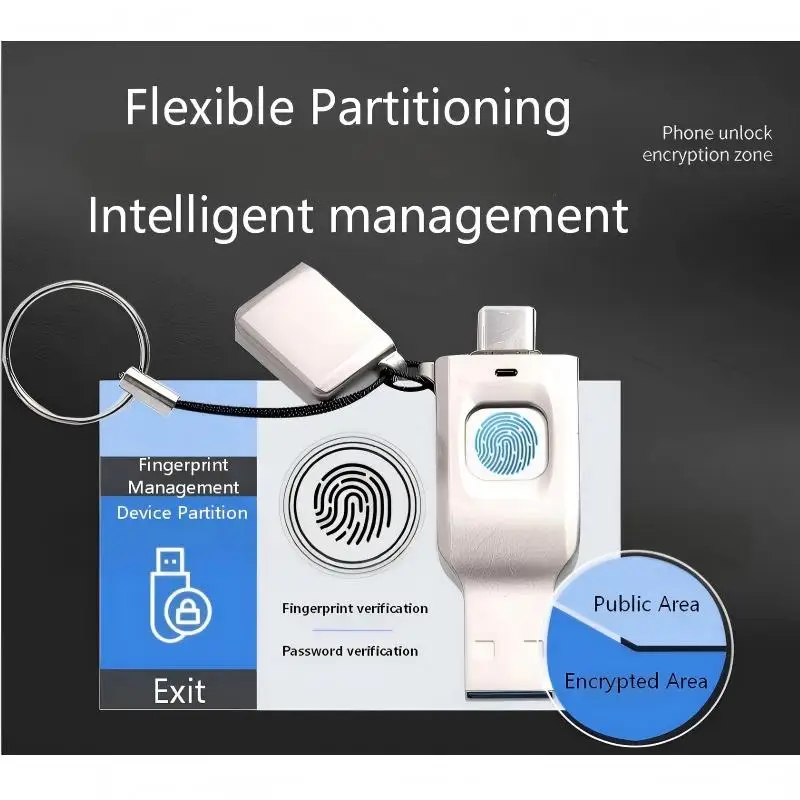
1. Insert the USB drive into your computer. The system will automatically recognize the inserted public drive and the built-in CD drive on the USB drive. Open the "CD drive" and enter your fingerprint directly. After successfully registering your fingerprint, you can set a password. Once both the fingerprint and password are set, you can use it on your mobile phone.
2. For Android phones: Open the "Files" application on your Android phone. Inserting the USB drive will display the public drive. Then, enter the administrator fingerprint registered on your computer to access the encrypted drive (private).
3. For Apple phones: Open the "Files" application on your Apple phone. Inserting the USB drive will display the public drive. Then, enter the administrator fingerprint registered on your computer to access the encrypted drive (private).
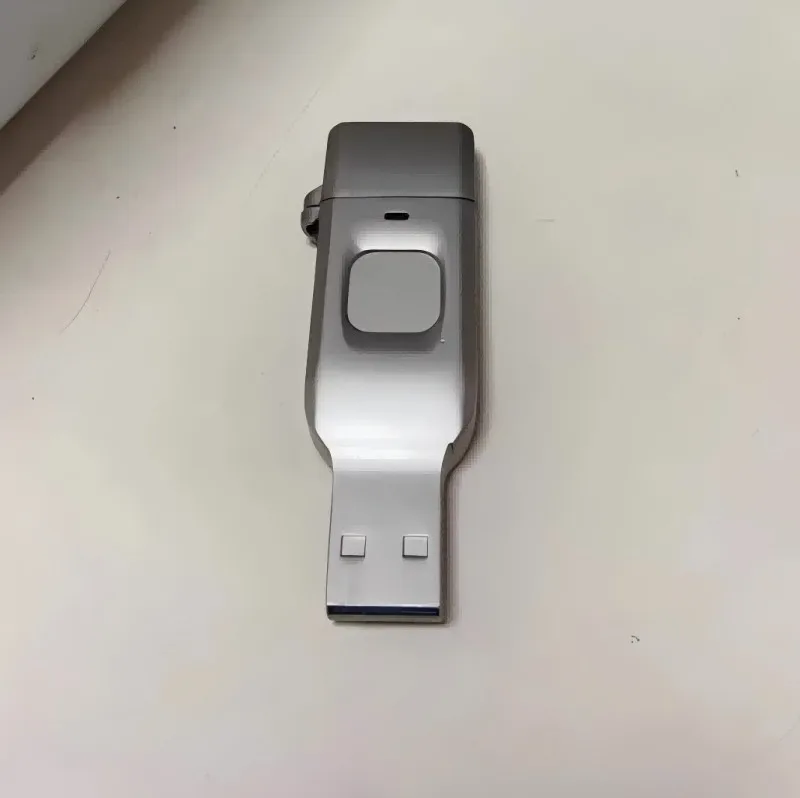
Product Name: Fingerprint Encrypted USB Flash Drive
Product Capacity: 16GB/32GB/64GB/128GB
Product Material: Zinc Alloy
Product Applications:
Storing and backing up files, movies, music, pictures, software, documents, archives, etc.
Supported Systems:
Windows, Android 6.0 and above (some Mac systems may be incompatible)


Q: I bought a 64GB drive, why did I only receive 5.8GB?
A: The fingerprint USB drive is divided into a public partition and an encrypted partition. The factory setting allocates 10% to the public partition and 90% to the encrypted partition. Therefore, a 16GB drive has approximately 1.6GB in the public partition and 14GB in the encrypted partition; a 32GB drive has approximately 2.9GB in the public partition and 26GB in the encrypted partition; a 64GB drive has approximately 5.7GB in the public partition; a 128GB drive has approximately 11.5GB in the public partition and 104GB in the encrypted partition; and a 256GB drive has approximately 23.2GB in the public partition and 209GB in the encrypted partition.
Q: The encrypted partition doesn't pop up after multiple fingerprint presses?
A: Please wipe your finger dry before trying again. If the indicator light doesn't change, please unplug and re-insert the drive.
Q: Cannot transfer single files larger than 4GB?
A: The USB drive is factory-formatted with the FAT file system. If you cannot copy files, we recommend formatting it to NTFS on your computer for normal transfer.
Q: Why is my transfer speed so slow?
A: The product's read and write speed depends on factors such as the computer's USB interface, the size of the files being copied, the file format, and the computer's operating system. The read and write speed varies under different usage conditions, which is a normal phenomenon for the product.
Q: Why does my USB drive get hot when I use it?
A: The fingerprint USB drive is made of metal. Because metal has good thermal conductivity and heat dissipation, the USB drive may heat up after prolonged use. This is a normal phenomenon and not a quality issue. Furthermore, the amount of heat generated varies depending on the length of time it's powered on and the frequency of read and write operations. It may also be affected by the ambient temperature.
Q: Will the files I store on it be lost?
A: Generally, files will not be lost unless the drive is forcibly ejected multiple times under abnormal circumstances. Please back up important data regularly.