SPECIFICATIONS
Accessories Type: Leverless Controller
Appearance: Black frosted acrylic
Battery Charge Time: No need to charge
Bluetooth range: Without Bluetooth
Brand Name: haute42
Cable features: Retractable
Compatible Brand/Model: PC
Control Method: Push button
Controls Type: Push button
Electric: No
Enclosure material: Acrylic
Fastening type: Screw
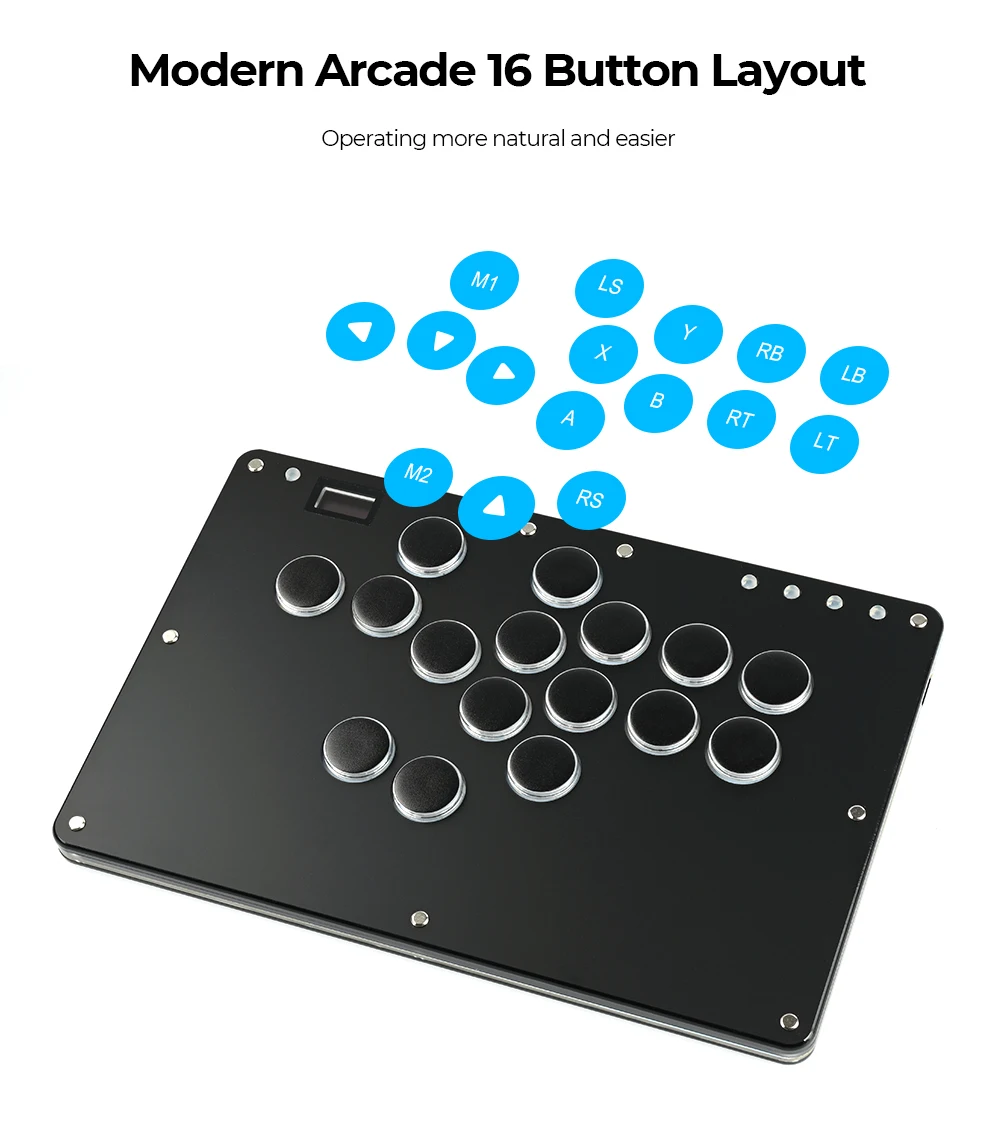
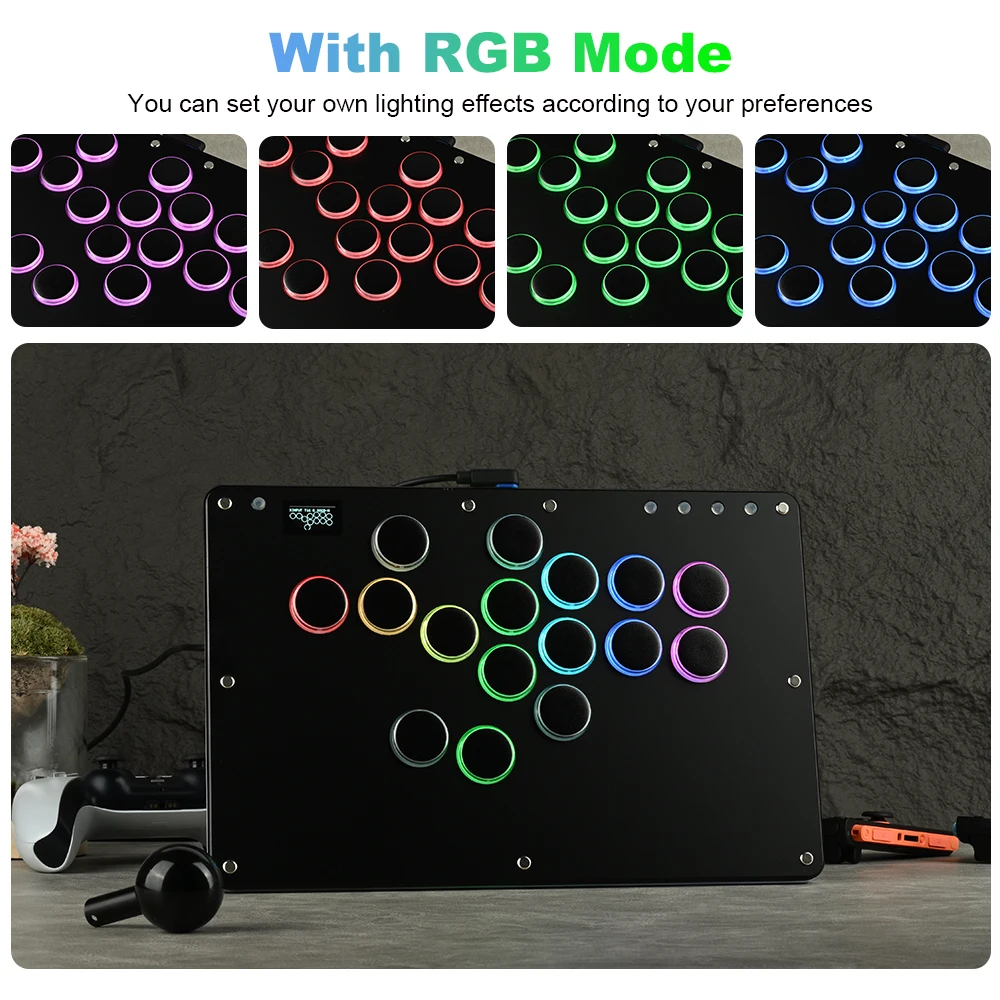
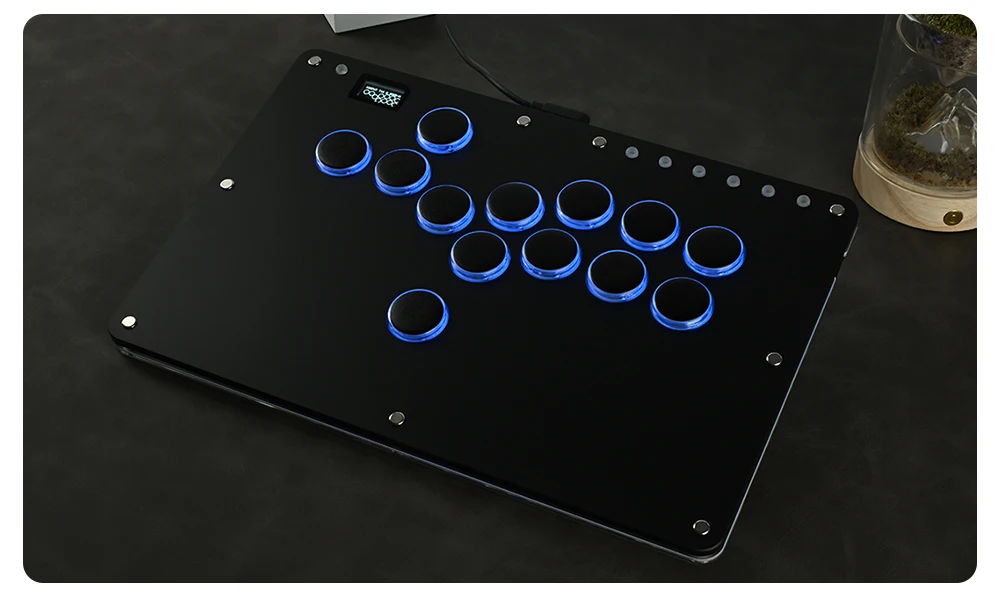
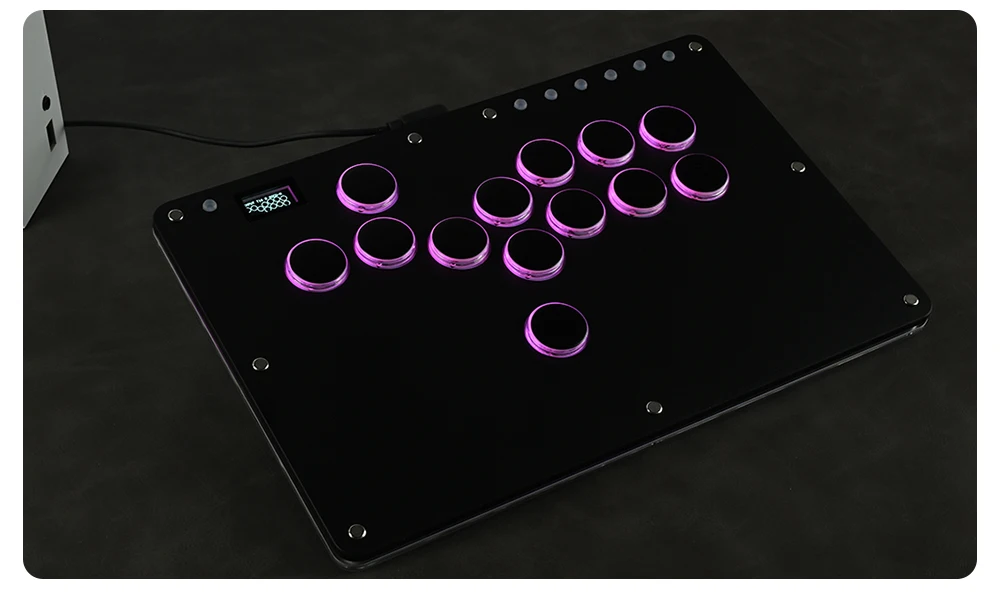
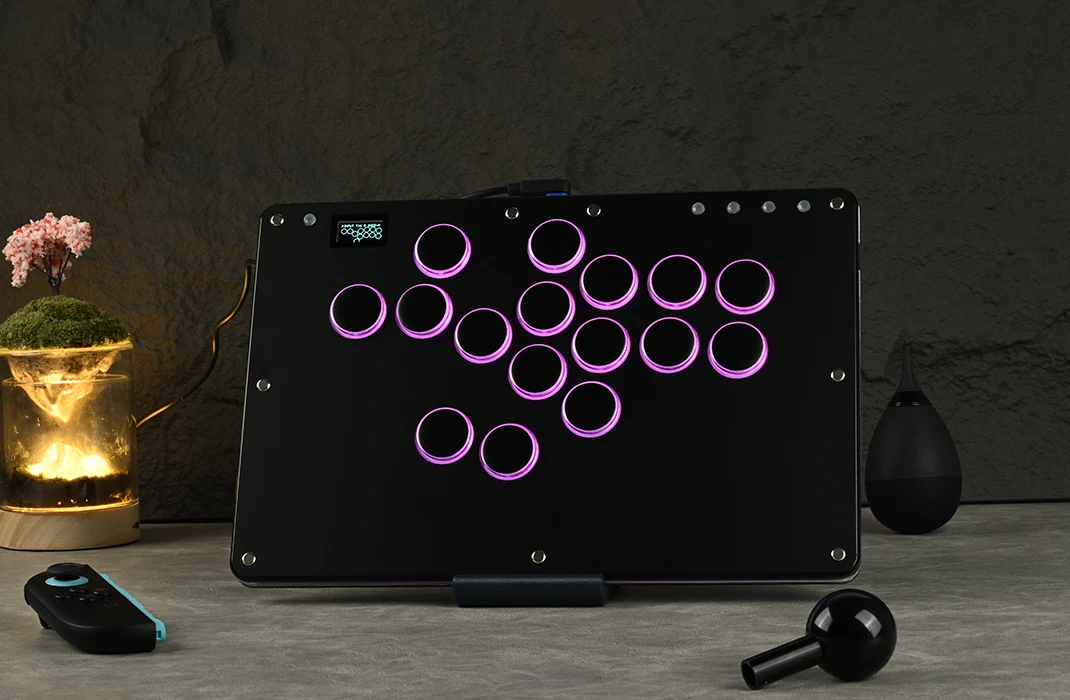
Feature: 16 button with RGB mode
Harness Feature: Others
High-concerned chemical: none
Item: T16 Pro V2 Black
Model Number: T16 PRO V2 Black
Number of Compartments: 3
Number of Pins: 3
Occasion: Others
Origin: Mainland China
PC System: Windows 10
Platform: Nintendo Switch 2
Portable: Yes
Product Name: Hitbox Leverless Controller
Reusability: Reusable
Sensor Technology: Others
Supported Platforms: PC/PS4 /ps5/steam /switch
With USB: YES
is_customized: NO
material: Acrylic
Note : If you want to connect PS4/PS5, you need to purchase a converter, which does not support direct connectio
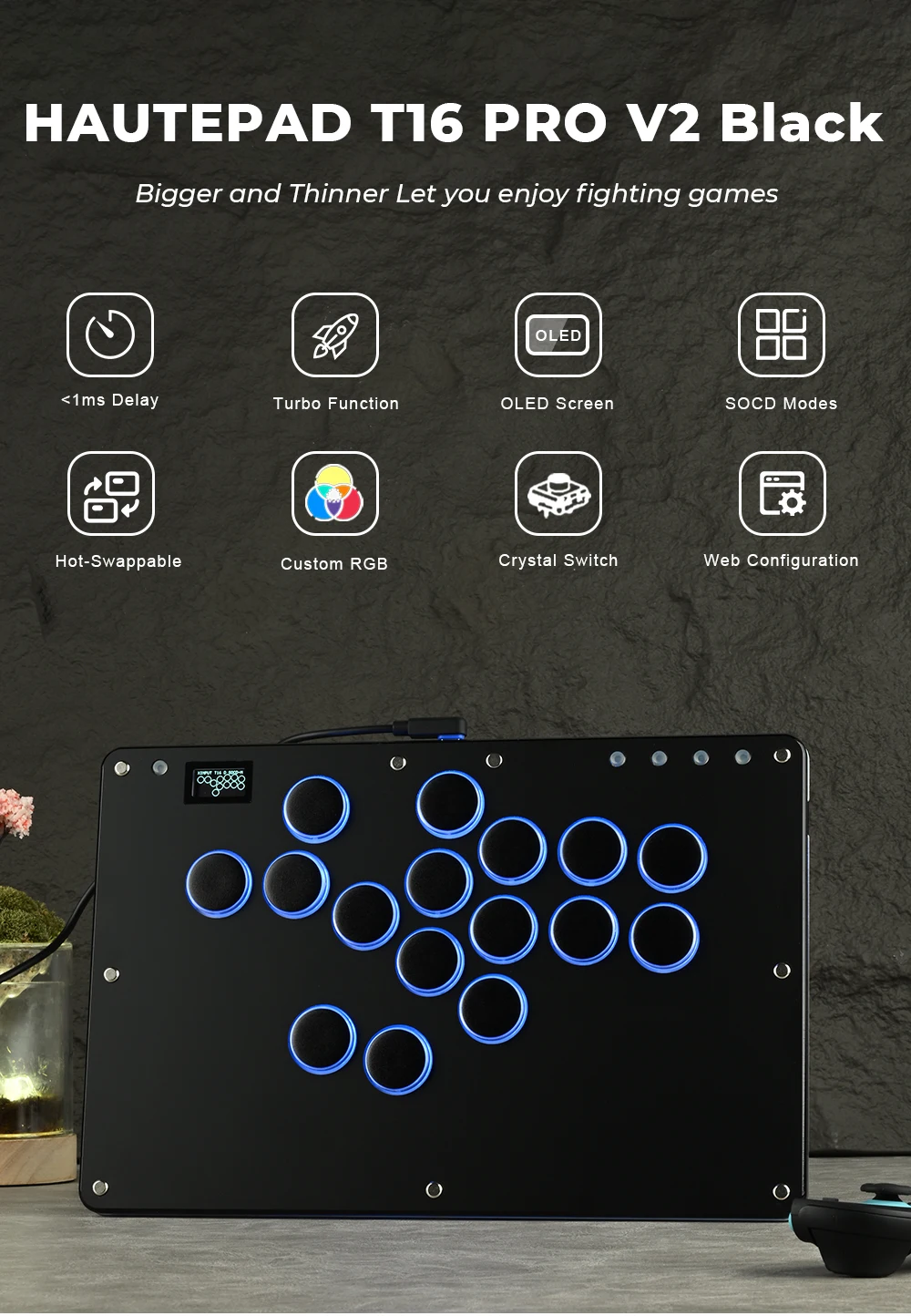
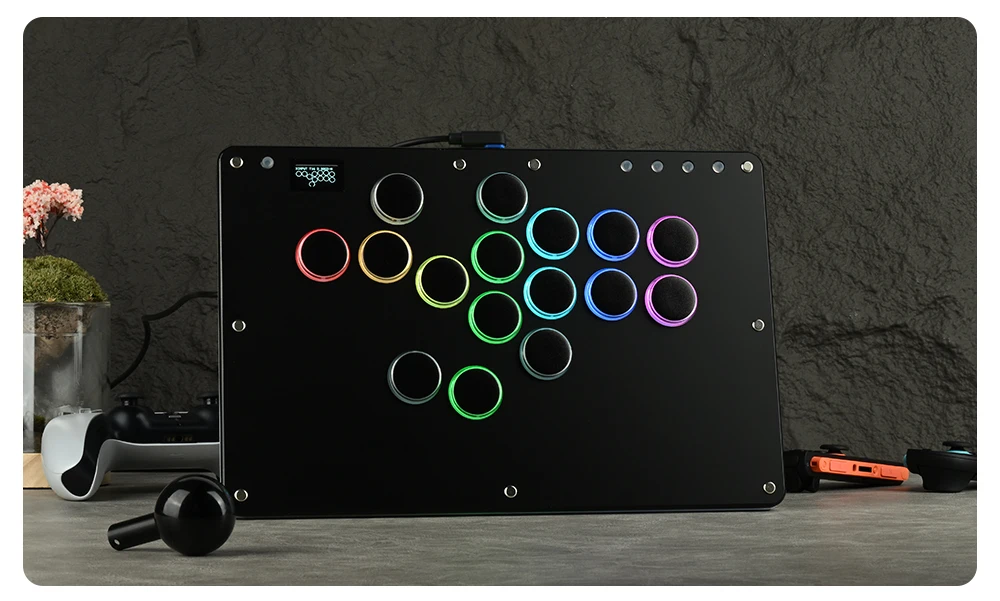
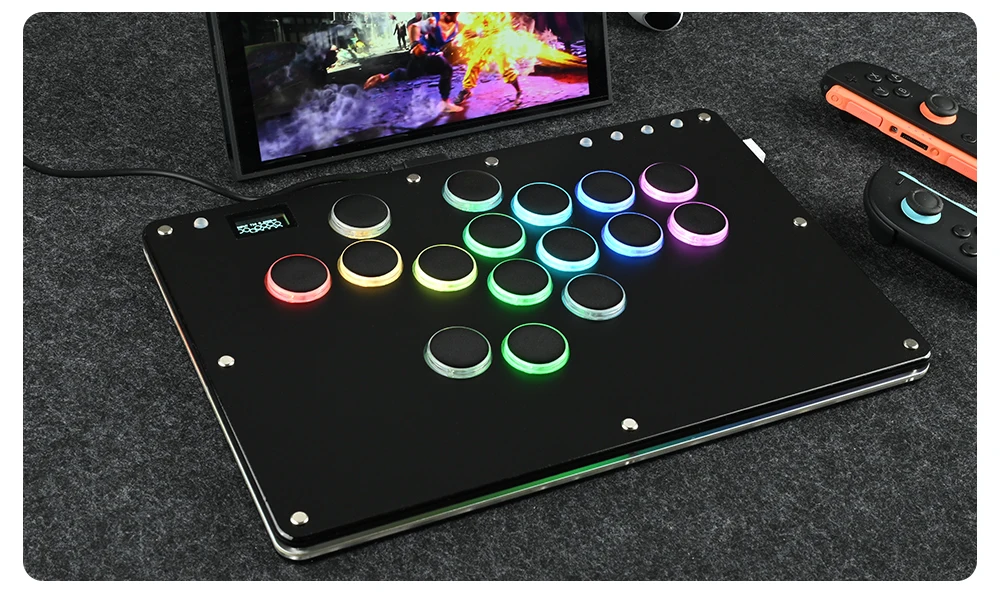
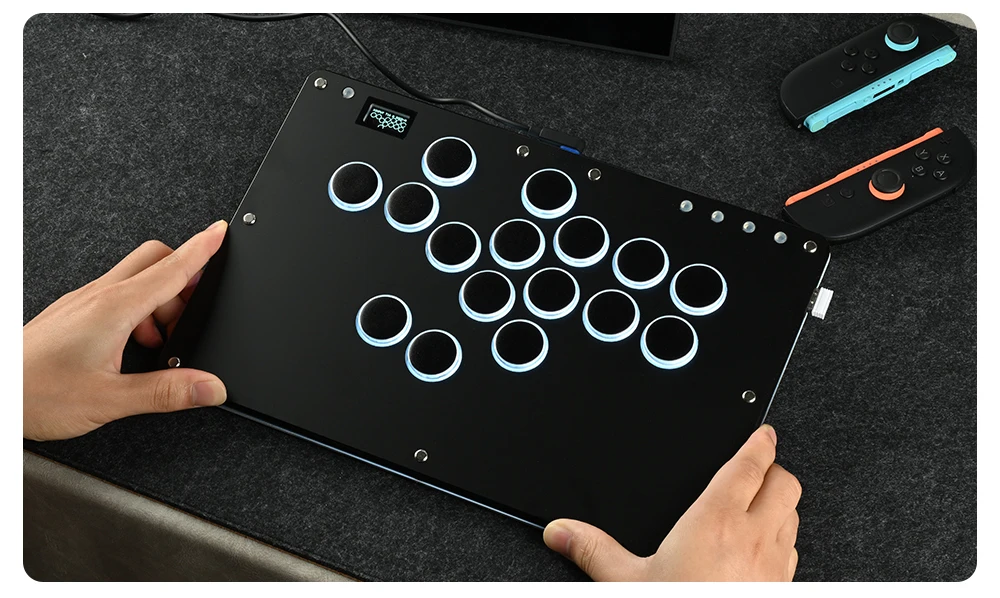
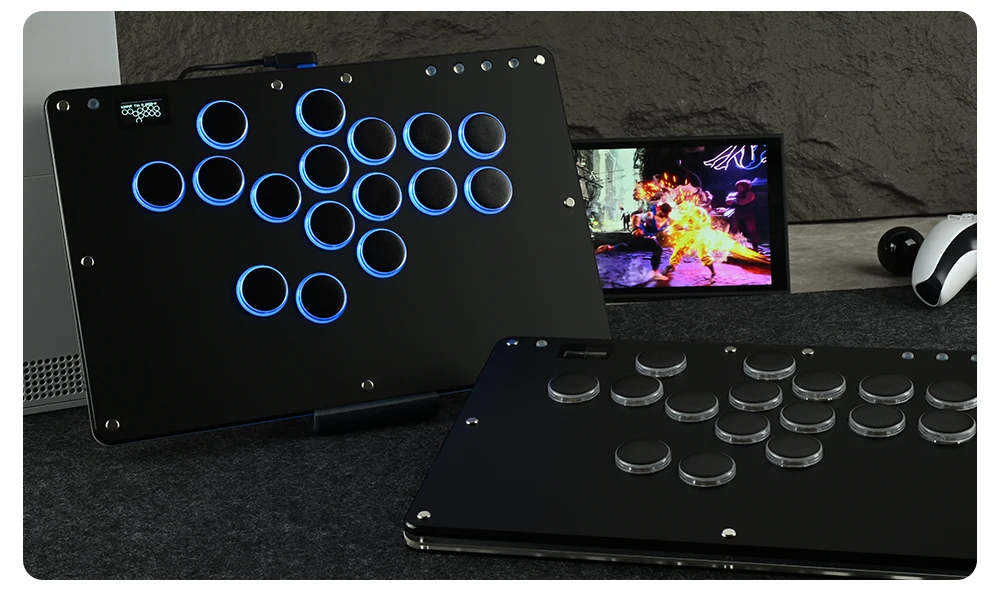
Haute42 T16 Black Stickless Hitbox Controller Leverless Arcade Fightstick For PC/PS4/PS5/Switch Fighting Game Hitbox Leverless
Product Description
Working voltage: 5V
Link method: USB Type-C
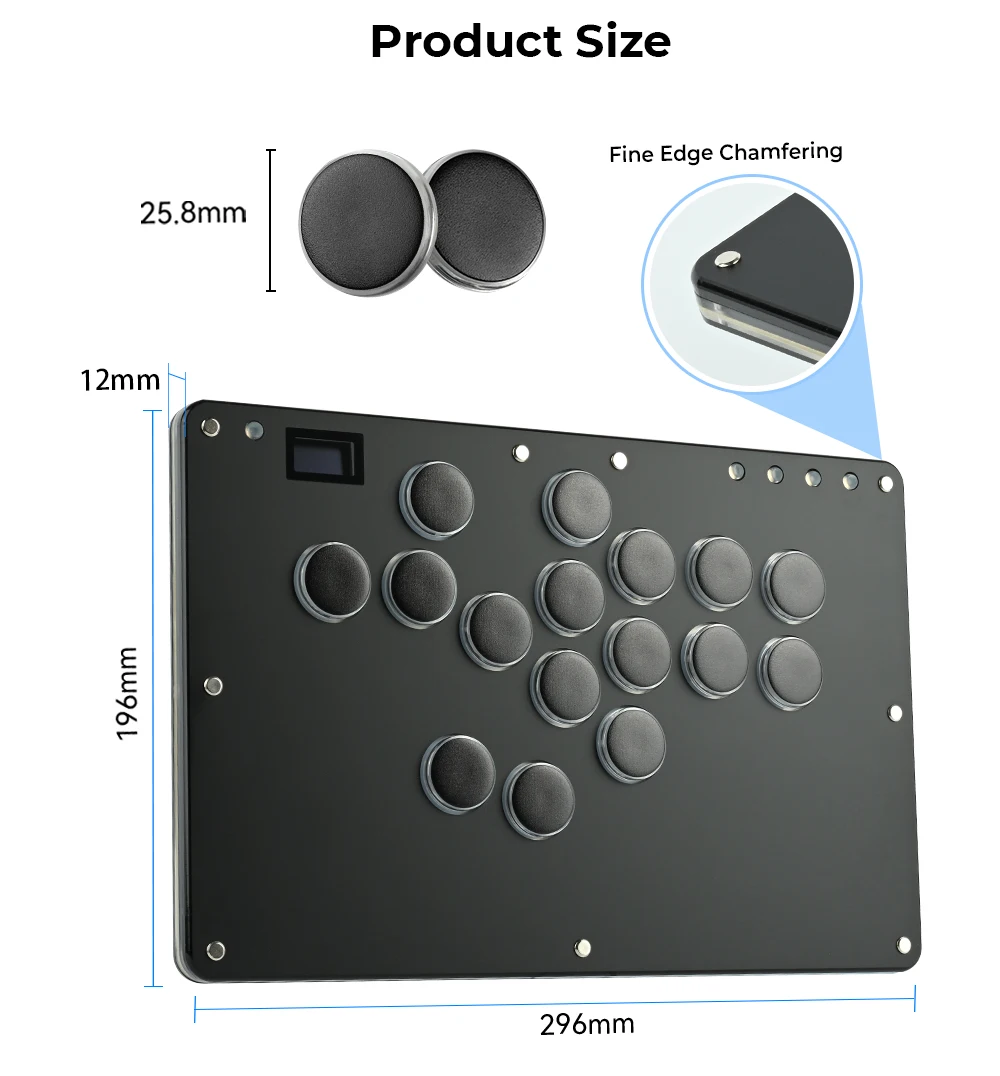
Product size: 296mm * 196mm * 125mm
Supported Platforms : pc /ps3/ps4/switch/ Android/Steam
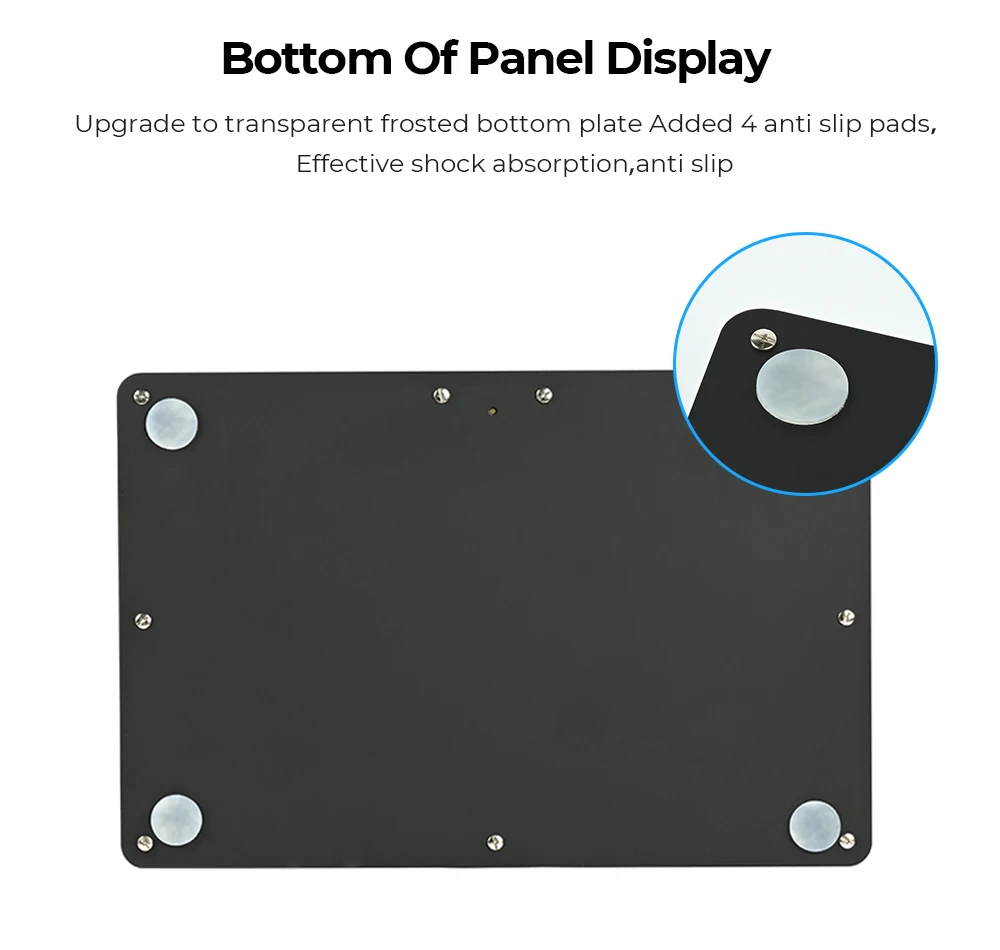
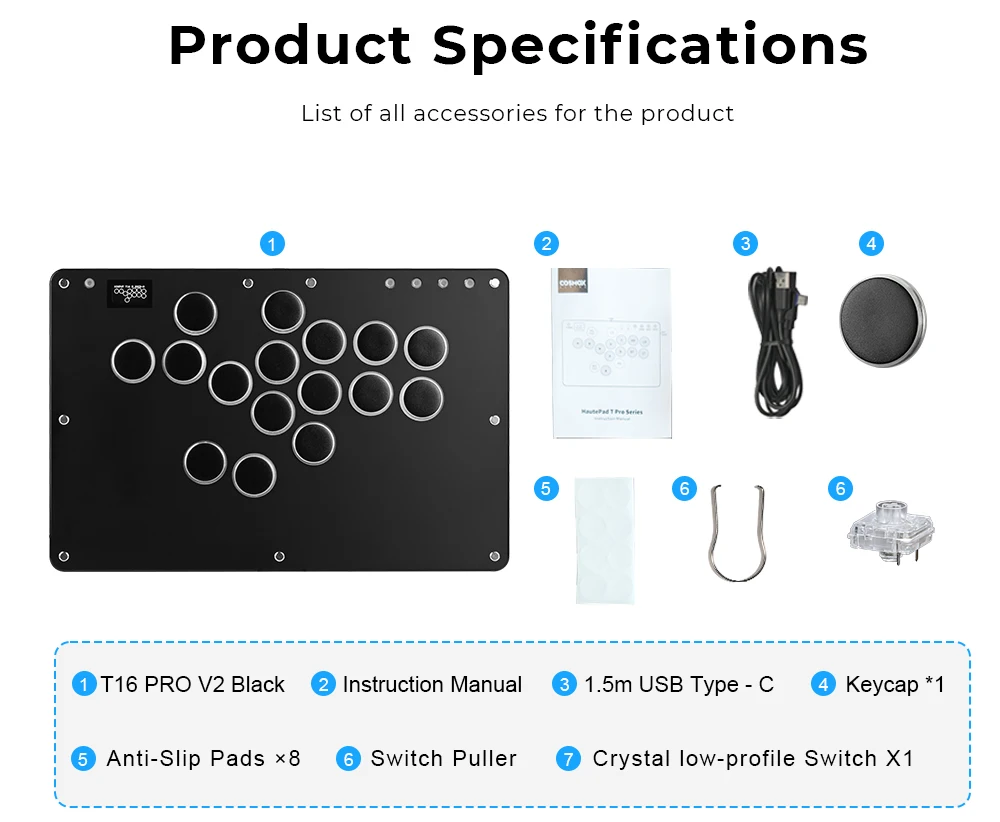
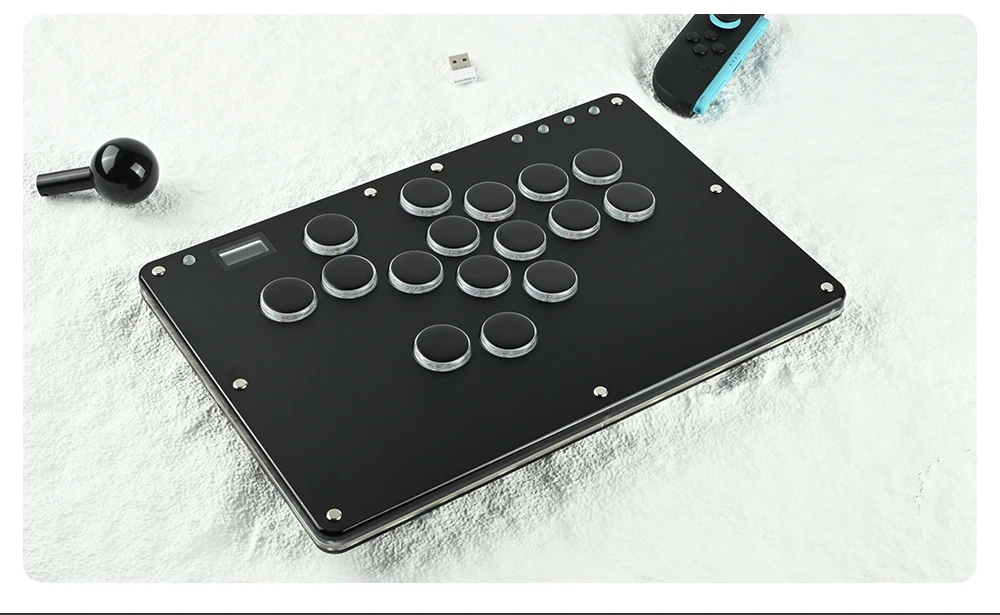
Product Specifications:1Mini Keyboard,1Data Cable Type-C,1Keycap Puller,6 Anti Slip Pads
01 Compatibility
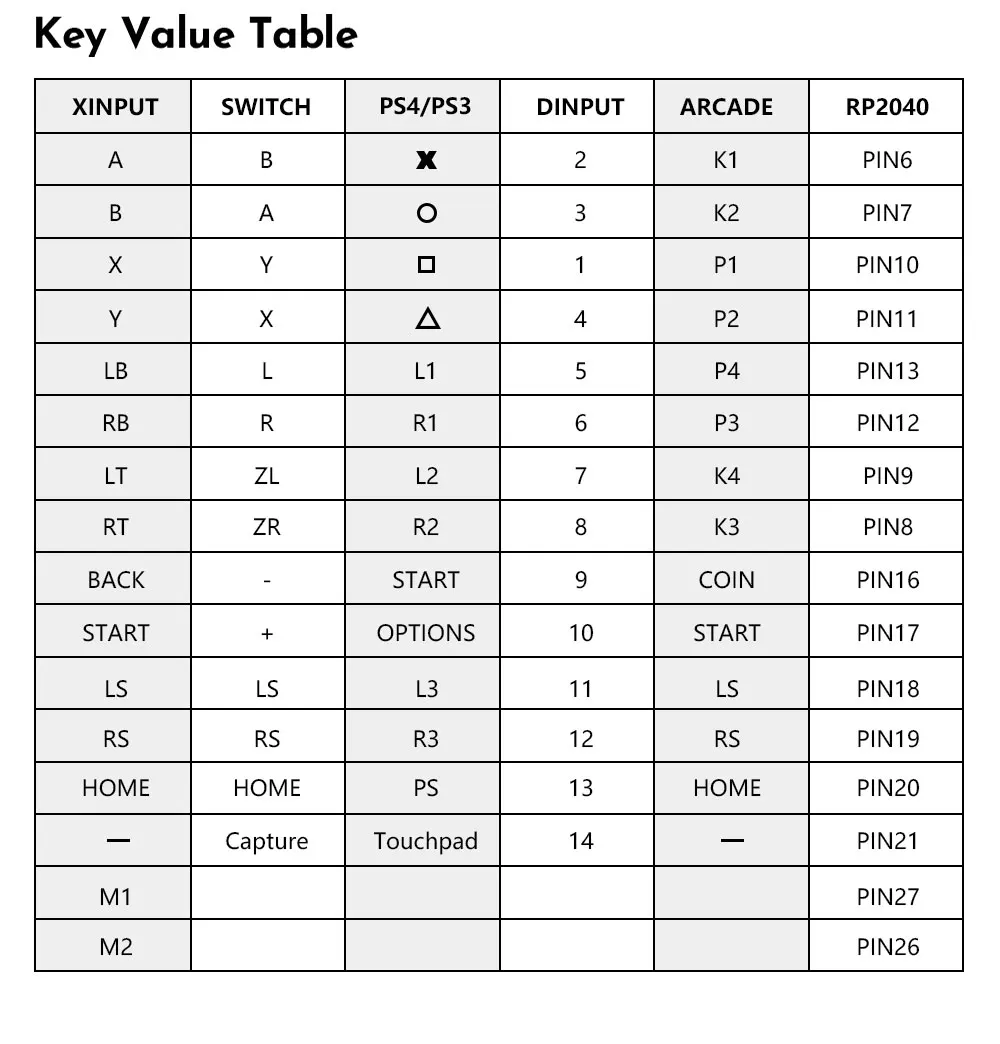
B — Xinput mode (Windows/Steam)
A — SWITCH mode
X — PS3 / Dinput mode (Raspberry Pi / Android)
Y — PS4 mode (Compatible with PS4 games on PS5 console)
RT — KEYBOARD mode
Input Mode
To change the input mode, hold one of the buttons(as shown above) as the controller is plugged in.
Tips:
This product defaults to Xinput mode,Input mode is saved across power cycles.
If there are games that do not compatible the above input modes , you can enter the Web Configurator to modify them for normal use.
Web Configurator
This product contains a built-in web-based configuration application which can be started up by holding START when plugging your controller into a PC. Then access http://192.168.7.1 in a web browser to begin configuration.
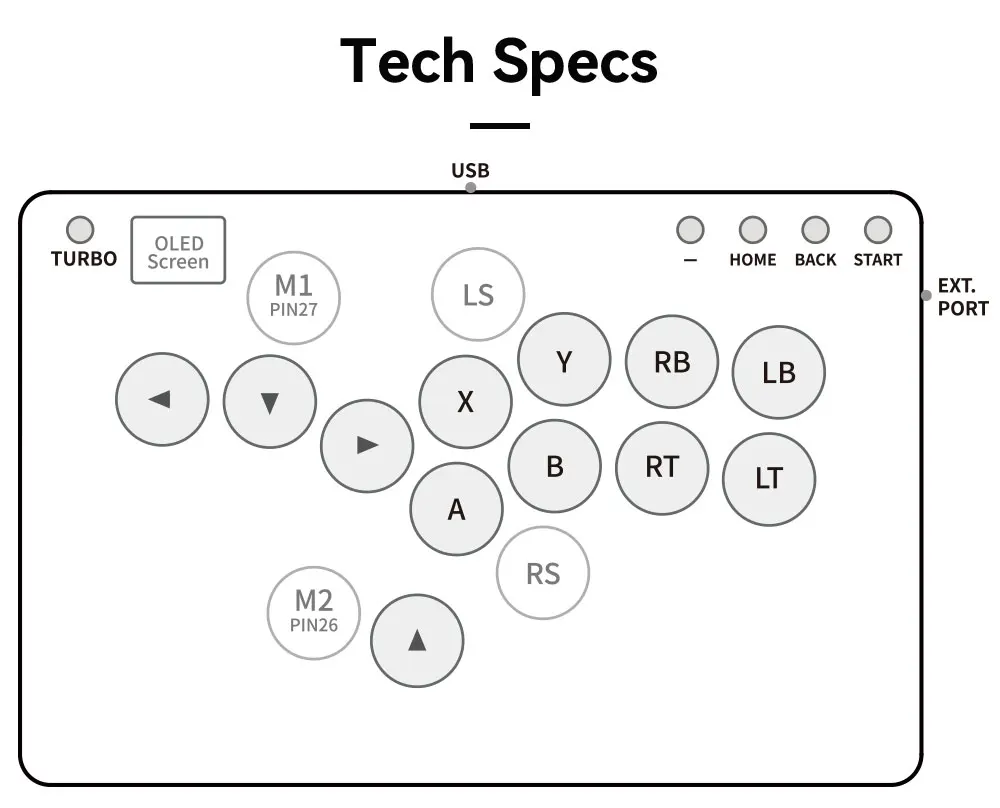
TURBO
Hold TURBO,then press the button which you need to be set for turbo function,then this button will be continuous sending while you press it,to cancel this turbo key,just repeat the privious step.
The turbo key that set will be cleard when power off.
These keys can be set as a Turbo key: A / B / X / Y / LB / RB / LT / RT
04 RGB LED Setting
●BACK + START + X Next Animation
●BACK + START + A Previous Animation
●BACK + START + Y Brightness Up
●BACK + START + B Brightness Down
●BACK + START + RB LED Parameter Up
●BACK + START + RT LED Parameter Down
●BACK + START + LB Pressed Parameter Up
●BACK + START + LT Pressed Parameter Down