SPECIFICATIONS
Brand Name: NONE
Compatible Platforms: PC
Compatible with vehicle type: Others
Connection: Wired
Console/System: Windows 7-11,Windows 11,Windows 7,Windows 8
Force Feedback: no
High-concerned chemical: none
Lighting: Yes
Maximum Rotation Angle: 360°
Mobile App: no
Model Number: WK-7 DDU
Origin: Mainland China
PC driver: No need
Power Supply Mode: Wired Power Supply
Shift Mode: Paddle
Vibration: no
With Pedal Set: no
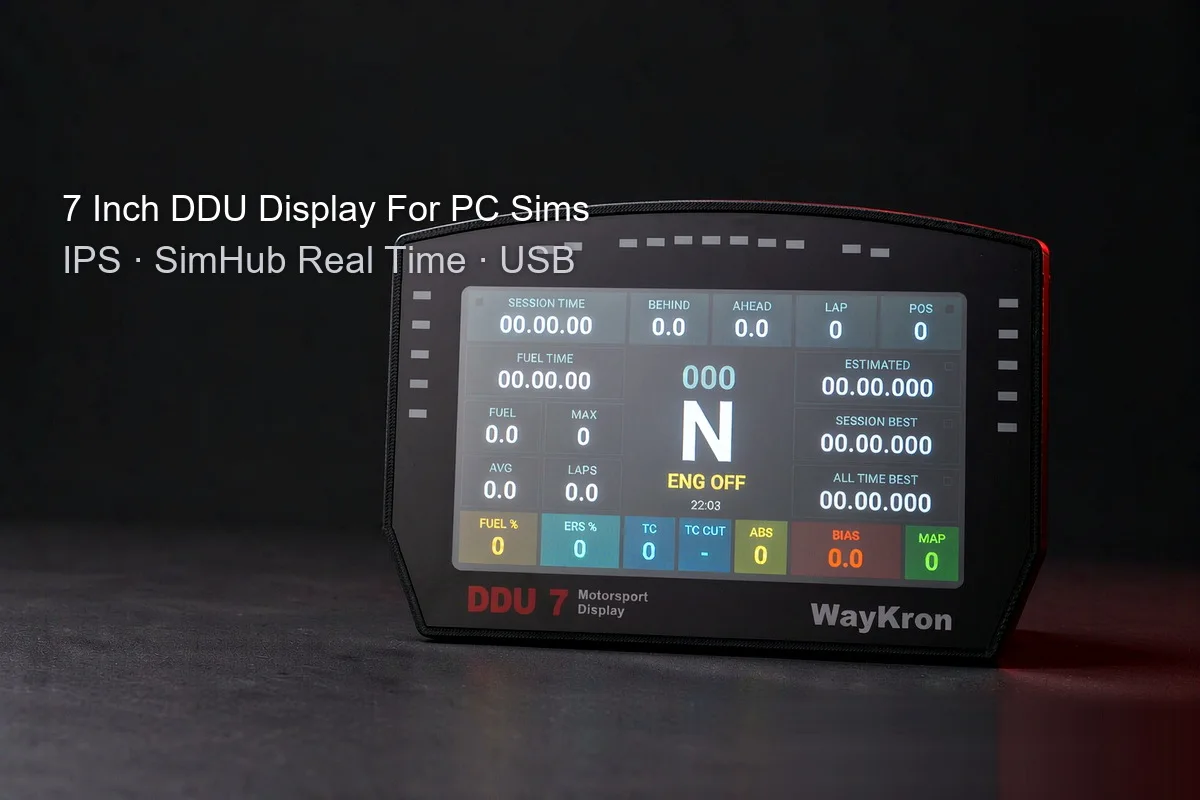
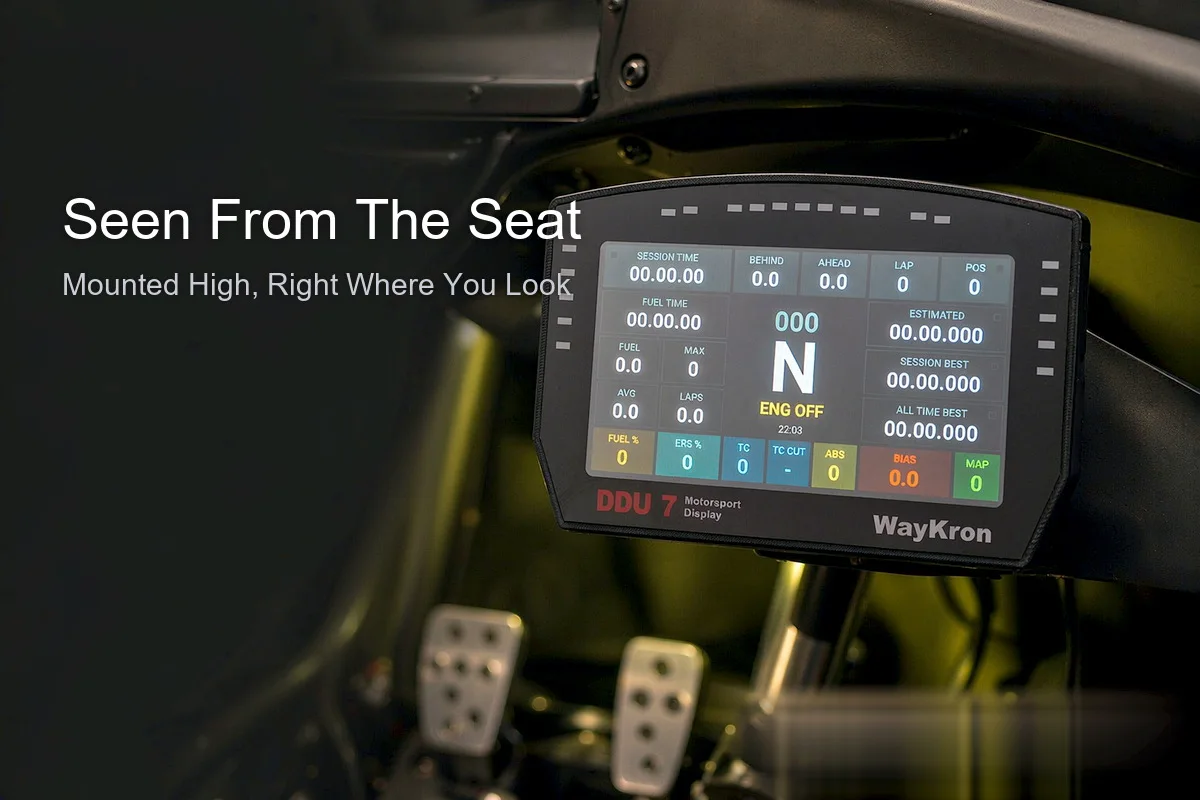
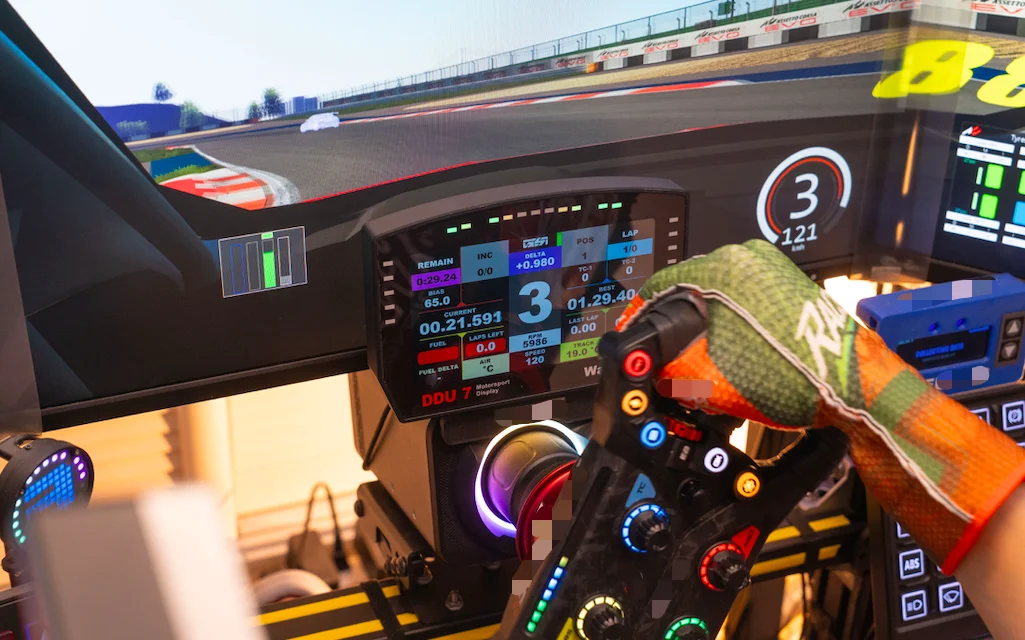
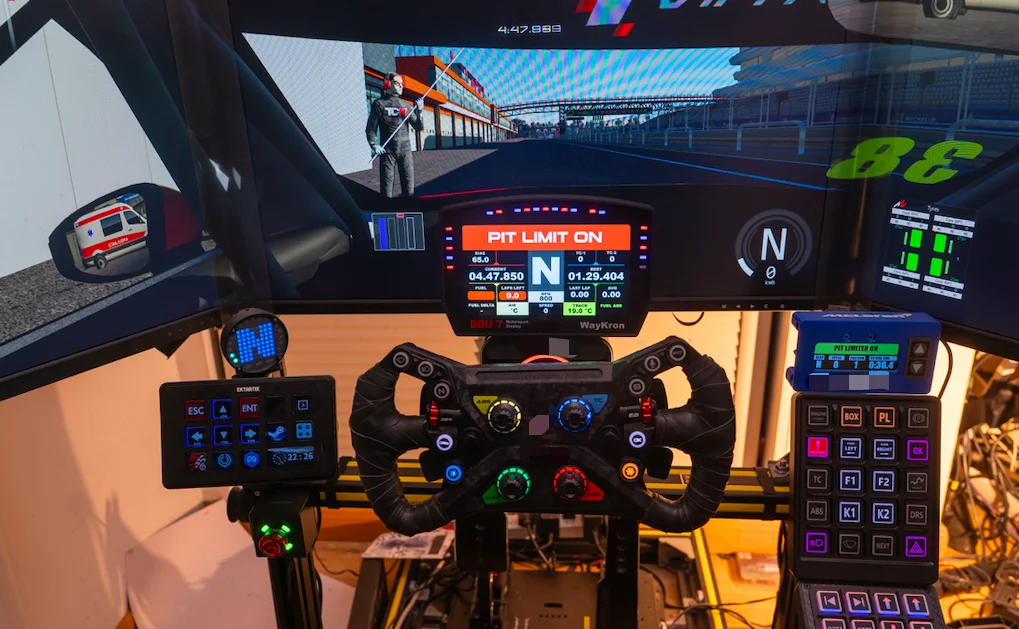
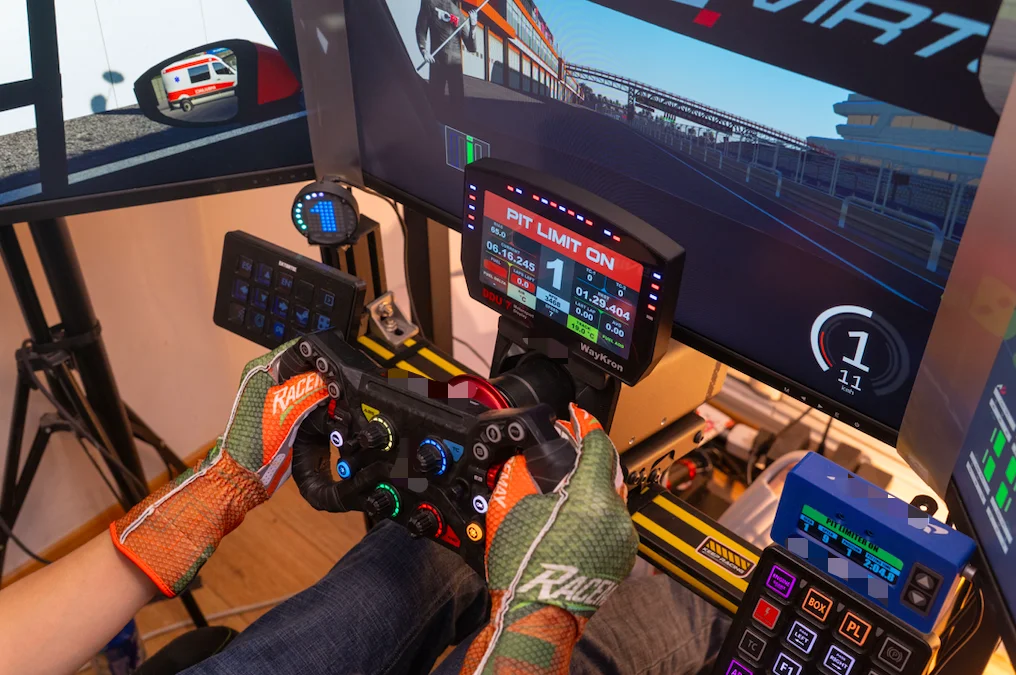
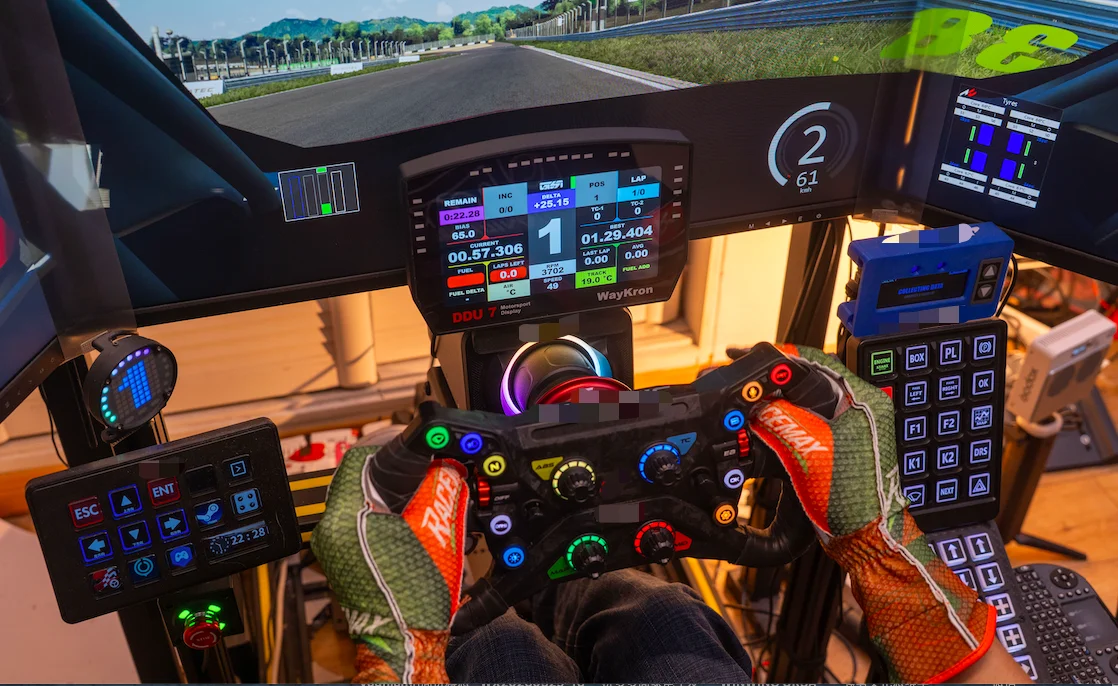
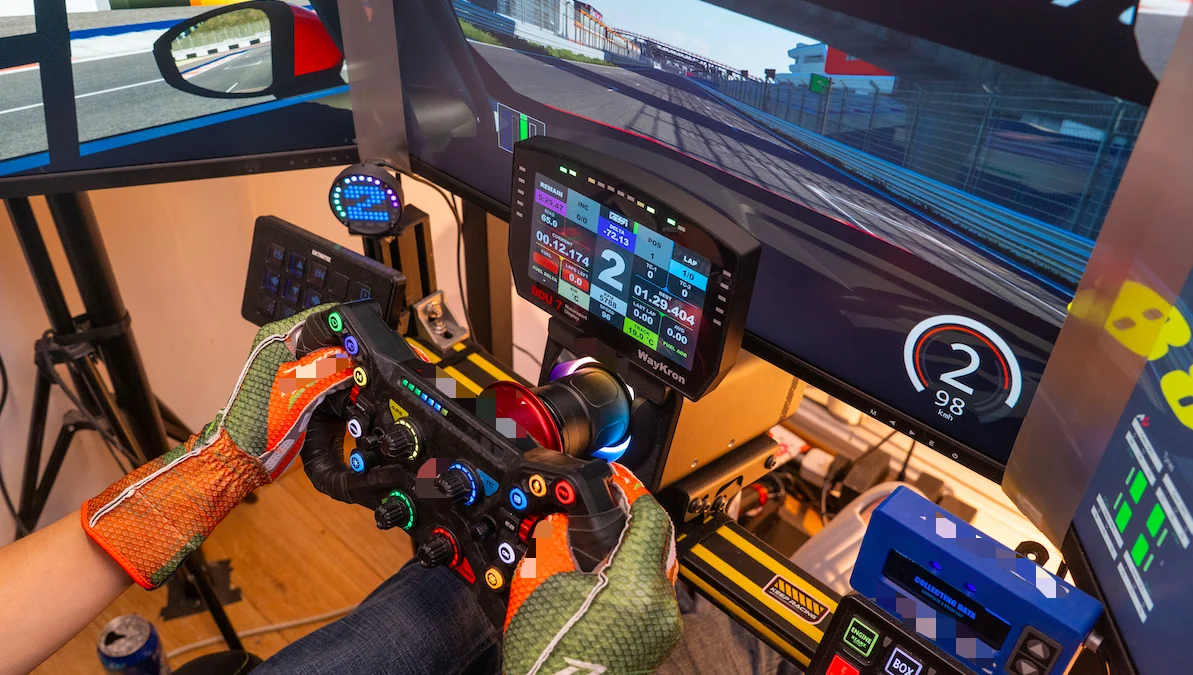
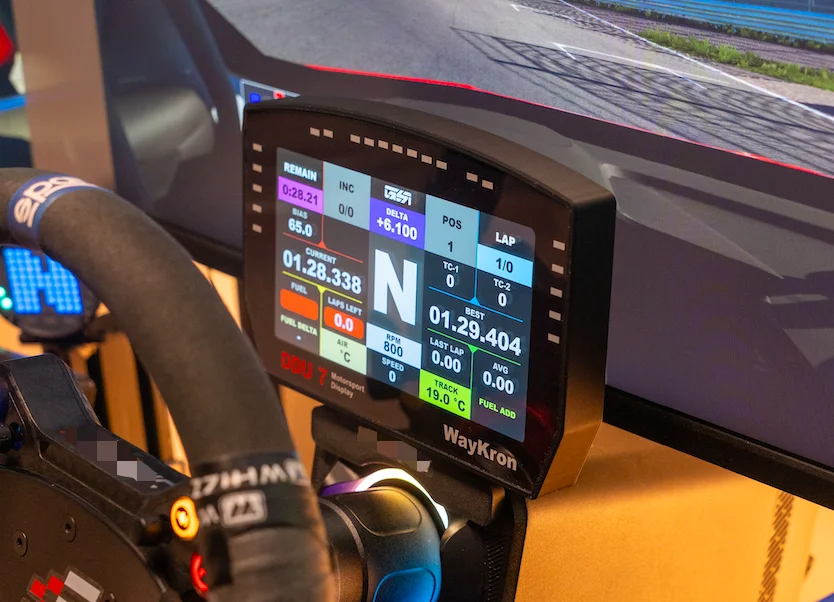
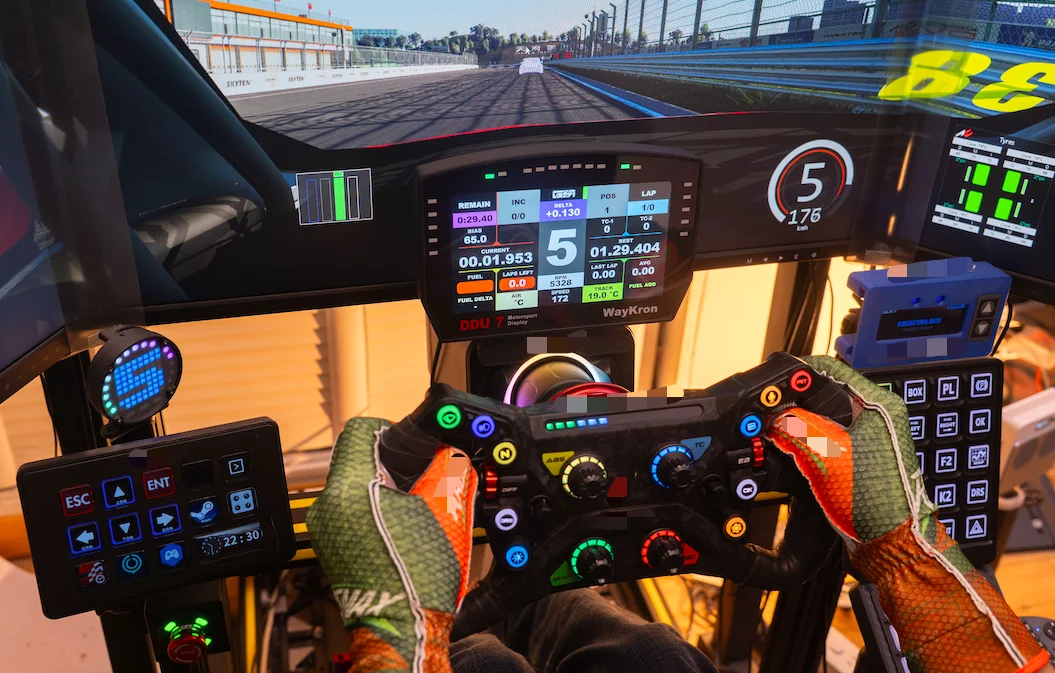
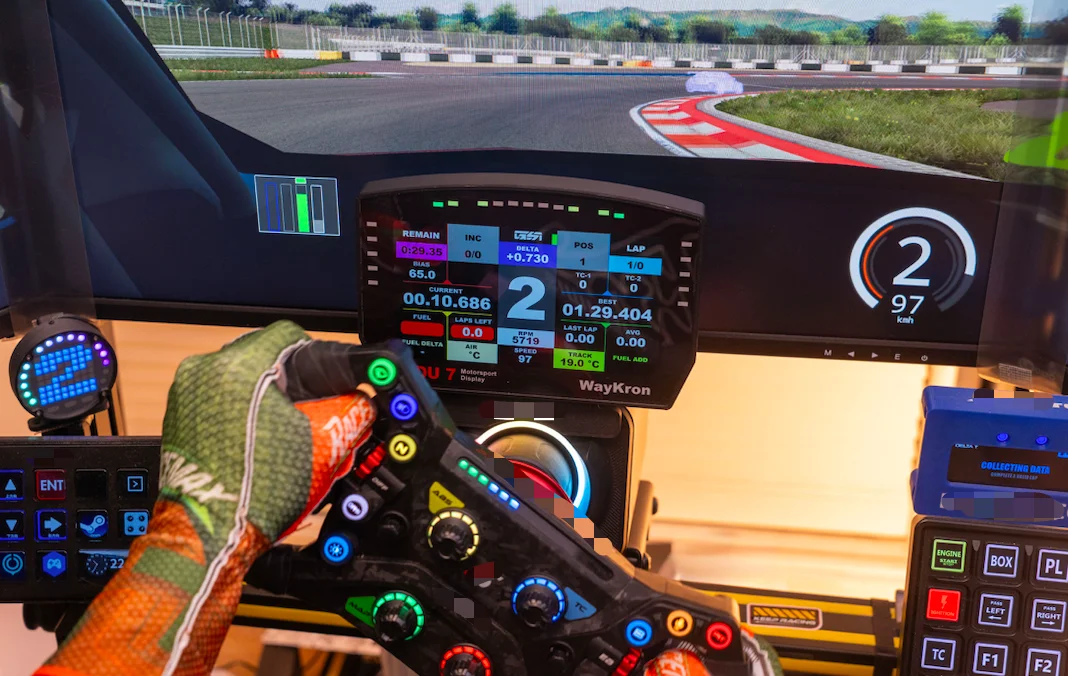
7-inch of dash data sitting right above your wheel — read RPM, flags and assists without leaving the racing line.
--- What It Is ---
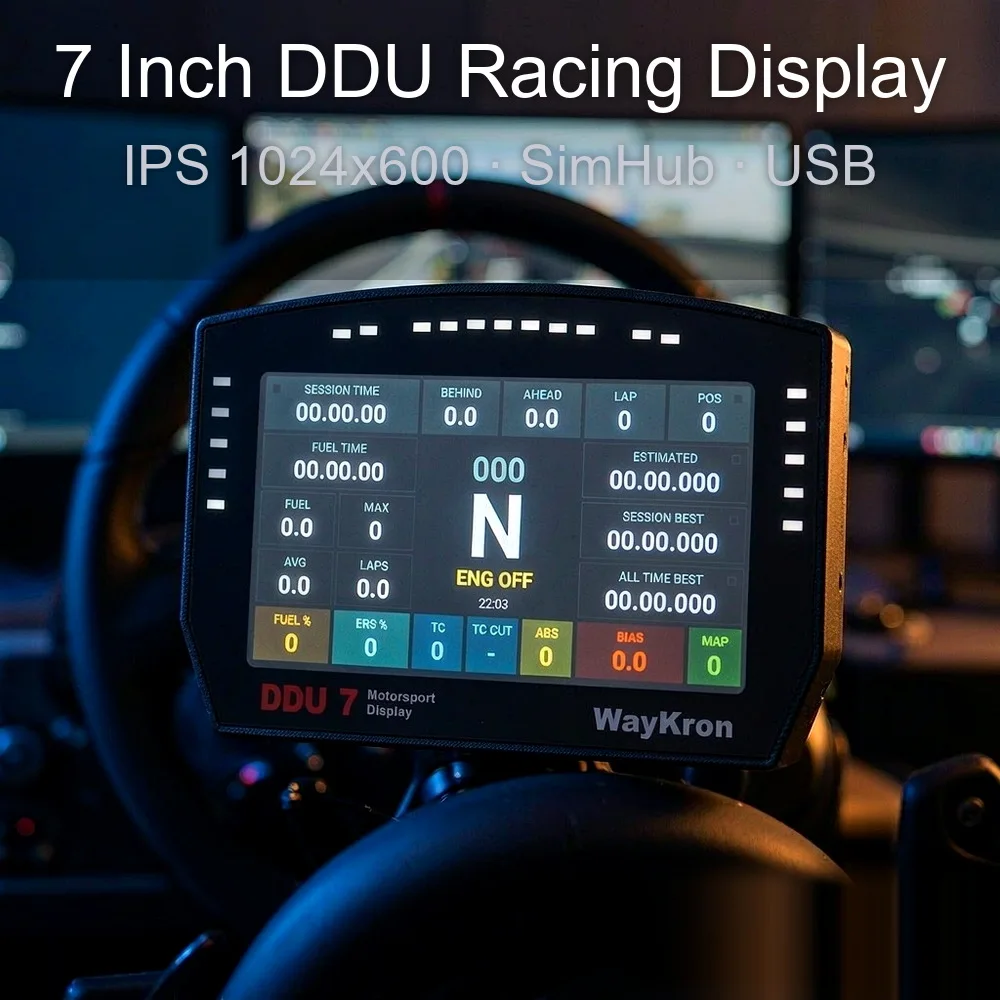
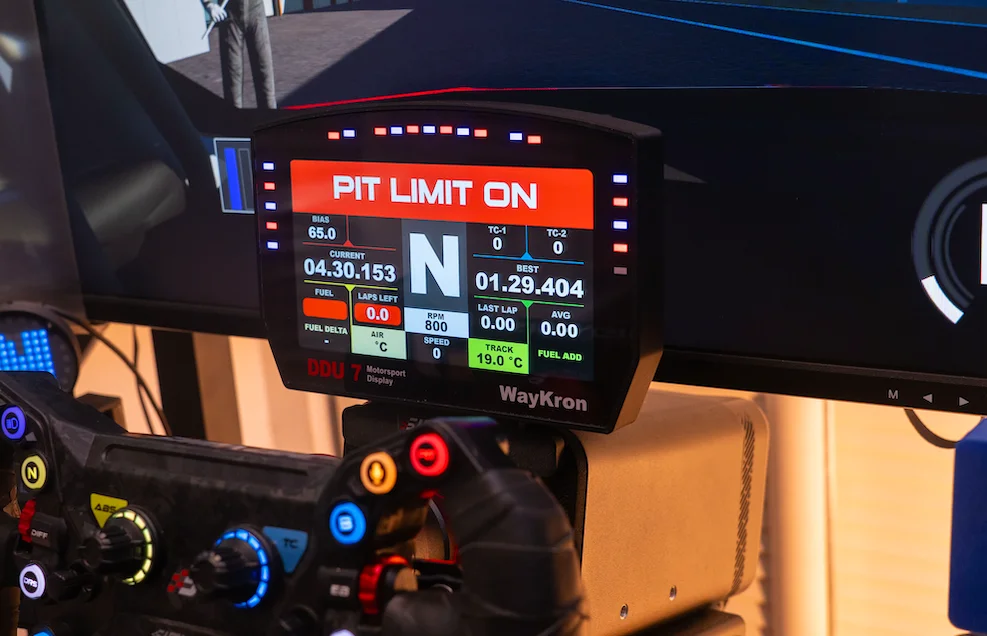
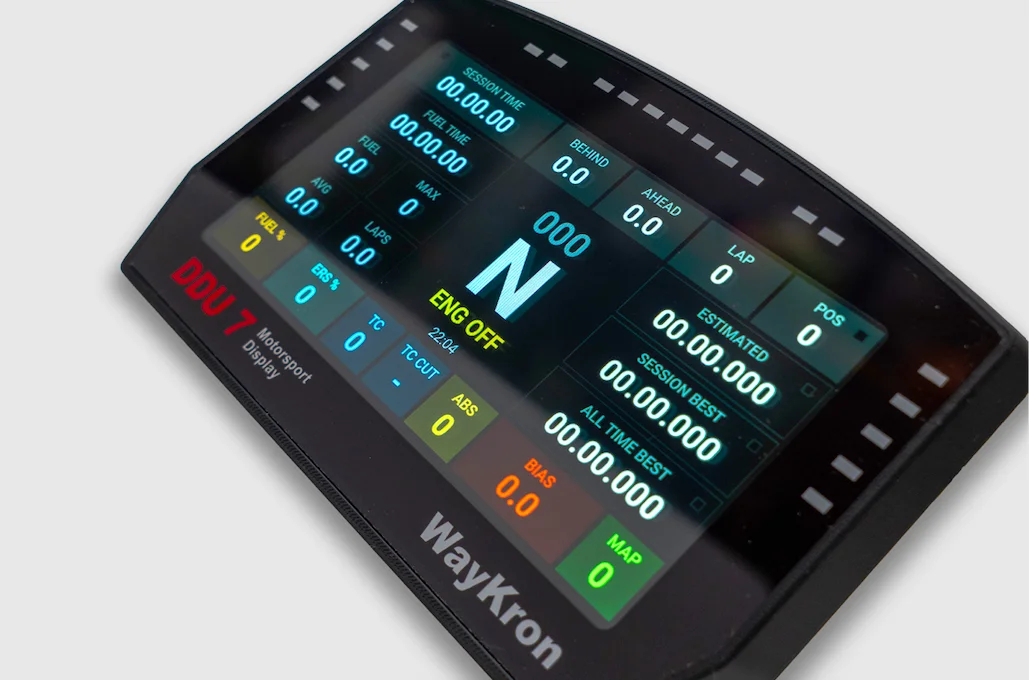
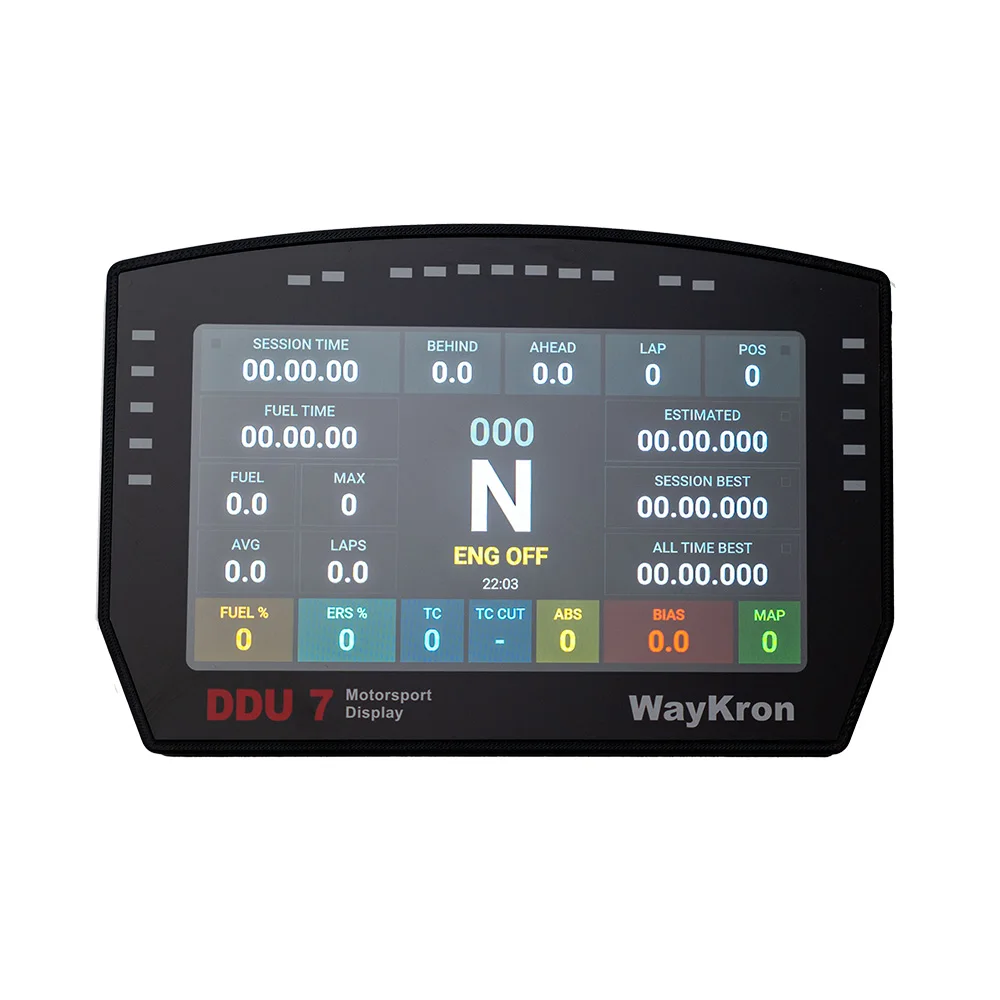
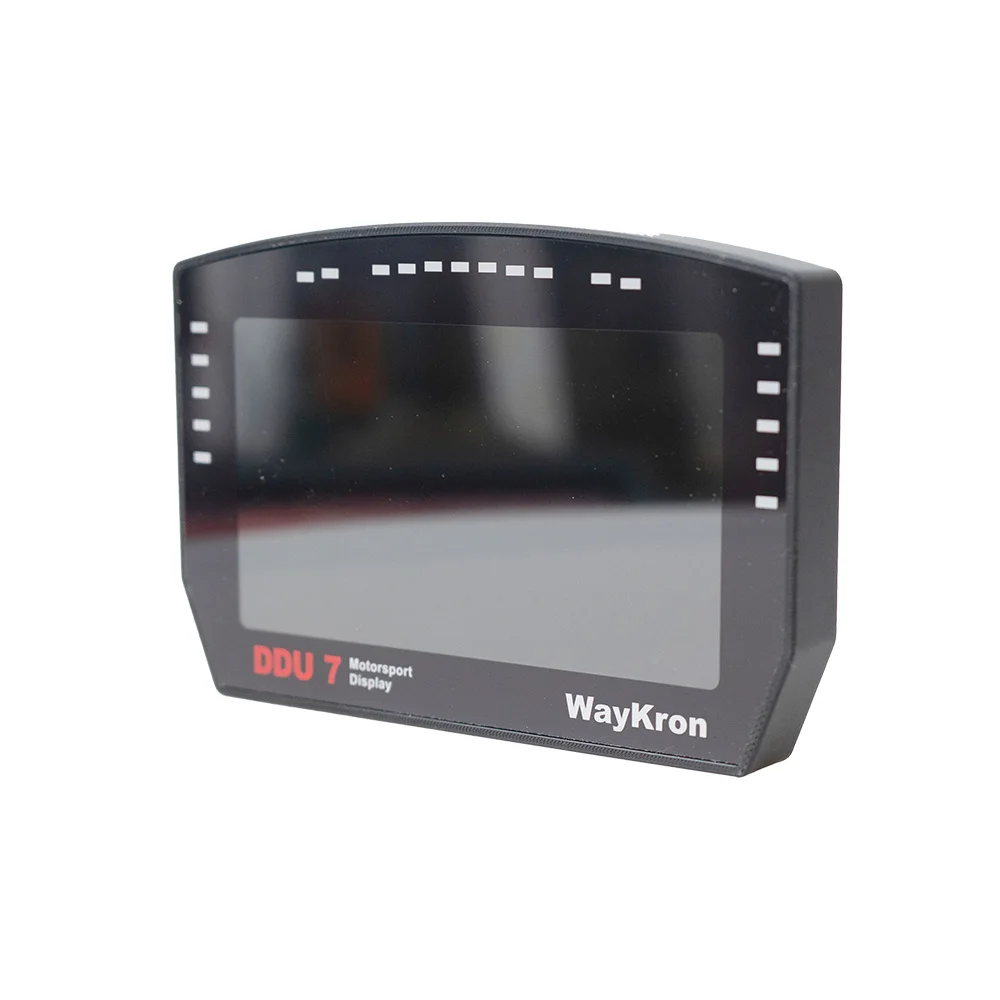
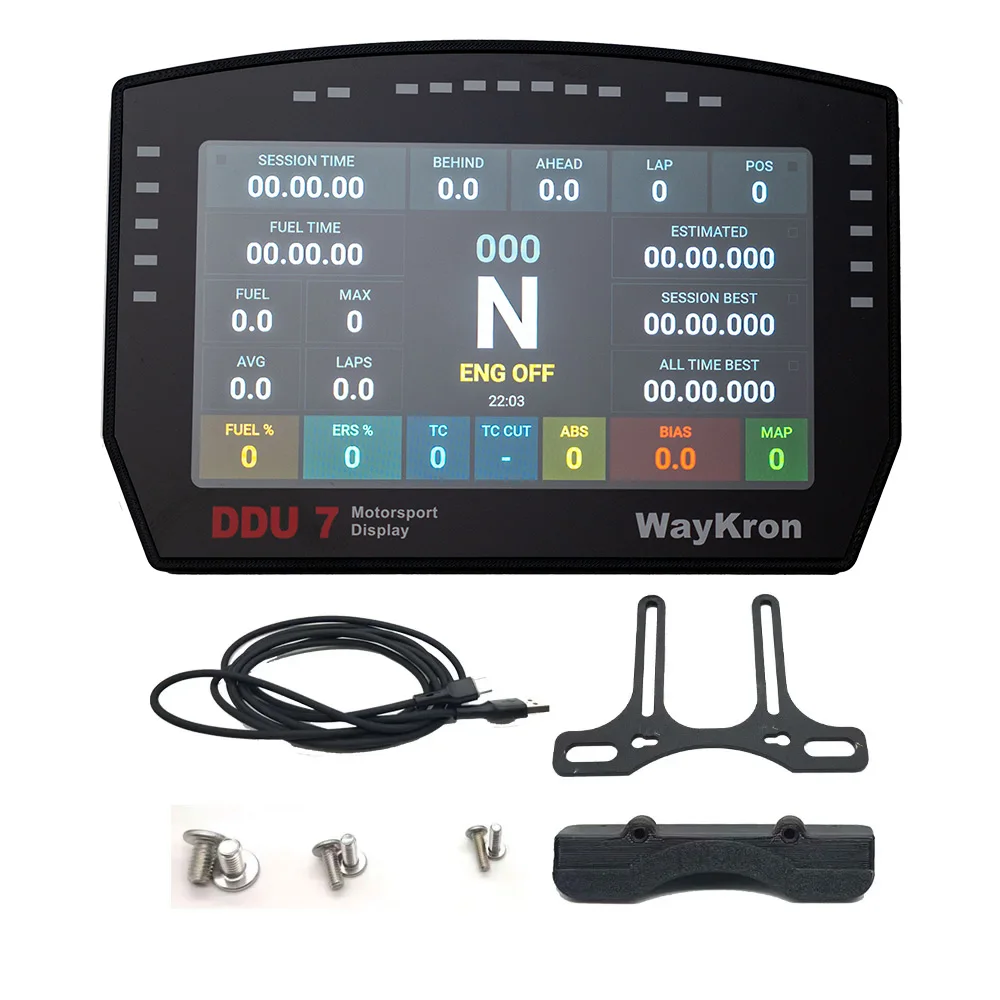
7 DDU Racing Display — a 7-inch dash display for PC sim racing.
Screen: 7" IPS, 1024 x 600, 500 NIT, non-touch
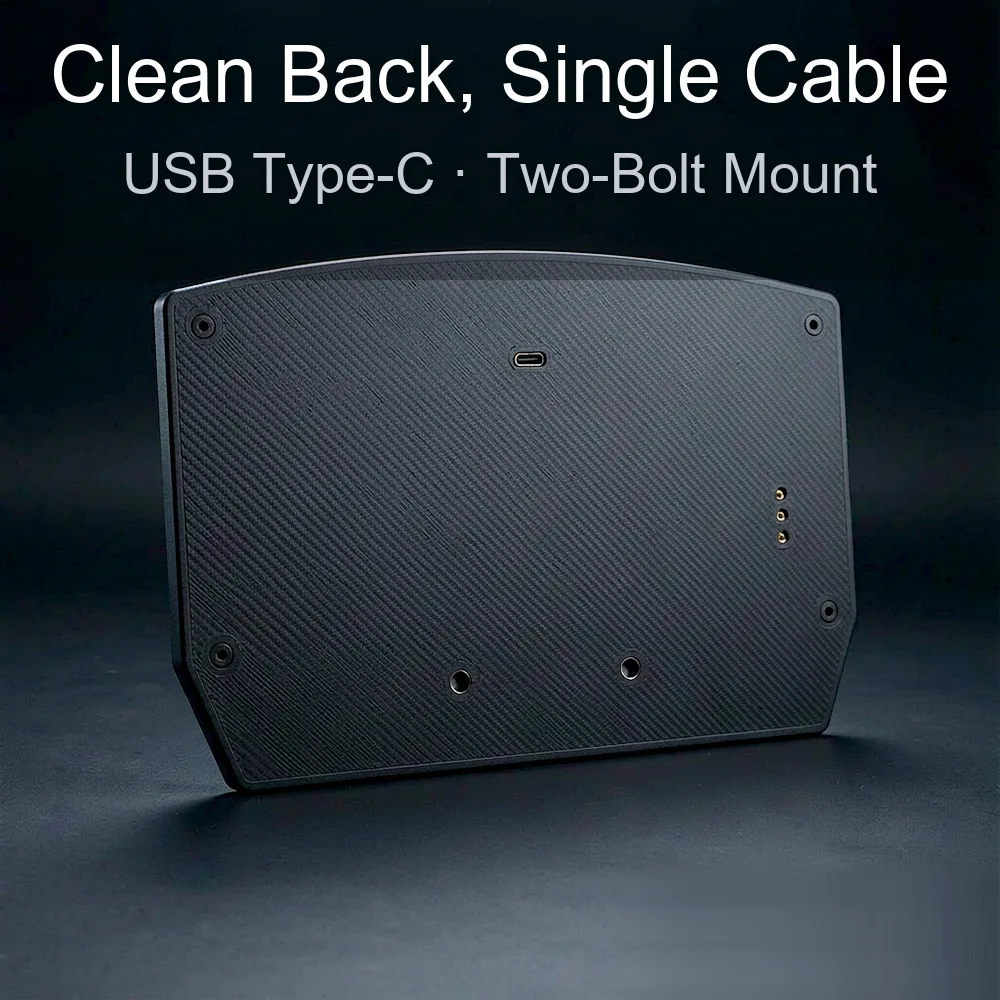
Controls: 3 hollow-out back buttons (top/bottom = brightness, middle = menu, do not press)
Shell: high-precision 3D printed
Connection: USB to PC, power via USB-HUB (middle port)
Platform: PC only
--- The Problem It Solves ---
HUD data in a monitor corner splits your attention exactly when you need it most — braking into a hairpin, reacting to a flag.
The 7 DDU moves that data into your sight line and adds physical brightness buttons,
so switching between a bright afternoon room and a dark night cockpit takes one press, not a settings dive.
Off track, it doubles as a normal PC expansion display — telemetry tools, spotter notes, an everyday side screen.
--- How To Set It Up ---
Power: big screen, real power draw — run the included USB-HUB with independent power and plug into the MIDDLE port on the back (bring your own 5V/3A supply; a phone charger works).
Software: install the display driver, then import the 'WayKron 7.shdevice' file on the SimHub device page.
Download and save the driver and SimHub files before you start.
Brightness: top and bottom back buttons dim and brighten. The MIDDLE button is the menu button — please leave it alone, pressing it can scramble the display info.
--- Why Choose Us ---
Value: bracket, printed base, screws and USB-HUB are included as gifts — most rigs need nothing else.
Tech: a native SimHub device — the dash ecosystem the sim community already trusts, no proprietary software.
Easy: one driver, one file import, and you are on track. No Arduino, no wiring, no coding.
Support: real people, fast replies. Any problem, message us first and we will sort it out.
--- In The Box ---
7 DDU display x 1;USB data cable x 1;*Gifts: bracket x 1, printed bracket base x 1, M3 screw x 2, M4 screw x 2, M6 screw x 2, USB-HUB x 1
--- Good To Know ---
The screen ships with two layers of protective film — small bubbles or marks are on the film, not the panel. Peel the top layer and keep the other one if you like.
Gifts are extras, not part of the product list. They may show minor flaws and may not suit every base.
If the product is revised, we ship the upgraded version by default.
【CUSTOMER FAQ】
Q1: Does it need SimHub?
A1: For dash pages, yes — it connects as a SimHub device (SimHub is free). Without SimHub it still works as a PC expansion screen.
Q2: How do I adjust brightness?
A2: Use the top and bottom buttons on the back — one dims, one brightens.
Q3: What is the middle button on the back?
A3: It is the menu button. Please do not press it, or the displayed information can get scrambled.
Q4: Black screen or flickering?
A4: Power issue. Use the USB-HUB with your own 5V/3A charger and connect to the middle port on the back.
Q5: Are there bubbles or marks on the screen?
A5: The screen has two layers of protective film — those marks are on the film. Peel the top layer and it will look clean.