SPECIFICATIONS
5 DPI levels: 100/200/400/800/1600 DP
Battery Included: Yes
Brand Name: ProtoArc
Certification: CE
Choice: yes
DPI: 1600
Design: Ergonomic
Feature1: Rechargeable
Feature10: Wireless Mouse
Feature11: Mouse For Computer
Feature12: Wireless Computer Mouse
Feature13: Mouse Ergonomico Vertical
Feature14: Wireless Vertical Mouse
Feature15: 2.4ghz Wireless Mouse
Feature16: Mouse Ergonomico
Feature17: Laptop Accessories
Feature18: Pc Mouse
Feature2: Soundless
Feature3: LED Lights
Feature4: Trackball
Feature5: Plug and Play
Feature6: 4 RGB Lighting Mode
Feature7: Noiseless Clicking
Feature8: Wireless Index Finger Trackball
Feature9: Ergonomic Mouse
Gross Weight: 230
Hand Orientation: Right
High-concerned chemical: none
Interface Type: USB
Number of Buttons: 4
Number of Rollers: 2
Operation Mode: Trackball
Origin: Mainland China
Package: Yes
Power Type: Rechargeable
Style: Trackballs,Backlight
Type: 2.4Ghz Wireless
semi_Choice: yes
triple connection modes: Bluetooth and 2.4g
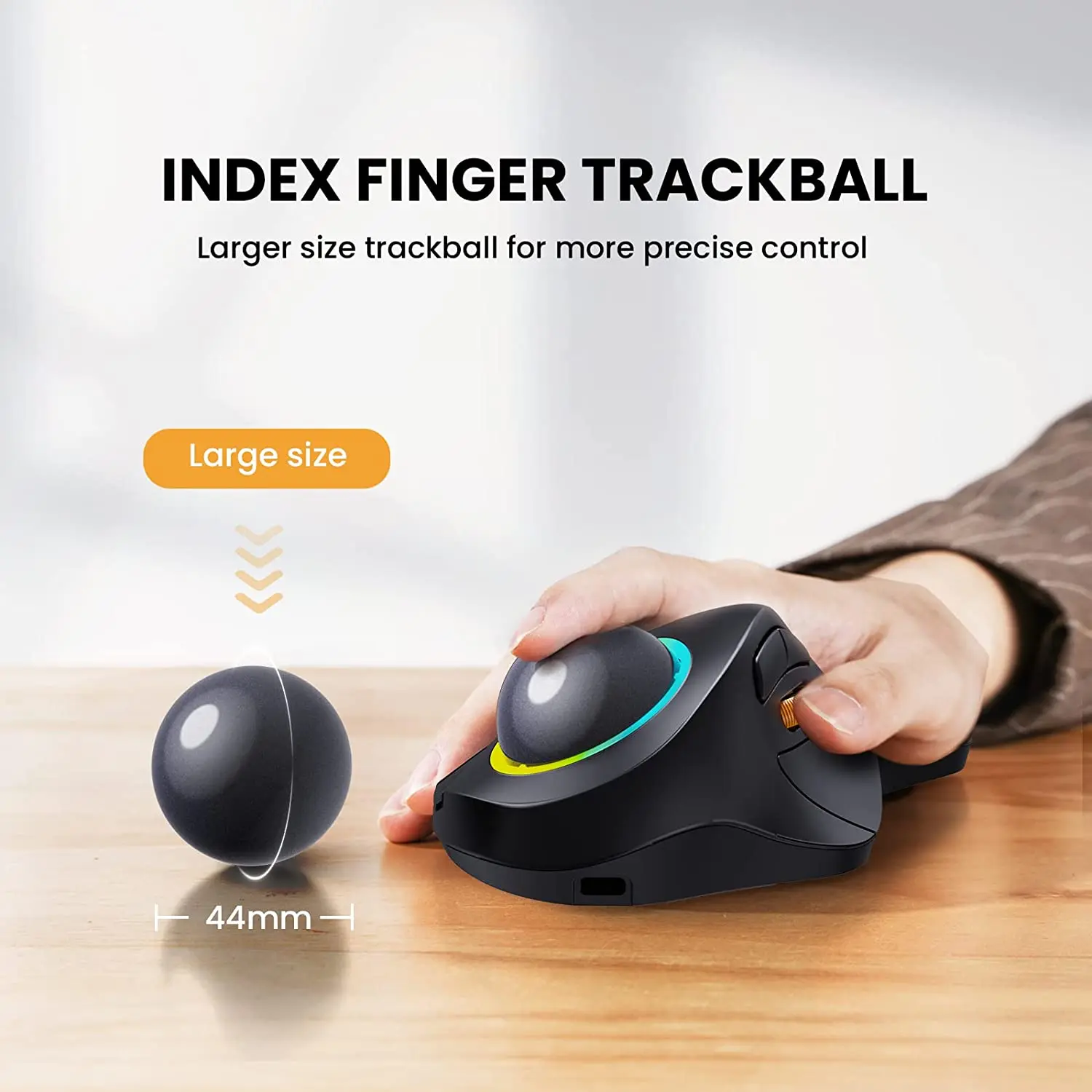
INDEX FINGER TRACKBALL
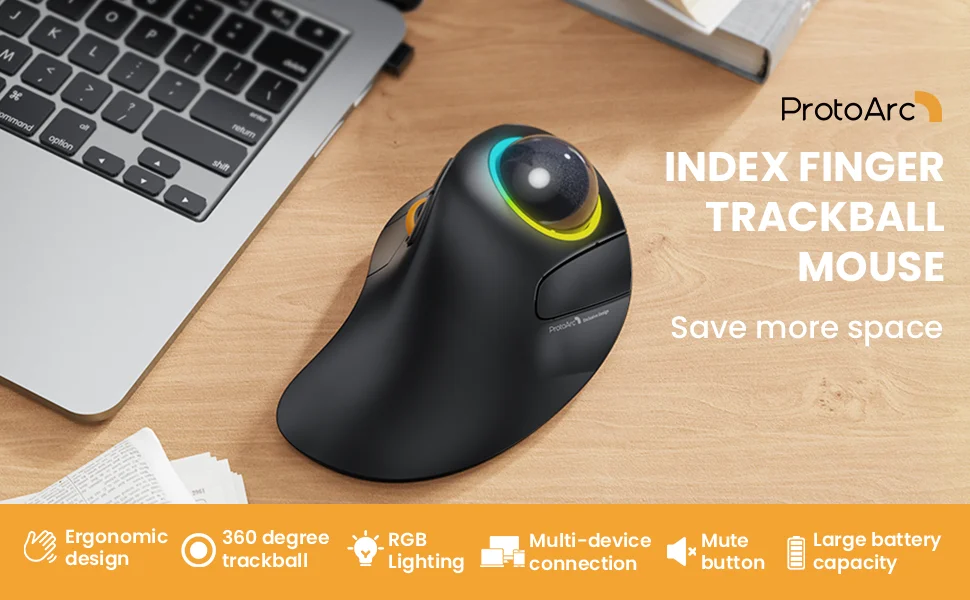
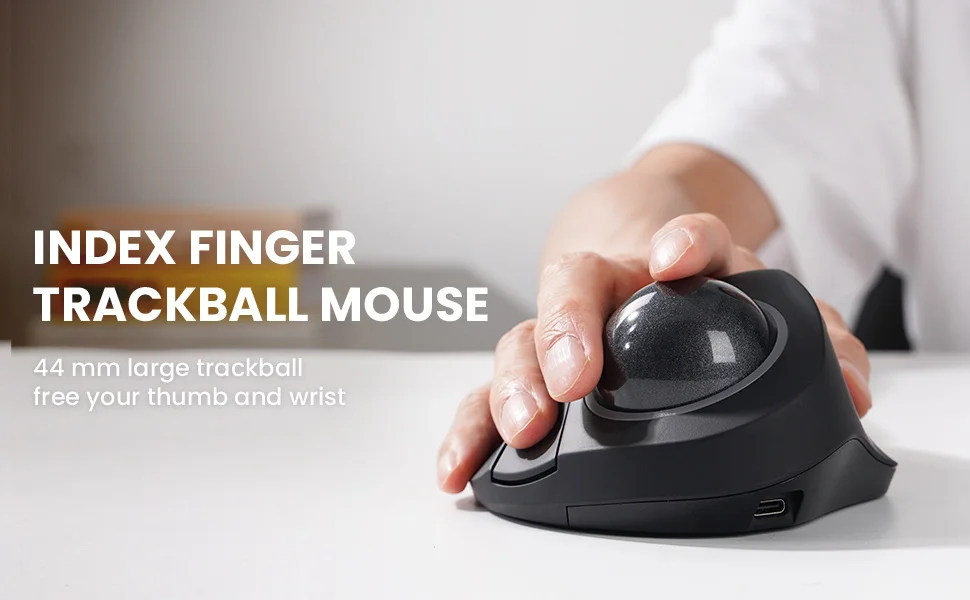
Equipped with a 44mm trackball, move your cursor with one finger movement instead of moving your wrist and arm. It will effectively reduce fatigue and strain for your wrist and arm.
Ergonomic Design
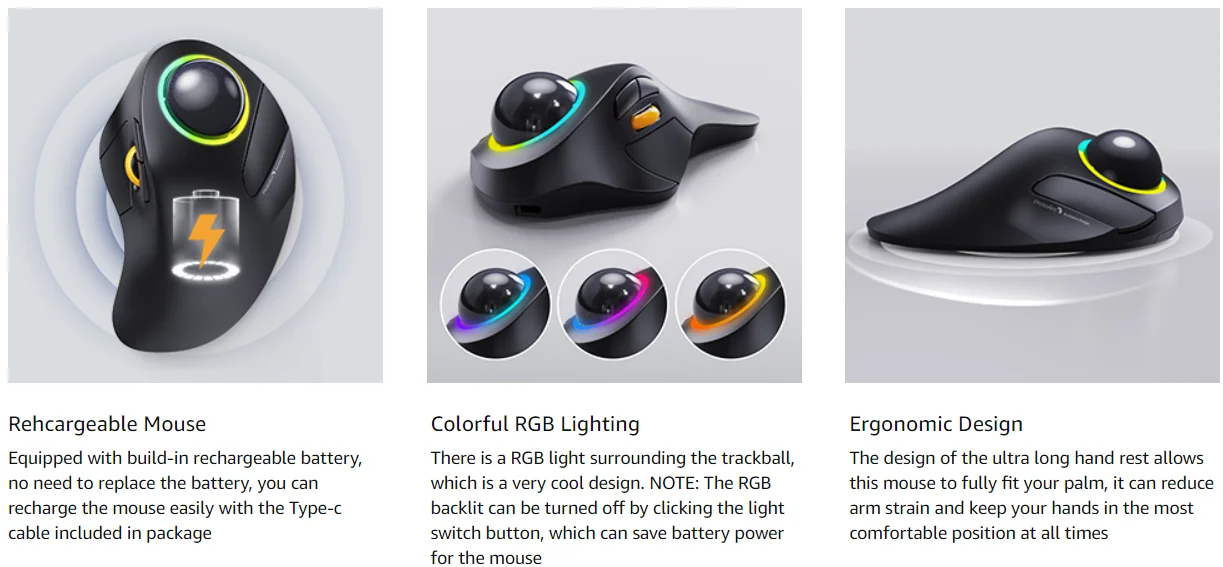
The design of the ultra long hand rest allows this mouse to fully fit your palm, it can reduce arm strain and keep your hands in the most comfortable position at all times

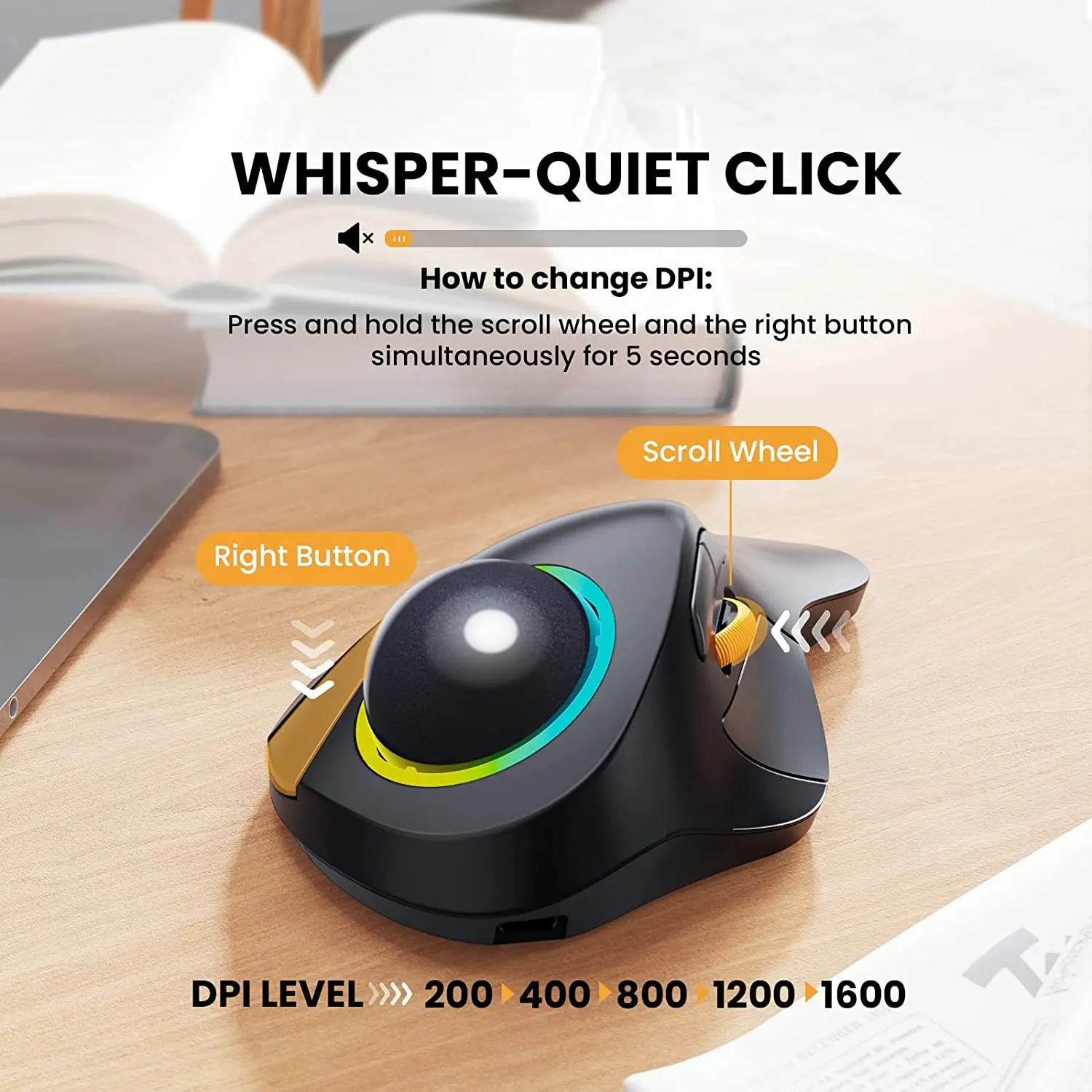
Whisper-quiet Click
5 DPI levels (100/200/400/800/1600 DPI)
Rehcargeable Mouse
Equipped with build-in rechargeable battery, no need to replace the battery, you can recharge the mouse easily with the Type-c cable included in package

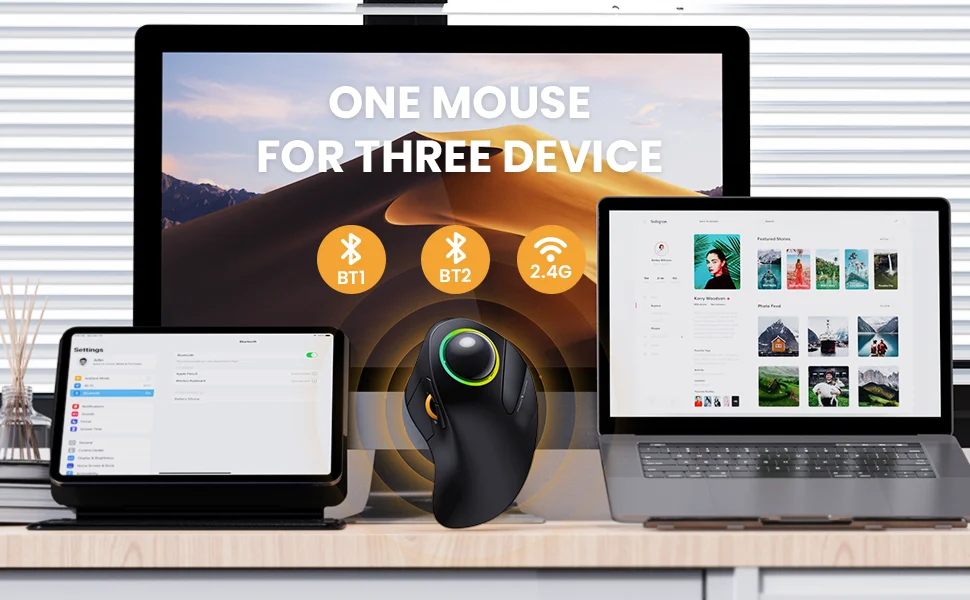
One mouse for three devices
This trackball mouse has triple connection modes. You can control three devices at the same time,

Trackballs in different positions
ProtoArc EM01 keep your palm in a nutural position
ProtoArc EM03 free your thumb and wrist

Please Pay Attention Before Placing Your Orders:
After long-term use, please remove the trackball and wipe with a soft cloth to ensure the trackball roll smoothly;
The backward and forward button is not fully compatible with Mac OS;
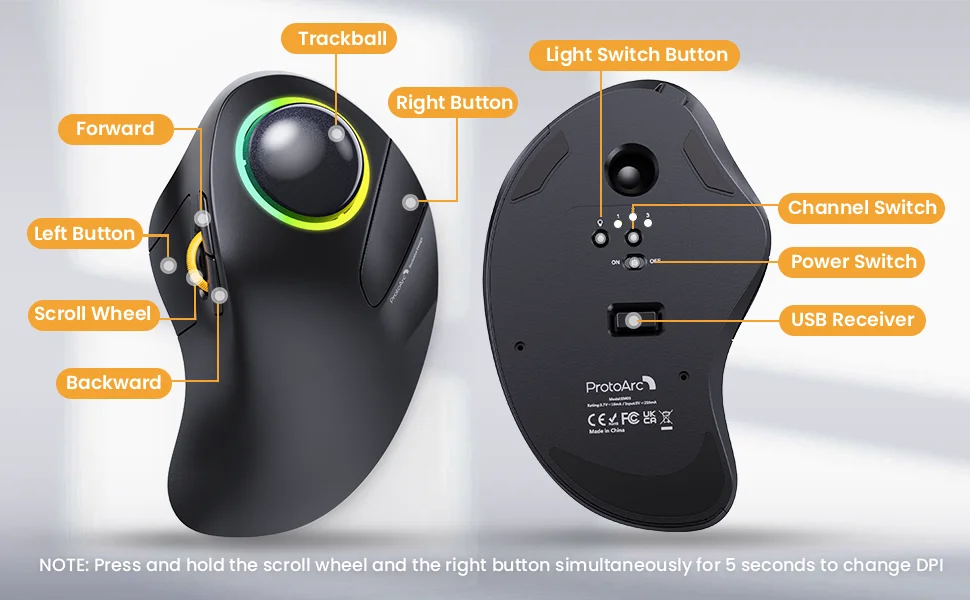
Press and hold the scroll wheel and the right button simultaneously for 5 seconds to change DPI;
The mouse can be connected with 2.4G (USB dongle) + Bluetooth1/Bluetooth2 (without the dongle);