SPECIFICATIONS
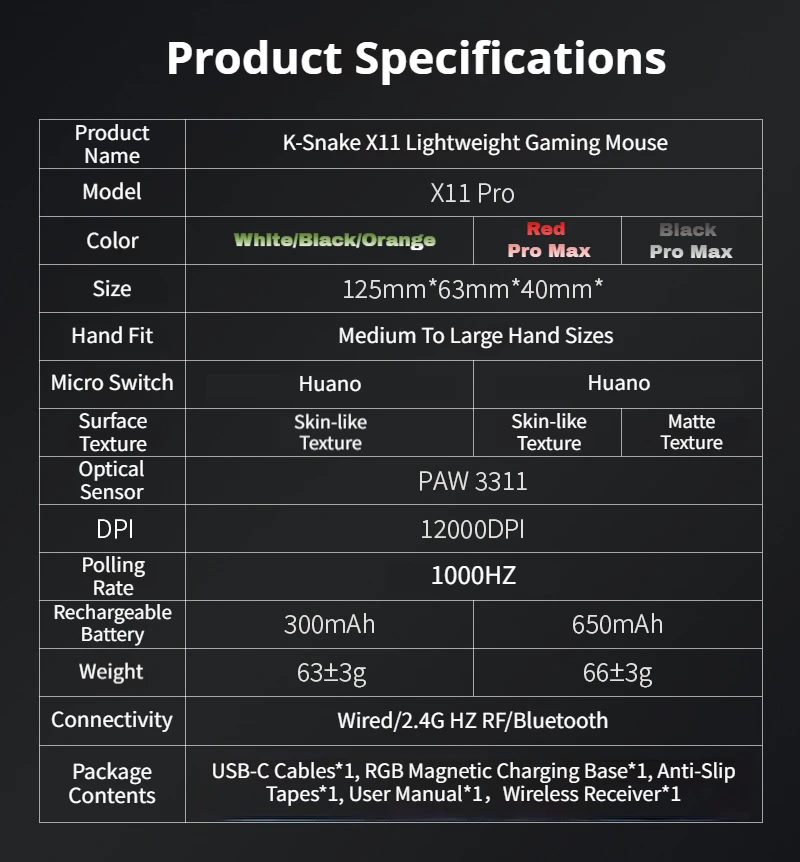
Battery Included: Yes
Brand Name: Shadow fiend
Choice: yes
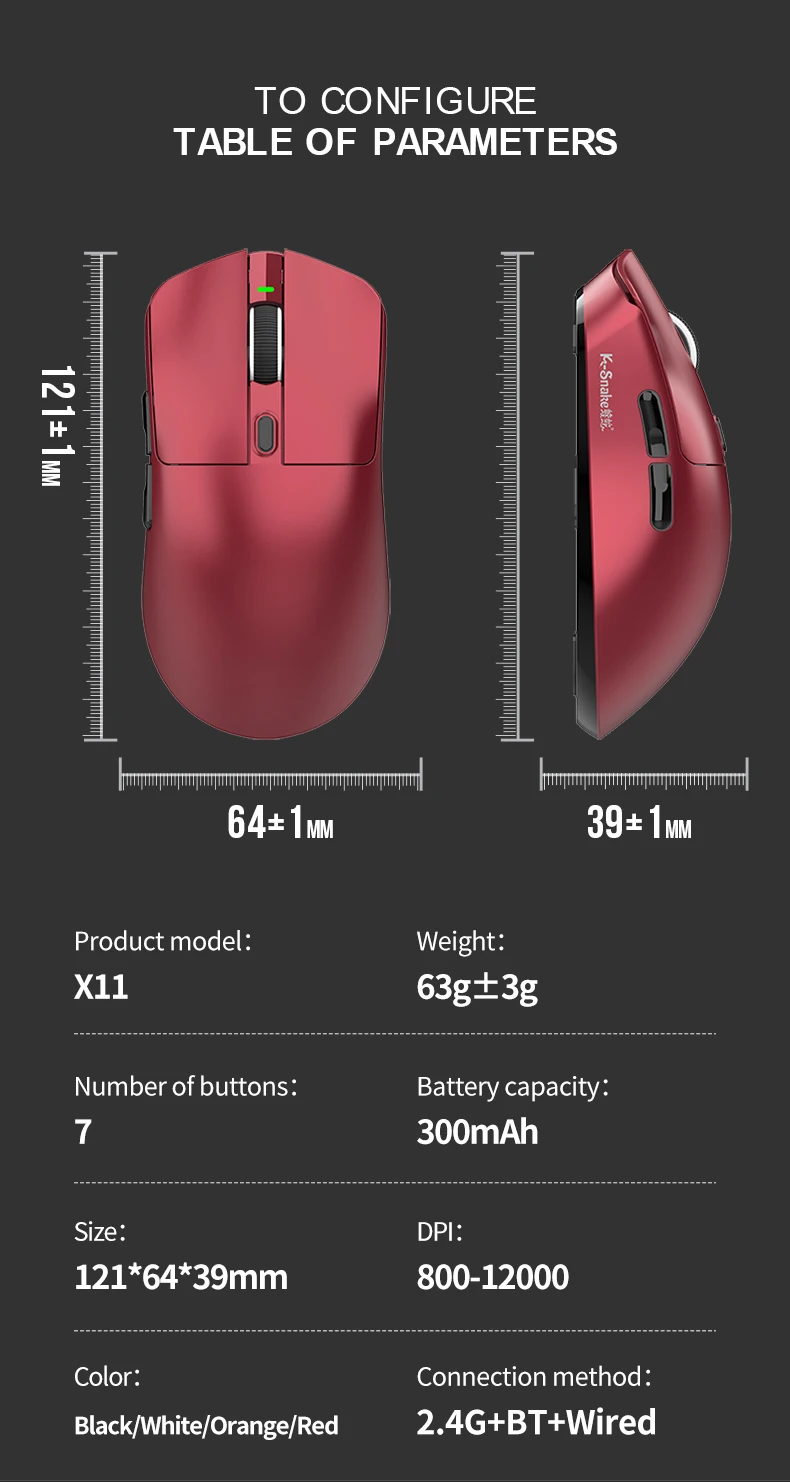
Gross Weight: 280
Hand Orientation: Right
High-concerned chemical: none
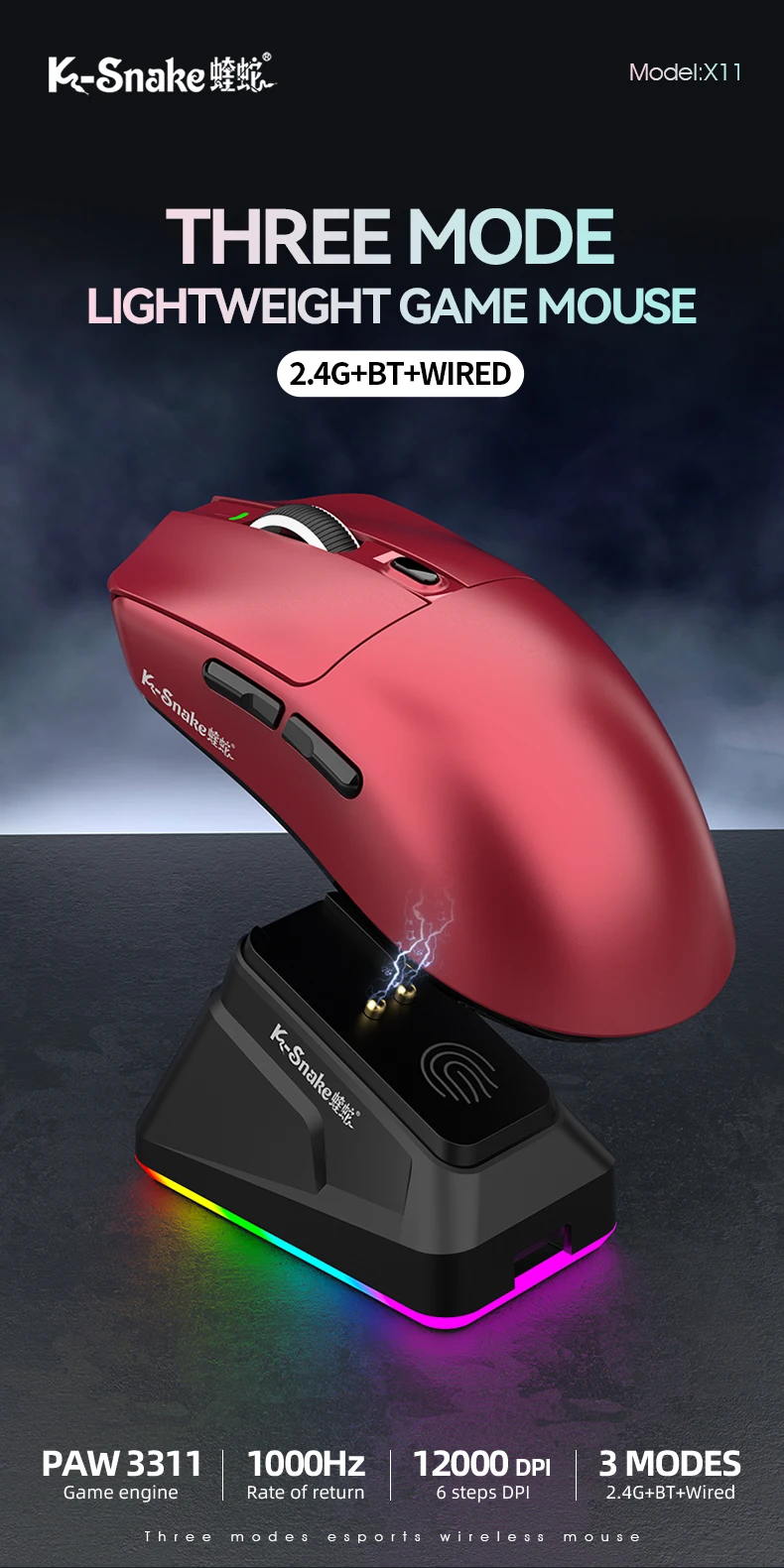
Interface Type: Bluetooth
Number of Buttons: 6
Number of Rollers: 1 pcs
Operation Mode: Opto-electronic
Origin: Mainland China
Package: Yes
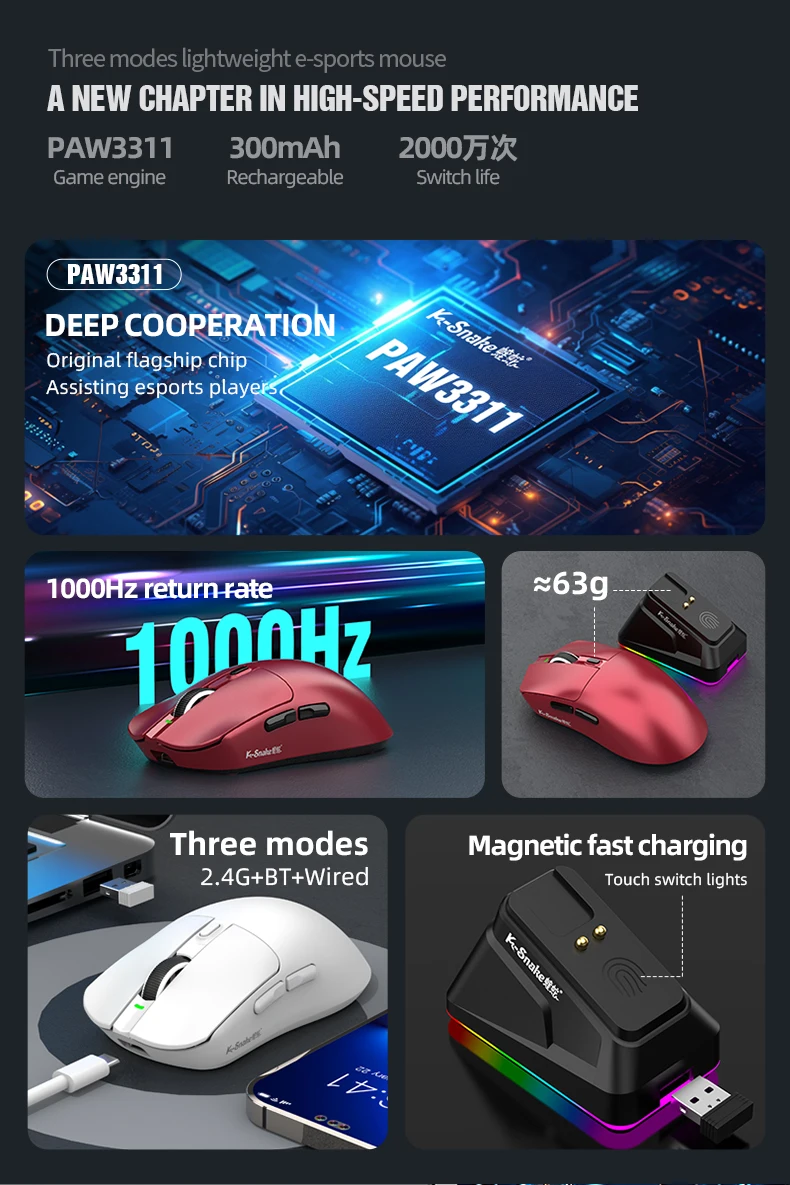
Power Source: Rechargeable
Power Type: Rechargeable
Style: DPI adjust button
Type: Bluetooth Wireless
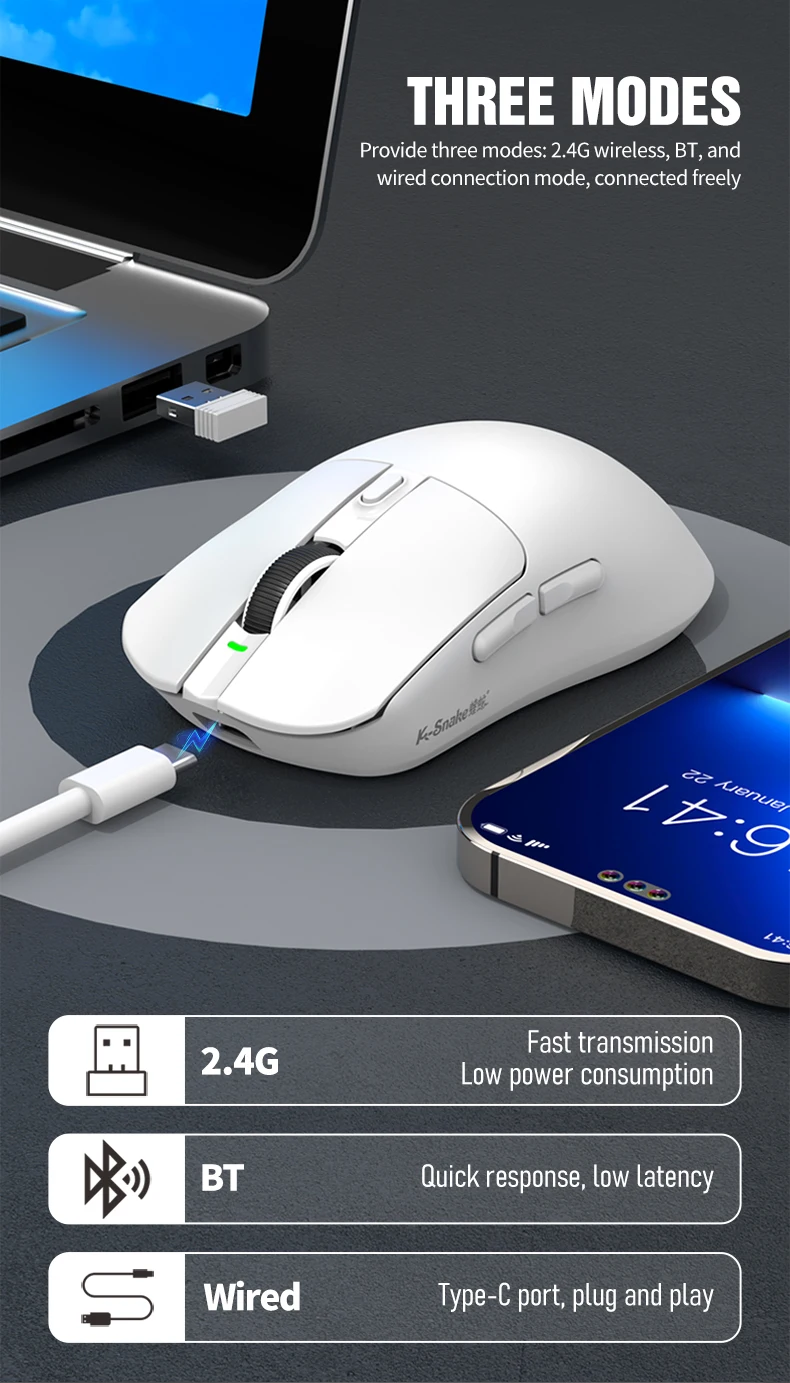
2.4G Connection Instructions
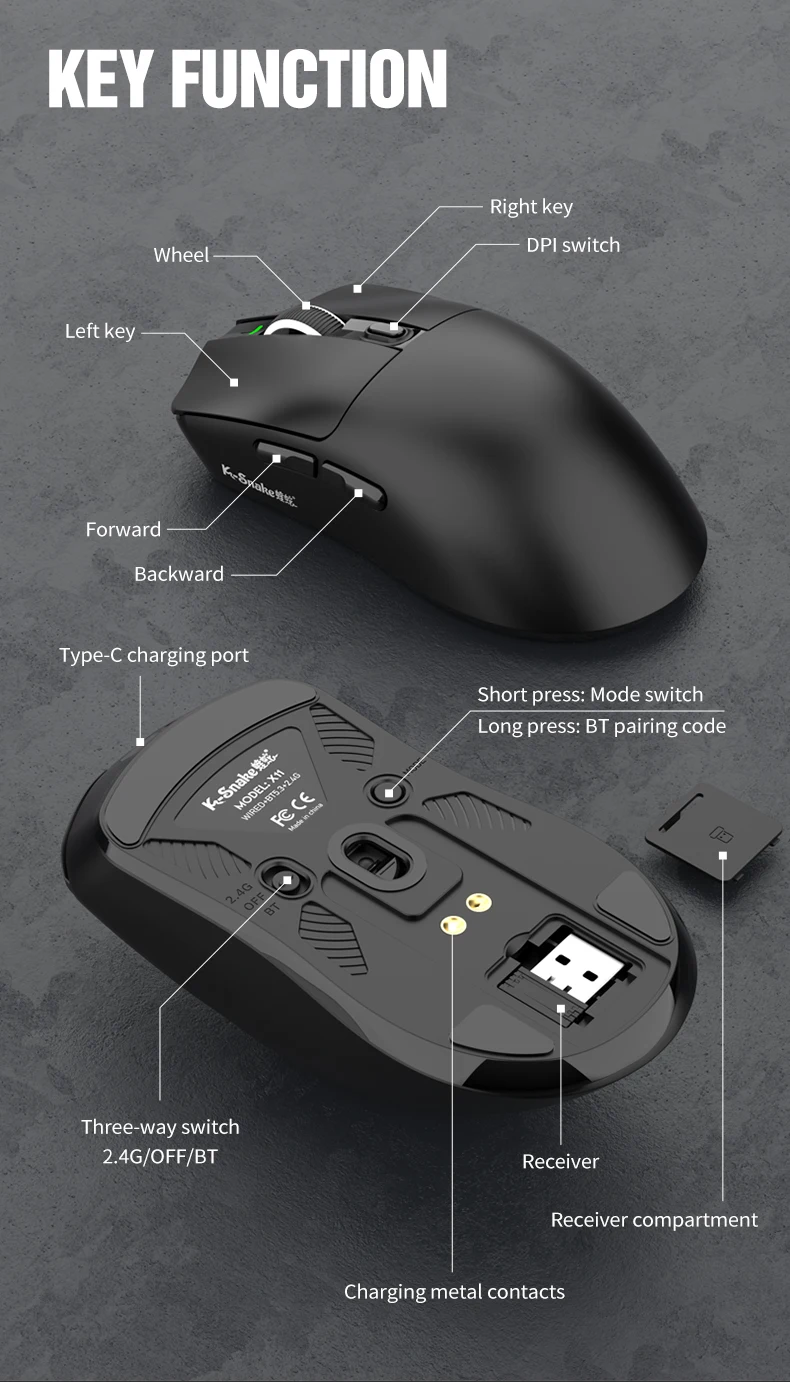
Take out the receiver from the storage compartment on the bottom of the mouse.
Slide the bottom switch upward to the 2.4G mode, and check whether the indicator light (red‑light) near the mouse scroll wheel turns on normally.
Long‑press the Mode button (to the right of the power switch) on the bottom of the mouse until the indicator light flashes rapidly.
Plug the receiver into your computer’s USB port. The indicator light turning off means pairing is completed successfully.
Bluetooth Connection Instructions
Slide the mouse switch downward to the BT mode, and confirm that the indicator light (blue/green light) near the scroll‑wheel is on.
Long‑press the Mode button on the bottom of the mouse until the indicator light flashes rapidly.
Place the mouse close to your target device, turn on Bluetooth on your device and wait for it to search automatically.
-
Select the corresponding mouse model and click to pair. The indicator light turning off indicates successful pairing.